EXTECH Infrared Thermometer with Laser Pointer Model 42545 User Guide and Owner's Manual
Summary
This professional Infrared Thermometer provides accurate, non-contact temperature measurements using advanced IR technology and a built-in laser pointer for improved accuracy. This comprehensive guide teaches intuitive usage, covering everything from basic operation to advanced functionalities like setting High/Low alarms, calculating averages (AVG), and adjusting emissivity. It is the essential tool for technicians, industrial personnel, and quality control specialists requiring reliable temperature data across varied professional applications.
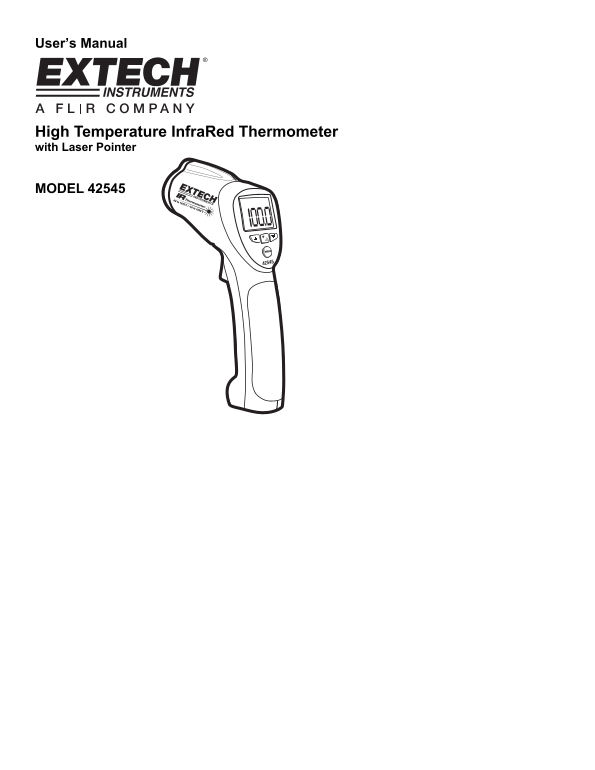
Page 1 Text Content
User’s Manual
High Temperature Infra Red Thermometer with Laser Pointer
MODEL 42545
Page Summary Contents For EXTECH Infrared Thermometer with Laser Pointer Model 42545 User Guide and Owner's Manual
Manual Details
| Brand | Laser |
|---|---|
| Pages | 7 |
| File Size | 149.95 KB |
| Published | May 29, 2026 |
Enter the captcha to get the download link:

Frequently Asked Questions
What should I use if unsure about emissivity?
Set the emissivity to 0.95, as this setting covers most applications.
How do I program a specific temperature alarm?
Press MODE button until HAL or LAL is displayed, then use UP/DOWN arrow keys to set the desired temperature.
What does the 'DIF' mode calculate?
It displays the difference between the maximum (MAX) and minimum (MIN) readings taken during the current session.
How long will the meter run after I release the trigger?
The reading will hold for approximately 7 seconds, after which the unit automatically shuts off.