EXTECH Dual Laser Infrared (IR) Thermometer MODEL 42512 Owner's Manual and User Guide.
Summary
The Model 42512 is a professional dual laser IR thermometer designed for accurate, non-contact temperature measurement up to 1000°C (1832°F). Featuring adjustable emissivity settings and precise targeting lasers, this instrument excels in diverse industrial and commercial inspections. The comprehensive manual provides step-by-step instructions on operation, covering advanced functions such as programmable high/low alarms, lock mode activation, and optimal measurement techniques with accurate thermal readings across varied materials. This unit is ideal for HVAC technicians, safety professionals, and quality control experts requiring reliable thermal analysis.
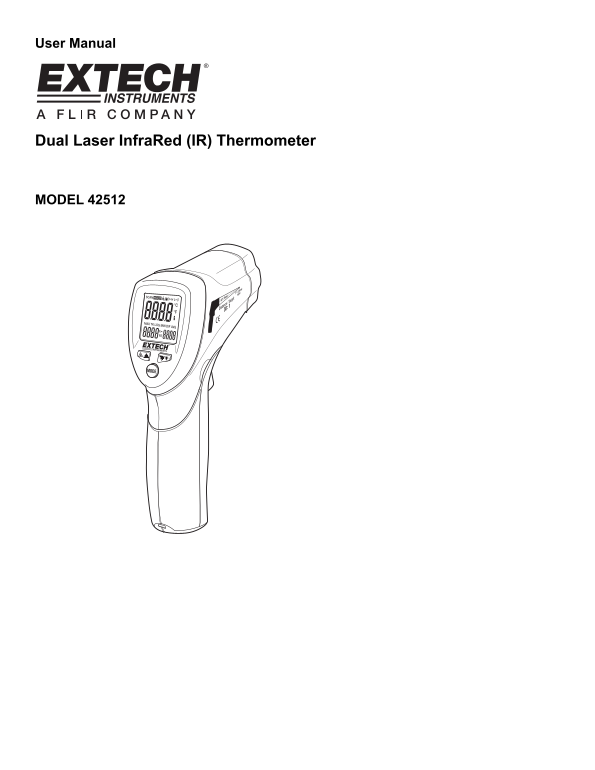
Page 1 Text Content
User Manual
Dual Laser Infra Red (IR) Thermometer
MODEL 42512
Page Summary Contents For EXTECH Dual Laser Infrared (IR) Thermometer MODEL 42512 Owner's Manual and User Guide.
Manual Details
| Brand | Laser |
|---|---|
| Pages | 9 |
| File Size | 200.46 KB |
| Published | May 29, 2026 |
Enter the captcha to get the download link:

Frequently Asked Questions
How do I control the dual laser pointers?
Press and release the Trigger, then while 'HOLD' is on the display, press the laser button to turn them on or off.
What safety precautions must be taken regarding the beam?
Do not point the beam toward anyone's eye or allow it to strike the eye from a reflective surface. Also, never use the laser near explosive gases.
How do I change the measurement units (°F/°C)?
Select your temperature unit using the switch located inside the battery compartment.
What feature prevents the meter from shutting off during long monitoring periods?
Use the LOCK feature to disable the Auto Power Off function, which makes it useful for hands-free or prolonged use.