# A B C D E F G H I J K L M N O P Q R S T U V W X Y Z

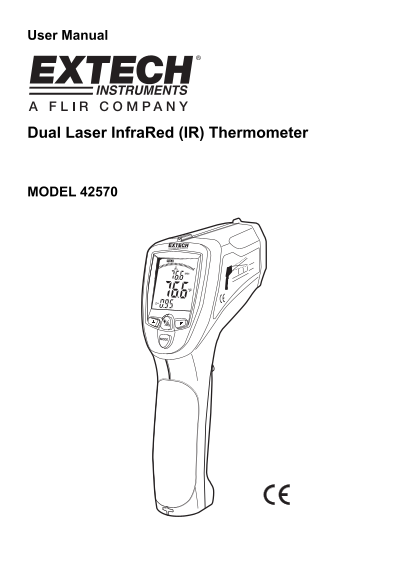
EXTECH Dual Laser Infrared (IR) Thermometer MODEL 42570 User Manual and Instruction Booklet

Summary

The Model 42570 is a professional dual laser infrared thermometer designed for accurate, non-contact temperature measurement up to 3992°F/2200°C. Featuring built-in lasers, USB connectivity, and advanced data logging capabilities (Max/Min/Avg), it provides reliable thermal monitoring for industrial and specialized applications. This manual serves as a comprehensive guide, detailing optimal operating procedures, safety precautions, accessing stored readings, configuring adjustable alarms, and utilizing the Type K thermocouple input. It is essential reading for professionals requiring precise and durable temperature assessment.
📄 Preview PAGE OF 8

Page 1 Text Content

User Manual

Dual Laser Infra Red (IR) Thermometer

MODEL 42570

Page Summary Contents For EXTECH Dual Laser Infrared (IR) Thermometer MODEL 42570 User Manual and Instruction Booklet

Page 1 User Manual Dual Laser Infra Red (IR) Thermometer MODEL 42570
Page 2 Introduction Congratulations on your purchase of the Model 42570 IR Thermometer. This Infrared thermometer measures and displays non-contact temperature readings up to 3992°F/2200°C (certified to 2000...
Page 3 Meter Description 1. IR sensor and Laser Pointers 2. LCD Display 3. Down Button 4. Measurement Trigger 5. Mode Button 6. Battery compartment 7. Backlight/Laser Button 8. Up Button 9. Type K thermocoup...
Page 4 Operating Instructions IR Temperature Measurements 1. Hold the meter by its handle and point it toward the surface to be measured. 2. Pull and hold the trigger to turn the meter on and begin testing. ...
Page 5 Dual Laser Pointer and Backlight Button The dual laser pointers are designed to cross at a distance of 50” (76cm). The spot size at this distance is a 1” diameter and this is the recommended distance ...
Page 6 Recalling Data: To recall stored data after the unit shuts off, 1. Press the MODE button until LOG appears in the lower left corner. A LOG location number will be shown below LOG, and the stored tempe...
Page 7 IR Measurement Notes 1. The object under test should be larger than the spot (target) size calculated by the field of view diagram (printed on the side of the meter and in this guide). 2. Before measu...
Page 8 Specifications Range -50 to 2200o C (-58 to 3992o F)(typical spec only >1000o C/1832o F) Resolution 0.1o < 1000 o, 1o ≥ 1000 o Accuracy -50°C to -23°C (-58°F to -10°F) ±7°C/14°F (Typical) -23°C ...

Manual Details

Brand Laser
Pages 8
File Size 299.51 KB
Published May 29, 2026
52 views

Enter the captcha to get the download link:

captcha

Frequently Asked Questions

How do I use the Max, Min, or Average functions?

With the trigger released (HOLD displayed), press MODE and scroll through to MAX, MIN, or AVG to view recorded data.

What is the recommended target distance for accurate measurement?

The dual lasers converge at a 1” spot size at a distance of 50”, which is the recommended targeting distance.

Can I measure temperatures above 1000°C using a Type K thermocouple?

Yes, the Type K thermocouple range extends to 1370°C (-58°F to 2498°F).