# A B C D E F G H I J K L M N O P Q R S T U V W X Y Z

EXTECH TM300 Dual Input J-K Type Thermometer User's Manual and Instruction Booklet

Summary

Monitor and record critical temperature history with the TH10 Temperature Datalogger. This reliable device captures up to 32,000 readings across a wide range, featuring customizable sampling rates and programmable high/low alarms. The included manual guides you through everything: from connecting the unit via USB to installing the necessary PC software for data download, analysis, and graphing of stored results. Ideal for professionals requiring long-term, verifiable temperature monitoring in industrial, scientific, or environmental settings.
📄 Preview PAGE OF 11

Page 1 Text Content

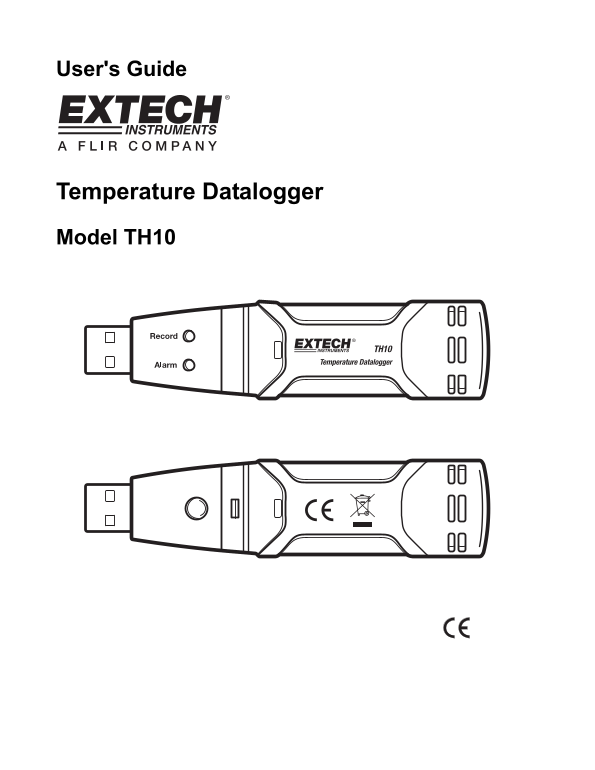
User's Guide

Temperature Datalogger Model TH10

Page Summary Contents For EXTECH TM300 Dual Input J-K Type Thermometer User's Manual and Instruction Booklet

Page 1 User's Guide Temperature Datalogger Model TH10
Page 2 Introduction Congratulations on your purchase of the Temperature Datalogger. This datalogger measures and stores up to 32,000 temperature readings. The user can easily set up the logging rate, high/lo...
Page 3 Operation INSTALLING THE GRAPHING SOFTWARE Install the supplied Windows PC Datalogger Software by placing the supplied program disk in the PC’s CD-ROM drive. If the installation program does not autom...
Page 4 MENU BAR DESCRIPTION The main menu for the software appears as follows: From left to right the MENU BAR icons represent DATA DOWNLOAD, LOGGER SETUP, FILE OPEN, FILE SAVE-AS, FILE PRINT, VIEW ALL, and ...
Page 5 Note: Any stored data will be permanently erased when the user clicks on Setup. To save the data before creating a new setup, click Cancel and then download the data. Note: The battery may run out bef...
Page 6 In the screen below press VIEW to see the data graphically. If there are no readings currently stored in the TH10, the program will let the user know via a warning screen. TH10-EU-EN V1.1 6/09 6
Page 7 When VIEW is pressed, the Data Graph window appears The Data Graph window presents the transferred data in an x-y graph format with Date/Time represented on the horizontal axis and Alarm Limits repres...
Page 8 FILE OPEN, FILE SAVE-AS To save the transferred data in a format other than the proprietary .rec format, click the SAVE AS icon from the menu bar (4th from right) or select SAVE AS from the FILE pull-...
Page 9 TH10 LED STATUS GUIDE LEDs Meaning Action No LEDs flashing Record Alarm -No logging in process Or Fit battery in place -No battery found Or Replace the battery and -Battery completely discharged downl...
Page 10 Specifications Temperature Overall Range -40 to 70o C (-40 to 158o F) Accuracy (-40 to -10 and +40 to +70o C) ±2o C Accuracy (-10 to +40o C) ±1o C Accuracy (-40 to +14 and 104 to 158o F) ±3.6o F Accur...
Page 11 Battery Replacement It is highly recommended that the battery be replaced every 12 months, or prior to logging critical data. The TH10 does not lose its stored readings when the battery weakens or whe...

Manual Details

Brand Dual
Pages 11
File Size 397.31 KB
Published May 31, 2026
50 views

Enter the captcha to get the download link:

captcha

Frequently Asked Questions

How do I download the stored temperature data?

Plug the TH10 into a PC's USB port and run the supplied PC software to view, graph, print, or export the data.

What is the recommended battery replacement schedule?

The battery should be replaced every 12 months, or before logging any critical data.

How can I set up custom alarm limits?

Use the ALARM SETTINGS area in the LOGGER SETUP window to define your desired high and low temperature thresholds.

Can the TH10 remember its data if the battery is replaced?

Yes, the device will not lose stored readings when the battery weakens or is replaced; however, logging stops until the new battery is installed and data is downloaded.