EXTECH INSTRUMENTS 433201A 433202A Microprocessor Calibrator Thermometer
Summary
This comprehensive guide is for the Extech Microprocessor Calibrator/Thermometer (Models 433201A/433202A), an essential tool for precise temperature measurement and calibration of thermocouple equipment. The manual details how to utilize both Measurement mode—for reading signals from attached probes, including offset adjustments—and Source mode—for outputting controlled millivolt signals. It is ideal for technicians, engineers, and professionals requiring dependable data accuracy in challenging thermal environments.
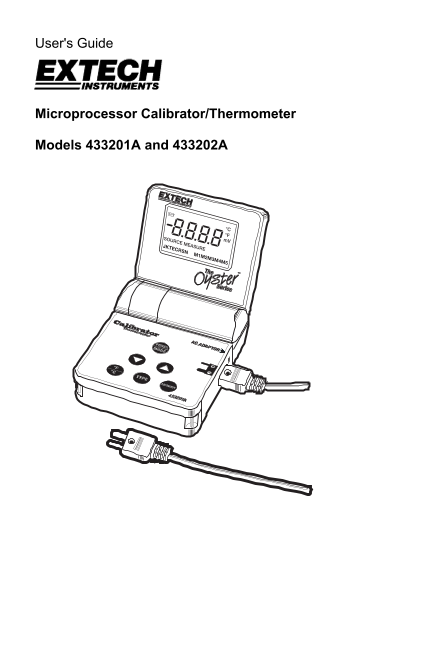
Page 1 Text Content
User's Guide
Microprocessor Calibrator/Thermometer
Models 433201A and 433202A
Page Summary Contents For EXTECH INSTRUMENTS 433201A 433202A Microprocessor Calibrator Thermometer
Manual Details
| Brand | Extech Instruments |
|---|---|
| Pages | 8 |
| File Size | 162.25 KB |
| Published | May 19, 2026 |
Enter the captcha to get the download link:

Frequently Asked Questions
How do I use the offset adjustment feature?
In Measurement Mode, press and hold the ▼/▲ buttons until 'OFS' displays. Use the buttons to adjust offset (-9.0 to 9.0 F), then press and hold for less than 2 seconds to save.
What is the difference between MEASURE and SOURCE mode?
In MEASURE mode, it accepts an mV signal from a thermocouple; in SOURCE mode, it outputs an mV signal corresponding to a set temperature.
How can I power off the meter safely?
Press and hold the POWER/MODE button for more than 2 seconds.
What are general maintenance recommendations?
Extech recommends performing annual calibrations to verify meter performance and accuracy.