EXTECH INSTRUMENTS 412400 Multifunction Process Calibrator User Manual
Summary
The Model 412400 is a professional multifunction process calibrator designed for engineers and technicians needing precise measurement or sourcing of current, voltage, and thermocouple temperature signals. It features a versatile SOURCE/MEASURE mode with simultaneous power draw capabilities (24Vdc loop) and programmable stepped outputs. This user guide provides comprehensive operating instructions, covering detailed procedures for both measure and source functions, ensuring accurate field calibration across various industrial electrical applications.
Page 1 Text Content
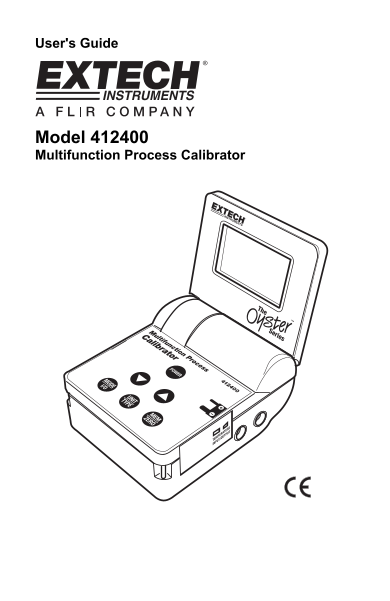
User's Guide
Model 412400 Multifunction Process Calibrator
Page Summary Contents For EXTECH INSTRUMENTS 412400 Multifunction Process Calibrator User Manual
Manual Details
| Brand | Extech Instruments |
|---|---|
| Pages | 7 |
| File Size | 213.18 KB |
| Published | May 19, 2026 |
Enter the captcha to get the download link:

Frequently Asked Questions
How many power sources does the Model 412400 support?
This meter can be powered by six ‘AA’ 1.5V batteries or an AC adaptor.
What are the status indicators for measured signals that are out of range?
In Voltage and Current, 'HHHH' for above range and 'LLLL' for below range will display. Temperature reads 'OPEN'.
How can I program automatic stepped output values?
The calibrator’s five memory locations for each calibration function can be used to provide stepped outputs automatically in continuous or single-shot mode.