EXTECH INSTRUMENTS MO257 Pinless Moisture Meter User Guide
Summary
Effortlessly monitor moisture levels in wood and building materials using the Extech MO257 Pinless Moisture Meter, providing non-invasive readings without surface damage. This comprehensive guide details everything you need to know, including proper calibration procedures, setting customizable alarm thresholds (Risk/Wet), and maintaining peak performance. Perfect for construction professionals, contractors, and DIY enthusiasts who require accurate, reliable depth measurements for structural assessments.
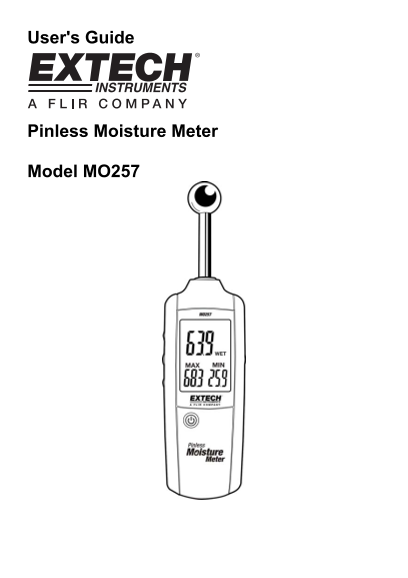
Page 1 Text Content
User's Guide
Pinless Moisture Meter
Model MO257
Page Summary Contents For EXTECH INSTRUMENTS MO257 Pinless Moisture Meter User Guide
Manual Details
| Brand | Extech Instruments |
|---|---|
| Pages | 5 |
| File Size | 170.24 KB |
| Published | May 19, 2026 |
Enter the captcha to get the download link:

Frequently Asked Questions
How do I calibrate the moisture meter before first use?
After turning on the power button, press the MEAS button immediately. Keep the sensor 3-4” (8 to 10 cm) away from any objects until calibration completes.
What is the maximum depth the meter can measure for moisture content?
The meter can sense moisture to a depth ranging from 20mm to 40mm (approximately 0.79 to 1.57”).
How do I set the RISK and WET alarm levels?
Press MEAS in HOLD mode, then press SET. Use up/down buttons sequentially for both the RISK (0-50) and WET (50-100) alarms before confirming with SET.
What procedure must be followed when replacing the batteries?
Turn off the meter, remove the Philips head screw on the rear unit, lift the cover, replace the three AAA 1.5V batteries, secure the cover, and return used batteries to designated collection points.