EXTECH Infrared Thermometer with Laser Pointer Model IR400 User's Guide and Manual
Summary
Measure surface temperatures instantly and non-contact with the Model IR400 Infrared Thermometer. Featuring a visible laser pointer for enhanced accuracy and a backlit LCD display, this reliable tool delivers fast, precise readings while also tracking maximum and minimum temperature ranges. This manual provides full guidance on operation, including safety procedures, field of view considerations, and advanced features like emissivity adjustments. It is perfect for professionals—such as maintenance technicians, HVAC specialists, or quality control inspectors—who require dependable temperature diagnostics in industrial settings.
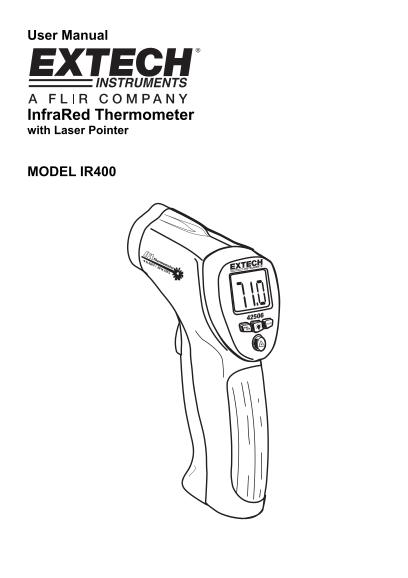
Page 1 Text Content
User Manual
Infra Red Thermometer with Laser Pointer
MODEL IR400
Page Summary Contents For EXTECH Infrared Thermometer with Laser Pointer Model IR400 User's Guide and Manual
Manual Details
| Brand | Laser |
|---|---|
| Pages | 6 |
| File Size | 219.22 KB |
| Published | May 25, 2026 |
Enter the captcha to get the download link:

Frequently Asked Questions
How do I begin an infrared temperature measurement?
Point it at the surface and pull and hold the trigger to start testing.
What should I do if my battery light appears?
Replace the meter’s 9V battery in the compartment located behind the trigger panel.
What is the recommended field of view for accurate measurements?
The target spot must be at least half an inch (S) when measuring from 8 inches away (D).