EXTECH Model 461995 Laser Photo Contact Tachometer User's Manual
Summary
This versatile industrial tachometer measures rotational speed (RPM) and linear surface speed using advanced laser technology. It provides both non-contact photo measurements and precise contact settings, making it ideal for diverse professional applications. The comprehensive manual guides users through every function—including setup, memory recall, battery maintenance, and proper operational procedures. Perfect for technicians, engineers, and mechanics who require accurate, reliable, and safe speed diagnostics in industrial settings.
Page 1 Text Content
User's Manual
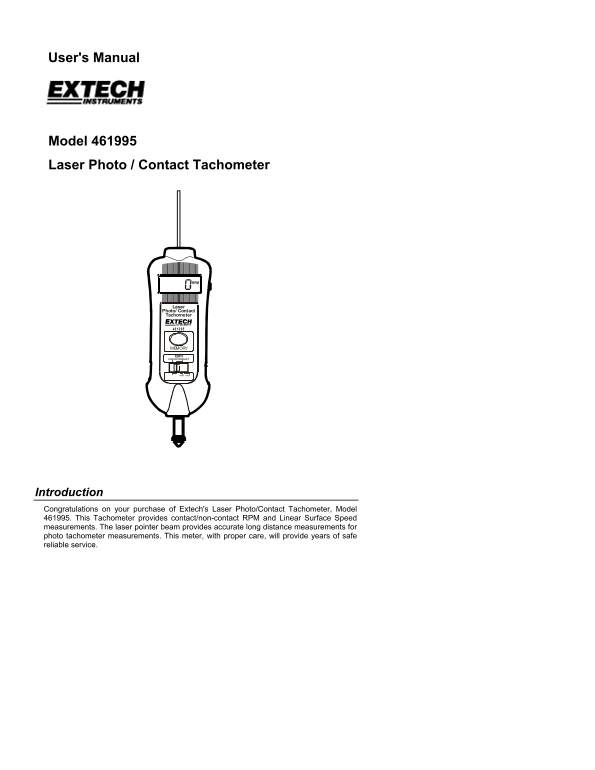
Model 461995 Laser Photo / Contact Tachometer
Laser Photo/ Contact Tachometer
MEMORY rpm PHOTO CONTACT
ft/min m/min
Introduction Congratulations on your purchase of Extech's Laser Photo/Contact Tachometer, Model 461995. This Tachometer provides contact/non-contact RPM and Linear Surface Speed measurements. The laser pointer beam provides accurate long distance measurements for photo tachometer measurements. This meter, with proper care, will provide years of safe reliable service.
Page Summary Contents For EXTECH Model 461995 Laser Photo Contact Tachometer User's Manual
Manual Details
| Brand | Laser |
|---|---|
| Pages | 6 |
| File Size | 61.07 KB |
| Published | May 25, 2026 |
Enter the captcha to get the download link:

Frequently Asked Questions
What is the recommended frequency for instrument calibration?
Extech recommends performing calibration on an annual basis to maintain calibration integrity.
How do I measure a rotating object's RPM using the Contact mode?
Set the Function switch to CONTACT, press Measure while lightly pressing the rotating ring against the shaft, and release when the display stabilizes.
What are the safety precautions involving the laser beam?
Never point the laser beam at eyes, be careful of reflections, or use it near explosive gases.
How is the memory accessed after taking measurements?
Press and hold MEMORY once for Last Reading, press again for Maximum value, and a third time for Minimum value.