Page 1
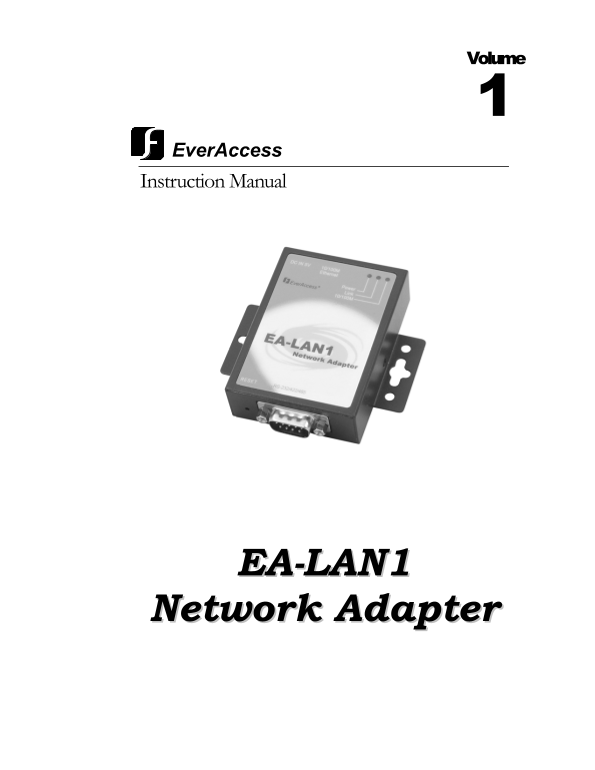
Volume Ever Access Instruction Manual EA-LAN1 Network Adapter
Page 2
EA-LAN1 Instruction Guide © 2004 Everfocus Electronics Corp 2445 Huntington Drive Phone 626.844.8888 • Fax 626.844.8838 All rights reserved. No part of the contents of this manual may be reproduced or...
Page 3
Preface Read This First It is extremely important that you read this guide to get started with your Ever Access product. Unpacking Please be careful when you unpack the box due to the electronics devi...
Page 4
parts that could result in a fire or electric shock. Never spill liquid of any kind on the unit. • Service: Do not attempt to service this unit by yourself as opening or removing covers may expose you...
Page 5
Contents CHAPTER 1 Product Overview...................................................................................................................1 Features and Specifications .......................
Page 6
Chapter Product Overview The Ever Access EA-LAN1 Network Adapter is a serial to TCP/IP adapter that enables users to manage the Ever Access Flex Series controllers securely and conveniently over a TCP...
Page 7
• Set the rights of different levels according to the user, IP address and MAC address • Provides real COM drive under WINDOWS NT/2000/XP • Provides Static Route settings • Provides setup interface of...
Page 8
Chapter Installation Overview The EA-LAN1 provides convenient remote management of the controller over the internet or local area network. There are a few steps to follow to properly install the EA-LA...
Page 9
Locating the EA-LAN1 and Changing the IP Address 1) Run the upgrade.exe software from the CD included with the EA-LAN1. 2) If the server is connected to the same network as the PC used with this softw...
Page 10
5) Now, set a temporary IP address for the server in the same network by clicking on “Tools” and selecting “Temporary change IP address”. 6) Type in the IP address of the PC and press “OK” Click “OK” ...
Page 11
1) Click on “Mode” of the menu on the left side and choose the corresponding Port (Port1) 2) Choose the Port mode setting for “TCP realport” option from the “Mode” menu. 3) Click on “Submit” button. 4...
Page 12
5) Make sure the “Baud” rate is 9600, the “data” is 8, the “stop” bit is 1, the “Parity” is “n”, the “Flowctrl” is “none”. For the “Type”, choose the type of connection you wish to use. a. For RS232 c...
Page 13
Connecting the EA-LAN1 to the controller The EA-LAN1 has three inputs: Power, Ethernet connection (RJ45) and a serial communication (DB9) connection. The EA-LAN1 uses a 5Volts/1Amphere direct current ...
Page 14
13) The EA-LAN1 pin definition for an RS232 corresponding pin is below. DB9 PIN # RS232 RS485-Half RS485-Full RS422 1 DCD N/A N/A RTS- 2 RXD DATA- TXD- TXD- 3 TXD DATA+ TXD+ TXD+ 4 DTR N/A RXD+ RXD+ 5...
Page 15
4 DTR Output Data terminal ready 5 GND ---- Signal ground wire 6 DSR Input Data equipment ready 7 RTS Output Request for sending 8 CTS Input Delete sending 9 RI Input Ring test 3) The EA-LAN1 DB9 pin ...
Page 16
• How to Map the COM Ports over TCP/IP How to Install COM Port over TCP/IP Driver 1) Run 60x_2k_4.1 .1 in CD-ROM. 2) Click “Yes” to begin the installation of the terminal server. 3) Click “Next” 4) To...
Page 17
5) Then click “Install” 6) Then click “Finish” to complete the installation.
Page 18
7) Now the driver is installed in your PC. How to Map the COM Ports over TCP/IP 1) Click “Start” on your desktop and choose “Control Panel”. Double click the “COM port over TCP/IP”. A new window appea...
Page 19
a) COM port: is the COM port resource that WINDOWS uses. b) Device IP address: is the IP address of server. c) Device Port: is the number of serial ports to be mapped to the server. d) Keeplive: is th...
Page 20
Notes:
Page 21
Head Office European Office 12F, No.79 Sec.1 Shin-Tai Wu Road, Albert-Einstein-Strasse 1, Hsi-Chi, Taipei, Taiwan D-46446 Emmerich, Germany Tel :+ 886-2-26982334 Tel : + 49-2822-9394-0 Fax :+ 886-2-26...