EverFocus EPD200A User Guide Manual
Summary
The EPD200 is a compact, high-resolution CCD color dome camera designed for professional indoor surveillance. This manual serves as your definitive guide, detailing everything from proper installation methods and operational setups to critical technical specifications and safety precautions. It is essential reading for security technicians and system integrators needing reliable, discreet monitoring solutions with adaptable features like auto iris and vari-focal lenses.
Page 1 Text Content
EVERFOCUS
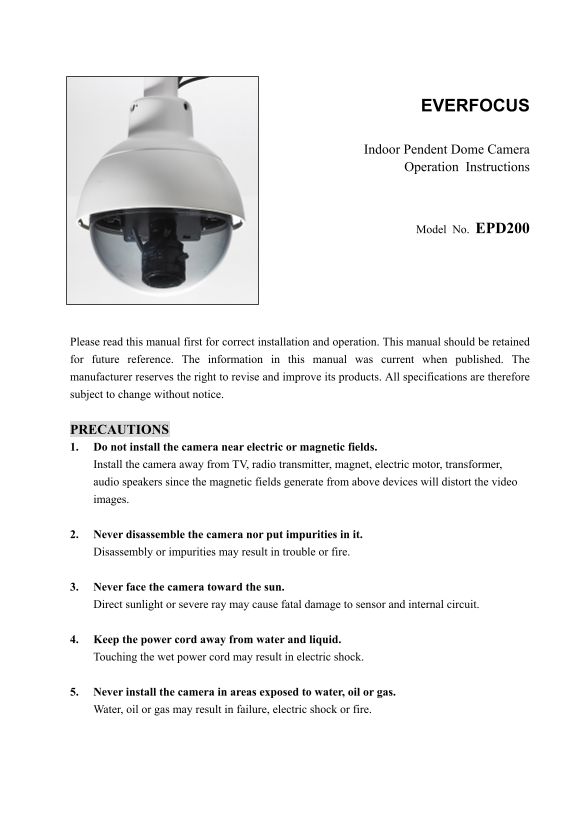
Indoor Pendent Dome Camera Operation Instructions
Model No. EPD200
Please read this manual first for correct installation and operation. This manual should be retained for future reference. The information in this manual was current when published. The manufacturer reserves the right to revise and improve its products. All specifications are therefore subject to change without notice.
PRECAUTIONS 1. Do not install the camera near electric or magnetic fields. Install the camera away from TV, radio transmitter, magnet, electric motor, transformer, audio speakers since the magnetic fields generate from above devices will distort the video images.
2. Never disassemble the camera nor put impurities in it. Disassembly or impurities may result in trouble or fire.
3. Never face the camera toward the sun. Direct sunlight or severe ray may cause fatal damage to sensor and internal circuit.
4. Keep the power cord away from water and liquid. Touching the wet power cord may result in electric shock.
5. Never install the camera in areas exposed to water, oil or gas. Water, oil or gas may result in failure, electric shock or fire.
Page Summary Contents For EverFocus EPD200A User Guide Manual
Manual Details
| Brand | EverFocus |
|---|---|
| Pages | 10 |
| File Size | 435.42 KB |
| Published | May 20, 2026 |
Enter the captcha to get the download link:

Frequently Asked Questions
How do I safely clean the camera sensor and lens?
Use a soft cloth for the body, but use specific lens tissue or a cotton swab with ethanol to clean the sensor.
What power sources can the EPD200 support?
The unit is compatible with two types of input power: 12VDC and 24VAC.
Which key functions are controlled by the DIP switch?
The dip switch allows you to operate FL (Flickerless), BLC (Back Light Compensation), and AGC on or off.
What areas must I keep the camera away from during installation?
Do not install the camera near magnetic or electric fields, like TVs, radios, or transformers, as these can distort video images.