EPSON Subli-Print 4450 User Guide and Manual
Summary
Master this guide for professional sublimation printing using your Epson 4450 Subli-Print system. This comprehensive manual provides detailed instructions on driver setup, installing color profiles, and optimizing print quality across diverse substrates like ceramics, metal, and hardboard. Designed for graphic artists and crafters utilizing CorelDRAW, it covers template creation, advanced print settings, and expert troubleshooting tips to ensure vibrant, permanent sublimation transfers every time.
Page 1 Text Content
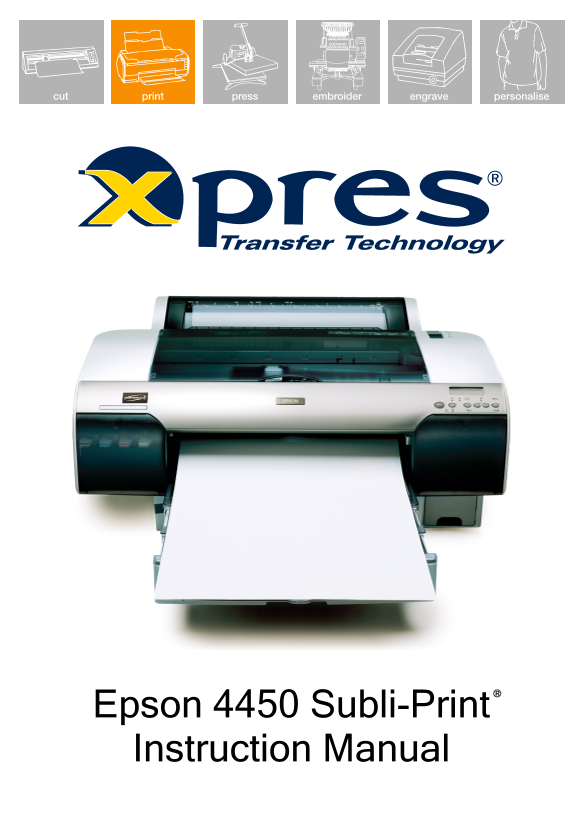
Epson 4450 Subli-Print Instruction Manual
Page Summary Contents For EPSON Subli-Print 4450 User Guide and Manual
Manual Details
| Brand | Epson |
|---|---|
| Pages | 13 |
| File Size | 2.05 MB |
| Published | May 19, 2026 |
Enter the captcha to get the download link:

Frequently Asked Questions
What settings are ideal for printing onto hard substrates like ceramics or metal?
For hard substrates, set Media Type to Photo Quality Ink Jet Paper, Color to Color/B&W, Print Quality: Fine 720dpi, Printer Color Management: Off, and Microweave preset to On.
How do I adjust settings if printing on softer substrates?
Repeat steps 1-5 but select lower resolution settings. You may also need to increase the color density (Color: Color/B&W) to around 20% for solid filled images.
What should I do if my printed image appears weak or poor quality?
Check time, temperature, and pressure per the guide. Ensure the Xpres Subli-Print profile is installed, check substrate positioning on the heat press, and keep mugs dipped in water immediately after printing.