Dell Vostro 1710 Setup and Features Information
Summary
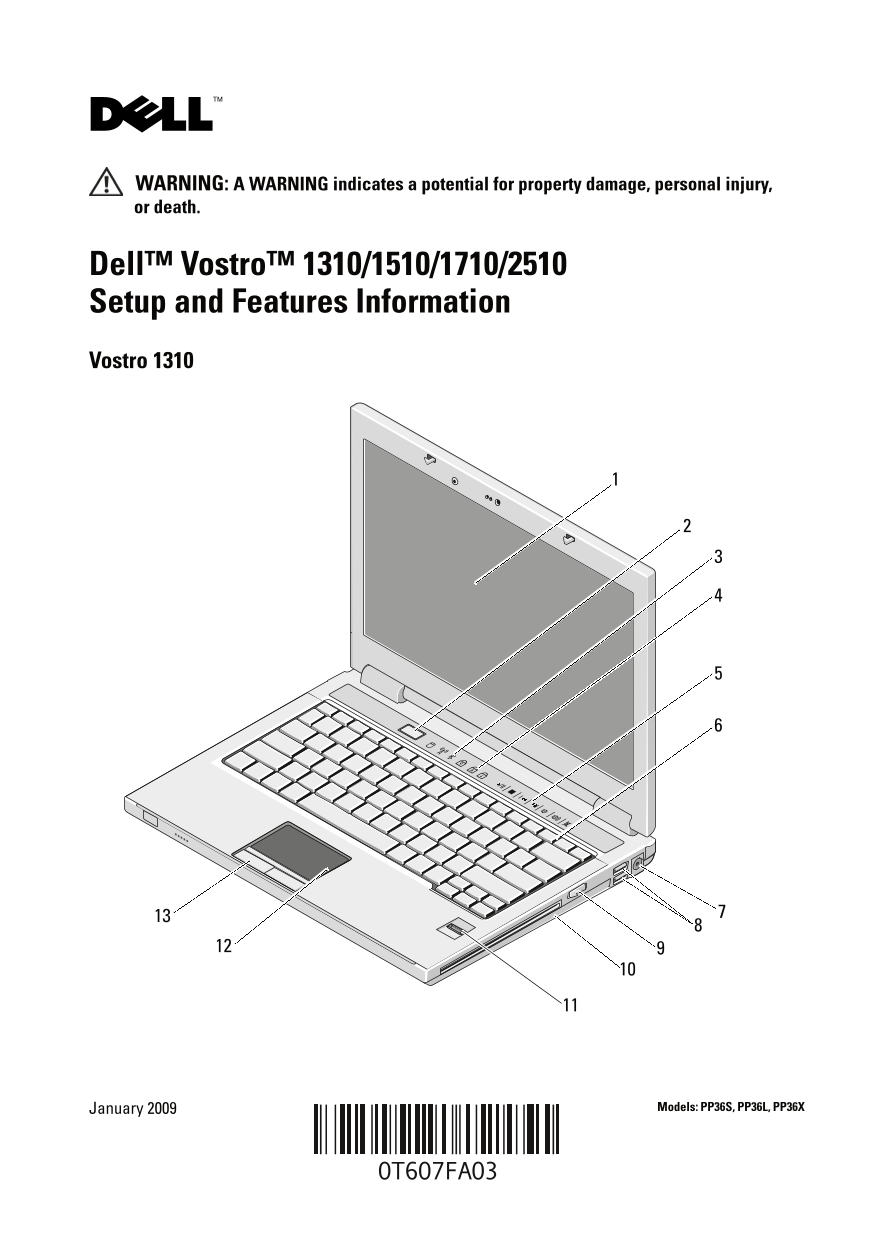
Setup and features guide for Dell Vostro 1310, 1510, 1710, and 2510 laptops. Identifies display, power button, status lights, media controls, USB ports, wireless switch, optical drive, fingerprint reader, touch pad, ExpressCard slot, IEEE 1394, card reader, audio, network, and video connectors. Notes Vostro 1510/2510 differ only in color. For small business laptop users.
Page 1 Text Content
T607Fam3.fm Page 1 Friday, January 30, 2009 12:45 PM
WARNING: A WARNING indicates a potential for property damage, personal injury, or death.
Dell™ Vostro™ 1310/1510/1710/2510 Setup and Features Information Vostro 1310
January 2009 Models: PP36S, PP36L, PP36X
Page Summary Contents For Dell Vostro 1710 Setup and Features Information
Manual Details
| Brand | Dell |
|---|---|
| Pages | 12 |
| File Size | 1.04 MB |
| Published | June 27, 2026 |
Enter the captcha to get the download link:

Frequently Asked Questions
What care must be taken when disconnecting the AC adapter cable?
Grasp the connector, not the cable itself, and pull firmly but gently to avoid damaging the cord.
Is the fan noise from the computer system always an issue?
No, fan noise is normal because the computer turns on the fan when it gets hot.
What precautions must I take regarding airflow while running the laptop?
Do not store the Dell computer in a low-airflow environment, such as a closed briefcase, to prevent damage or fire.
Before adding cards or connecting external devices, what setup step is recommended?
It is recommended that you turn on and shut down your computer at least once before installing any cards or connecting peripherals.