D-Link DGE-503T User Guide/Instructions
Summary
Upgrade your connectivity with the DGE-530T 10/100/1000 Gigabit Ethernet PCI Adapter. This reliable adapter offers high-speed networking capabilities crucial for modern systems. This quick setup guide provides step-by-step instructions on hardware installation, driver configuration, and cable connection in a simple format. It is designed for users needing to boost network performance or add robust Gigabit connectivity to a computer system. For comprehensive specifications, refer to the included User’s Guide.
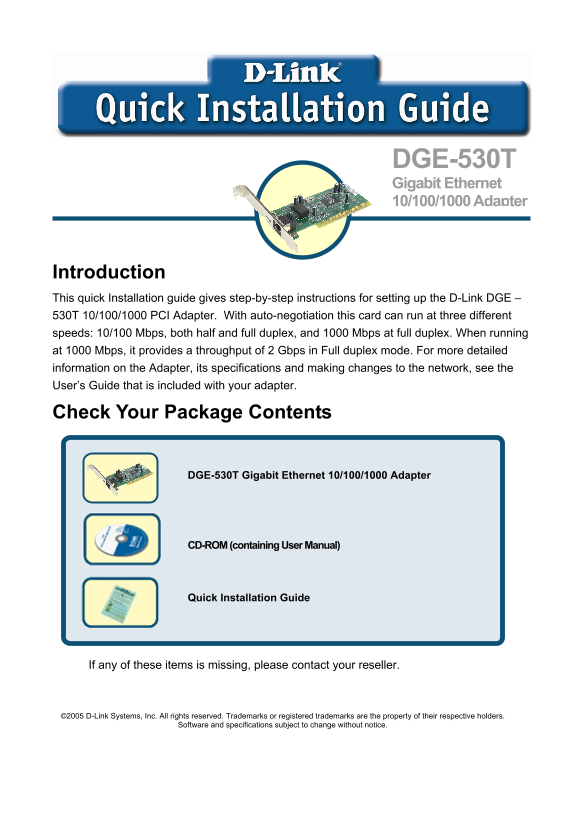
Page 1 Text Content
DGE-530T Gigabit Ethernet 10/100/1000 Adapter
Introduction This quick Installation guide gives step-by-step instructions for setting up the D-Link DGE – 530T 10/100/1000 PCI Adapter. With auto-negotiation this card can run at three different speeds: 10/100 Mbps, both half and full duplex, and 1000 Mbps at full duplex. When running at 1000 Mbps, it provides a throughput of 2 Gbps in Full duplex mode. For more detailed information on the Adapter, its specifications and making changes to the network, see the User’s Guide that is included with your adapter.
Check Your Package Contents
DGE-530T Gigabit Ethernet 10/100/1000 Adapter
CD-ROM (containing User Manual)
Quick Installation Guide
If any of these items is missing, please contact your reseller.
©2005 D-Link Systems, Inc. All rights reserved. Trademarks or registered trademarks are the property of their respective holders.
Software and specifications subject to change without notice.
Page Summary Contents For D-Link DGE-503T User Guide/Instructions
Manual Details
| Brand | D-Link |
|---|---|
| Pages | 4 |
| File Size | 1.23 MB |
| Published | May 31, 2026 |
Enter the captcha to get the download link:

Frequently Asked Questions
What is the critical safety step before installing the adapter?
Properly ground yourself by first touching a metal part of your computer to discharge static electricity.
How do I physically install the DGE-530T adapter into my PC?
Shut down, unplug power, remove the chassis cover, insert the card into an open PCI slot, and replace the cover.
What standards does this adapter support for cabling?
It supports 1000BASE-T over Category 5e links defined by ANSI/TIA/EIA-568-A-5 up to 100 meters.
Where can I get the drivers or advanced technical help?
You can find software updates and detailed documentation on the D-Link website or in the included User's Guide.