User's Guide for Lexmark S605 (1)(1)
Summary
Simplify complex office tasks with the Lexmark INTERACT S605 Wireless 3-in-1 machine. This advanced color inkjet system allows users to print, copy, and scan documents seamlessly from virtually anywhere. Designed for home offices and small businesses, it features a large touchscreen, high-speed printing up to 33ppm, automatic duplexing, and superior photo clarity. The manual guide covers full setup details, smart solutions, technical specifications, and comprehensive operation tips, all backed by a robust three-year guarantee.
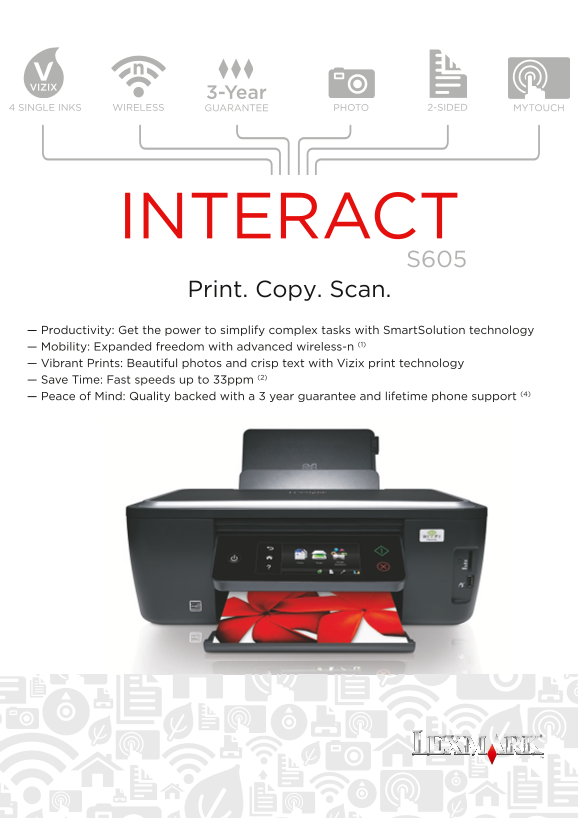
Page 1 Text Content
3-Year
4 SINGLE INKS GUARANTEE PHOTOWIRELESS 2-SIDED MYTOUCH
INTERACT
Print. Copy. Scan.
— Productivity: Get the power to simplify complex tasks with Smart Solution technology — Mobility: Expanded freedom with advanced wireless-n (1) — Vibrant Prints: Beautiful photos and crisp text with Vizix print technology — Save Time: Fast speeds up to 33ppm (2) — Peace of Mind: Quality backed with a 3 year guarantee and lifetime phone support (4)
Page Summary Contents For User's Guide for Lexmark S605 (1)(1)
Manual Details
| Brand | Lexmark |
|---|---|
| Pages | 2 |
| File Size | 1.36 MB |
| Published | May 29, 2026 |
Enter the captcha to get the download link:

Frequently Asked Questions
Which operating systems are supported by the S605 printer?
It supports XP, Vista, OS X (10.4.4-10.6.x Intel), Windows 7, and Linux.
How can I connect this printer wirelessly to my network?
The device supports wireless networking via IEEE802.11b/g/n standards and includes a wireless setup cable.
What is the maximum print speed for black draft documents?
The maximum print speed (draft, black) is up to 33 ppm (pages per minute).
Does the printer support two-sided printing?
Yes, it supports automatic duplex (2-sided) printing and can cut paper consumption by up to 50%.
What type of photo media does this All-in-One unit handle?
It handles various media types including Photo Paper, Card Stock, Envelopes, Labels, and Hagaki Cards.