User's Guide for Lexmark X1185
Summary
This powerful all-in-one unit streamlines your workflow with professional capabilities for printing, scanning, copying, and faxing. Featuring ultra-high resolution up to 4800 dpi and dedicated photo editing software, it handles everything from corporate documents to vibrant photography projects effortlessly. This comprehensive guide details setup, optimal use of all functions (including color support), and key maintenance tips. Ideal for busy professionals, small businesses, and studios requiring high-volume, versatile, and reliable document management solutions.
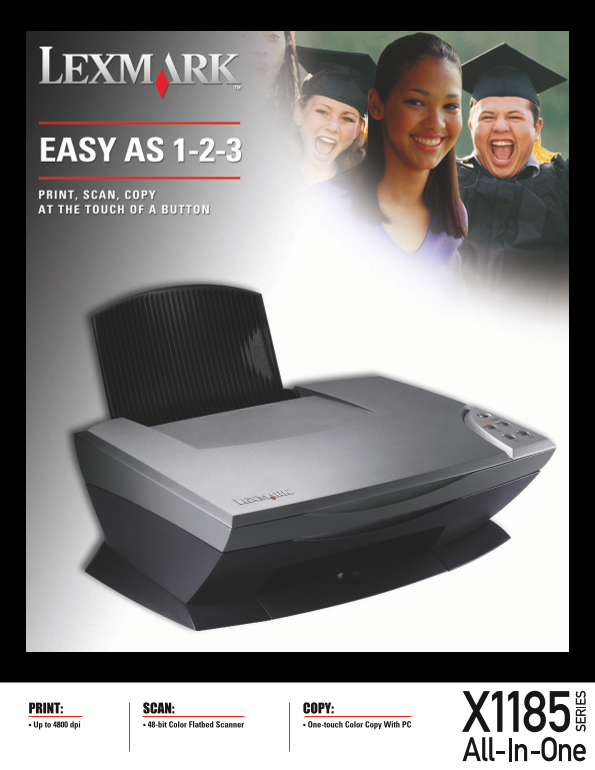
Page 1 Text Content
PRINT: SCAN: COPY: Up to 4800 dpi 48-bit Color Flatbed Scanner One-touch Color Copy With PC
Page Summary Contents For User's Guide for Lexmark X1185
Manual Details
| Brand | Lexmark |
|---|---|
| Pages | 2 |
| File Size | 408.92 KB |
| Published | May 29, 2026 |
Enter the captcha to get the download link:

Frequently Asked Questions
What paper types can this device handle?
It supports Plain, Inkjet and Photo Paper, along with Transparencies, Labels, Envelopes, Index Cards, Greeting Cards, and Iron-on Transfers.
What are the maximum scanning and optical resolutions available?
The flatbed scanner offers up to 600 x 1200 dpi Optical Resolution (9,600 dpi Enhanced), with a color copy capability of up to 4800 DPI.
Which operating systems is the device compatible with?
It supports Windows 98, Me, 2000, XP via USB 2.0, and Mac OS 9.04 – 9.2.2/10.x.
What is provided in the standard box contents?
The box includes the X1185 All-In-One unit, software like ABBYY FineReader 5.0 and BVRP Fax Tools on CD-ROMs, cartridges, and a user's guide.