Lexmark P450 User's Guide
Summary
Capture and preserve your cherished memories with the Lexmark P450 home photo printer. Designed for effortless operation, this device produces high-quality, borderless 10x15 cm photographs using direct camera capture or Bluetooth connectivity from phones. The manual covers full setup, specialized features like CD burning, advanced photo enhancement tools (Red Eye removal, filters), and memory card usage. Ideal for casual photographers and memory keepers who desire simple, professional physical keepsakes without complex PC setups.
Page 1 Text Content
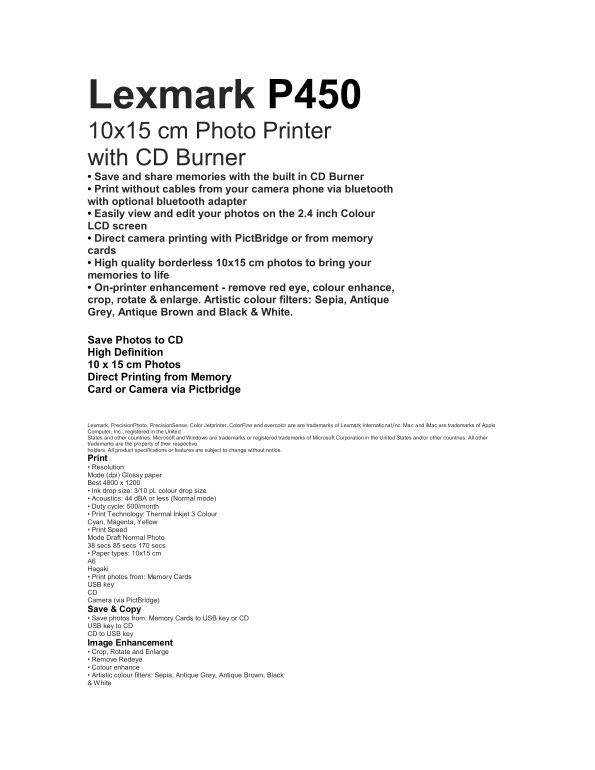
Lexmark P450 10x15 cm Photo Printer with CD Burner • Save and share memories with the built in CD Burner • Print without cables from your camera phone via bluetooth with optional bluetooth adapter • Easily view and edit your photos on the 2.4 inch Colour LCD screen • Direct camera printing with Pict Bridge or from memory cards • High quality borderless 10x15 cm photos to bring your memories to life • On-printer enhancement - remove red eye, colour enhance, crop, rotate & enlarge. Artistic colour filters: Sepia, Antique Grey, Antique Brown and Black & White. We make printing easy Save Photos to CD High Definition 10 x 15 cm Photos Direct Printing from Memory Card or Camera via Pictbridge Somet imes you want Somet imes you don’t . complicated. Lexmark, Precision Photo, Precision Sense, Color Jetprinter, Color Fine and evercolor are are trademarks of Lexmark International,Inc. Mac and i Mac are trademarks of Apple Computer, Inc., registered in the United States and other countries. Microsoft and Windows are trademarks or registered trademarks of Microsoft Corporation in the United States and/or other countries. All other trademarks are the property of their respective holders. All product specifications or features are subject to change without notice. Print • Resolution: Mode (dpi) Glossy paper Best 4800 x 1200 • Ink drop size: 3/10 p L colour drop size • Acoustics: 44 d BA or less (Normal mode) • Duty cycle: 500/month • Print Technology: Thermal Inkjet 3 Colour Cyan, Magenta, Yellow • Print Speed Mode Draft Normal Photo 38 secs 85 secs 170 secs • Paper types: 10x15 cm A6 Hagaki • Print photos from: Memory Cards USB key CD Camera (via Pict Bridge) Save & Copy • Save photos from: Memory Cards to USB key or CD USB key to CD CD to USB key Image Enhancement • Crop, Rotate and Enlarge • Remove Redeye • Colour enhance • Artistic colour filters: Sepia, Antique Grey, Antique Brown, Black & White
Page Summary Contents For Lexmark P450 User's Guide
Manual Details
| Brand | Lexmark |
|---|---|
| Pages | 2 |
| File Size | 196.16 KB |
| Published | May 29, 2026 |
Enter the captcha to get the download link:

Frequently Asked Questions
What formats of memory cards does it support?
It supports CompactFlash I & II, SmartMedia, Memory Stick (Pro & Duo w/adapter), Secure Digital / Multimedia, and xDPicture.
Are there ways to transfer photos other than memory cards?
Yes, you can print from USB keys, CDs (using the built-in CD Burner), Bluetooth devices (with an optional adapter), or via PictBridge connection from a camera.
What image enhancements are available for printing?
You can crop, rotate and enlarge photos, remove red eye, use color enhance, or apply artistic filters like Sepia and Black & White.
What is the recommended monthly duty cycle?
The machine has a duty cycle of 500 prints per month.