Lexmark Easy As 1-2-3 User Guide and Manual
Summary
Elevate your workflow with this comprehensive multi-function device, combining high-resolution printing (up to 4800 x 1200 dpi), advanced flatbed scanning, and reliable color copying. Designed for professionals and photographers, it seamlessly manages everything from photo processing using exclusive software to rapid document duplication and faxing. The included manual provides detailed instructions on operating the user-friendly control panel, utilizing the Accu-Feed system, optimizing image quality settings, and connecting effortlessly across various computing environments. Experience unparalleled versatility in one compact unit.
Page 1 Text Content
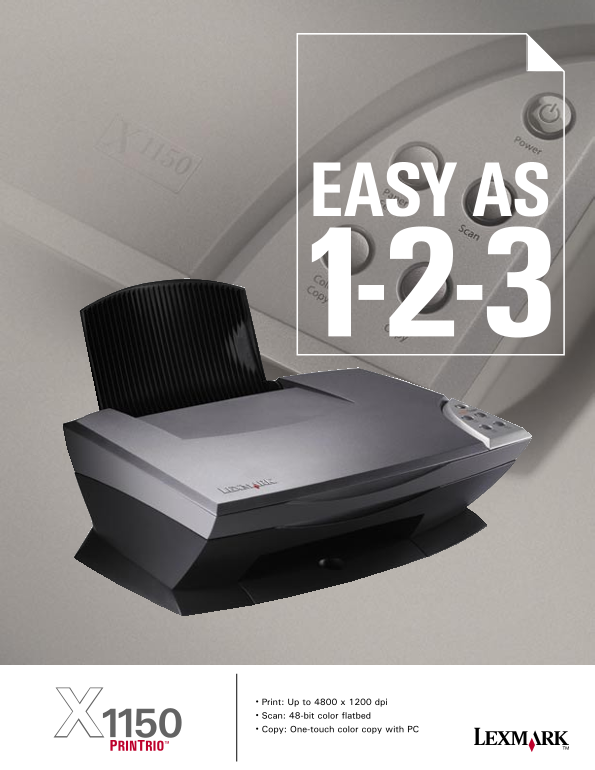
• Print: Up to 4800 x 1200 dpi
• Scan: 48-bit color fl atbed
• Copy: One-touch color copy with PCX1150
PRINTRIO™
Page Summary Contents For Lexmark Easy As 1-2-3 User Guide and Manual
Manual Details
| Brand | Lexmark |
|---|---|
| Pages | 2 |
| File Size | 197.84 KB |
| Published | May 25, 2026 |
Enter the captcha to get the download link:

Frequently Asked Questions
What is the maximum resolution for printing?
Up to 4800 x 1200 dpi.
Does it handle non-standard items like books?
Yes, the flatbed scanner easily handles books, reports, and more.
How does the device manage paper feeding?
The Accu-Feed™ system virtually eliminates paper jams.
What operating systems are supported for connectivity?
Windows 98, Me, 2000, XP, or Mac OS 9.2.2 with Carbonlib 1.6/10