Lexmark E220 User Guide
Summary
The Lexmark E220 is an affordable A4 monochrome laser printer engineered for small businesses and home offices requiring professional-grade output. Delivering crisp 1200 Image Quality documents at speeds up to 17 ppm, it ensures productive printing without breaking the budget. The product documentation details its robust features, including extensive support for various media types, parallel/USB connectivity options, and streamlined setup guides, ensuring users can easily achieve reliable, high-quality results from day one.
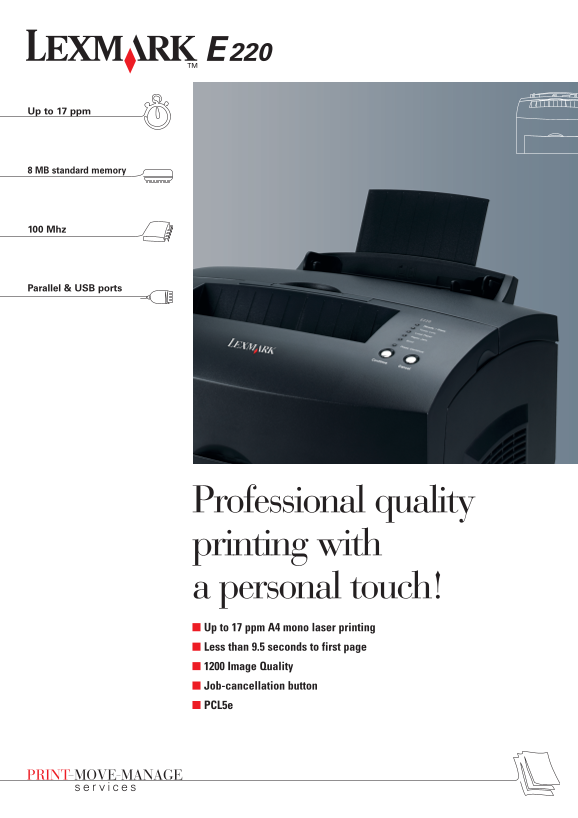
Page 1 Text Content
Up to 17 ppm
8 MB standard memory
100 Mhz
Parallel & USB ports
Professional quality printing with a personal touch! Up to 17 ppm A4 mono laser printing Less than 9.5 seconds to first page 1200 Image Quality Job-cancellation button PCL5e
Page Summary Contents For Lexmark E220 User Guide
Manual Details
| Brand | Lexmark |
|---|---|
| Pages | 2 |
| File Size | 863.29 KB |
| Published | May 25, 2026 |
Enter the captcha to get the download link:

Frequently Asked Questions
What is the maximum speed and print quality of the E220?
It provides fast 17 ppm A4 output with less than 9.5 seconds time-to-first-page, offering a high 1200 Image Quality resolution.
Which operating systems are compatible with the Lexmark E220 printer?
It supports Windows (including versions like XP and 2003), Mac OS 8.6 - 9.x, and various Linux distributions including Red Hat and SuSE.
What is the maximum duty cycle for the E220 laser printer?
The unit has a high-duty cycle of up to 10,000 pages per month for minimal intervention when printing frequently.
Can I increase the paper input capacity of the device?
Yes, the power can be upgraded with an optional additional 250-sheet input drawer and memory upgrades up to 72MB.