SHARP YOP5B User Guide
Summary
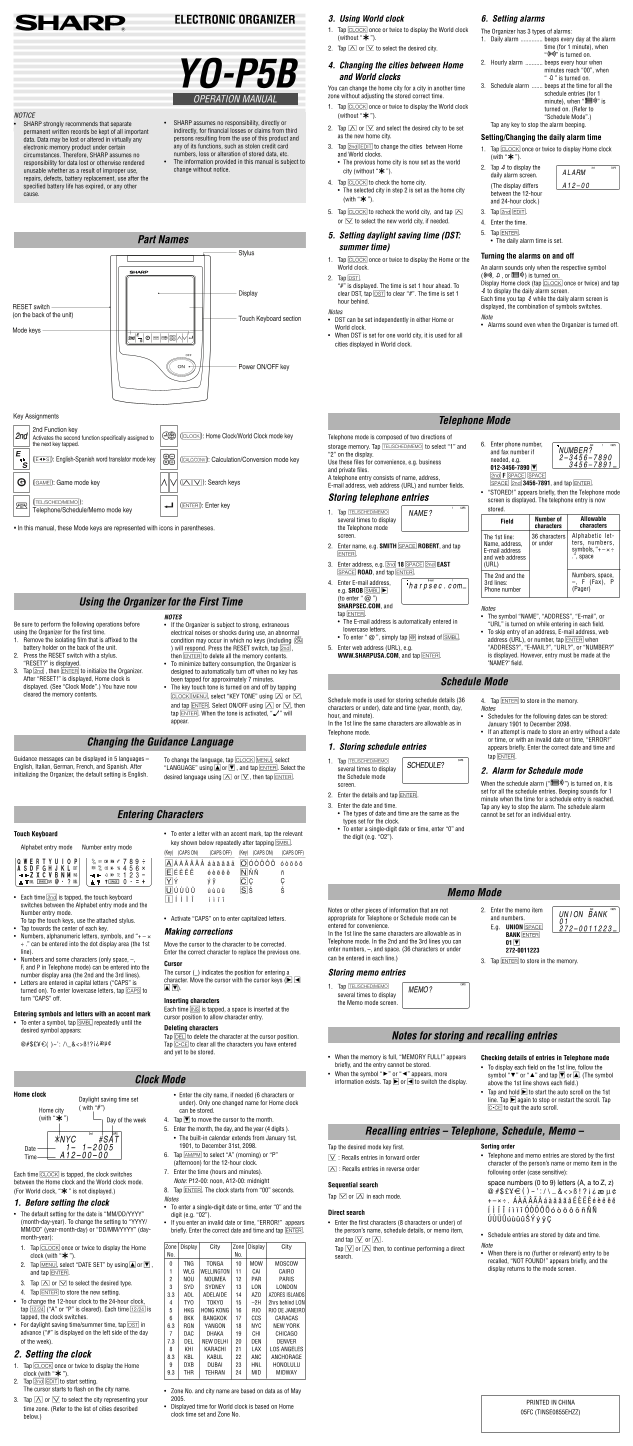
Manage your professional life with this comprehensive electronic organizer. This manual details how to utilize its advanced features, including setting multiple alarms (Daily, Hourly, Schedule), monitoring World Clock time zones, and efficiently managing contacts through dedicated modes for communication, scheduling, and memo keeping. It is essential reading for users who require a reliable tool for organized contact storage, time management, and daily reminders in a business environment.
Manual Details
| Brand | Sharp |
|---|---|
| Pages | 2 |
| File Size | 343.75 KB |
| Published | June 02, 2026 |
Enter the captcha to get the download link:

Frequently Asked Questions
Are alarms active when the organizer is powered off?
Yes, alarms sound even when the Organizer is turned off.
What memory size do different entry types require?
A telephone entry needs 6 bytes; a schedule entry uses 8 bytes; and a memo entry requires 3 bytes.
How can I adjust to Daylight Saving Time (DST)?
Display clear DST, then tap C to clear “#”, and set the time one hour ahead.