SHARP YOP5A User Guide
Summary
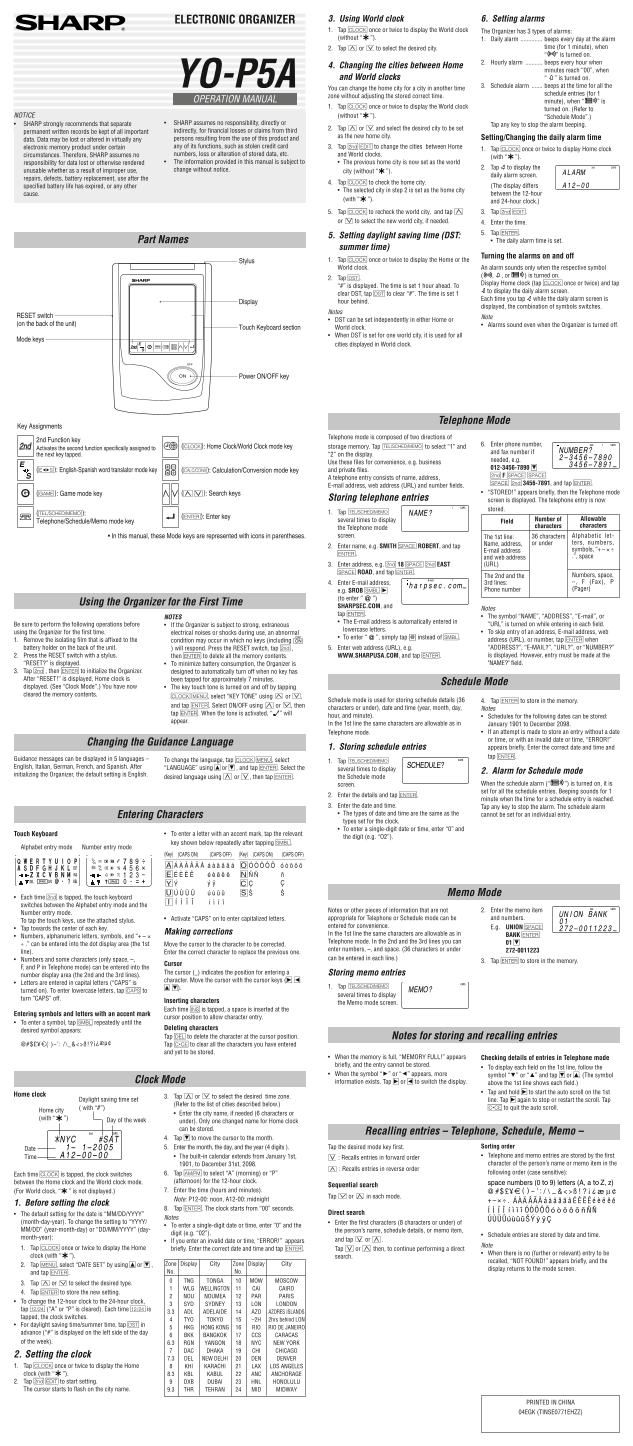
Master your schedule with this comprehensive Electronic Organizer. Learn how to set precise daily, hourly, and scheduled alarms, manage multiple time zones using the built-in World Clock feature, and store detailed contacts including names, addresses, and email accounts. This manual is essential for busy professionals and global travelers who require robust memory management and accurate timekeeping functionality.
Manual Details
| Brand | Sharp |
|---|---|
| Pages | 2 |
| File Size | 305.67 KB |
| Published | June 05, 2026 |
Enter the captcha to get the download link:

Frequently Asked Questions
How can I set up a daily alarm?
Display the World clock, then tap C, select the desired city, and follow the steps to enter the time.
What are the different types of alarms available?
There are Daily, Hourly, and Schedule alarms. An alarm only sounds if its respective switch is turned on automatically.
How do I check the current memory usage?
Tap several times to display 'MEMORY CHECK' by following steps 2 and 3 as described in the 'Using the Organizer for the First Time' section.
Does the World clock account for daylight saving time (DST)?
Yes, DST can be set independently in either the Home or World clock settings.