SHARP EL-W531/EL-W531G/EL-W531H/EL-W531HA/EL-W535 User Manual
Summary
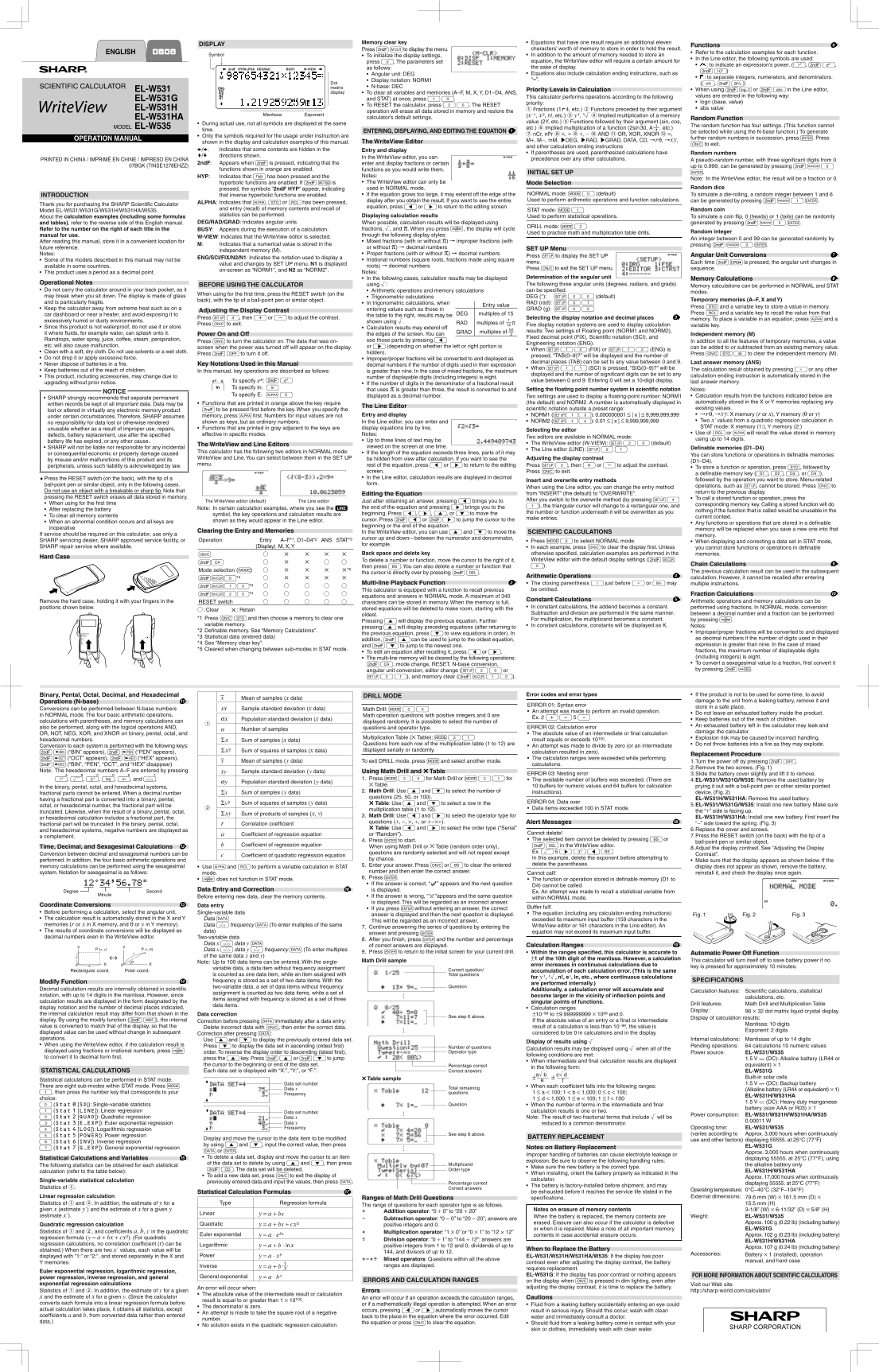
Master advanced mathematics with this high-functionality scientific calculator. The manual provides comprehensive guidance for using sophisticated features, including the WriteView editor for complex equation entry, detailed statistical calculation modes, and random drill practice. Perfect for students, engineers, or professionals who require precise results, extensive memory management, and multi-faceted mathematical tools in a single portable device.
Manual Details
| Brand | Sharp |
|---|---|
| Pages | 2 |
| File Size | 1.01 MB |
| Published | May 28, 2026 |
32 views
Enter the captcha to get the download link:

Frequently Asked Questions
How do I reset the calculator completely?
Press 2 ON to perform a full RESET.
What are the different calculation modes available?
The calculator has NORMAL, STAT (statistics), and DRILL modes, depending on your usage.
What is the purpose of the WriteView editor?
It allows you to simulate equations as you would write them by hand for easier viewing.