SHARP EL-2192RII Operation Guide
Summary
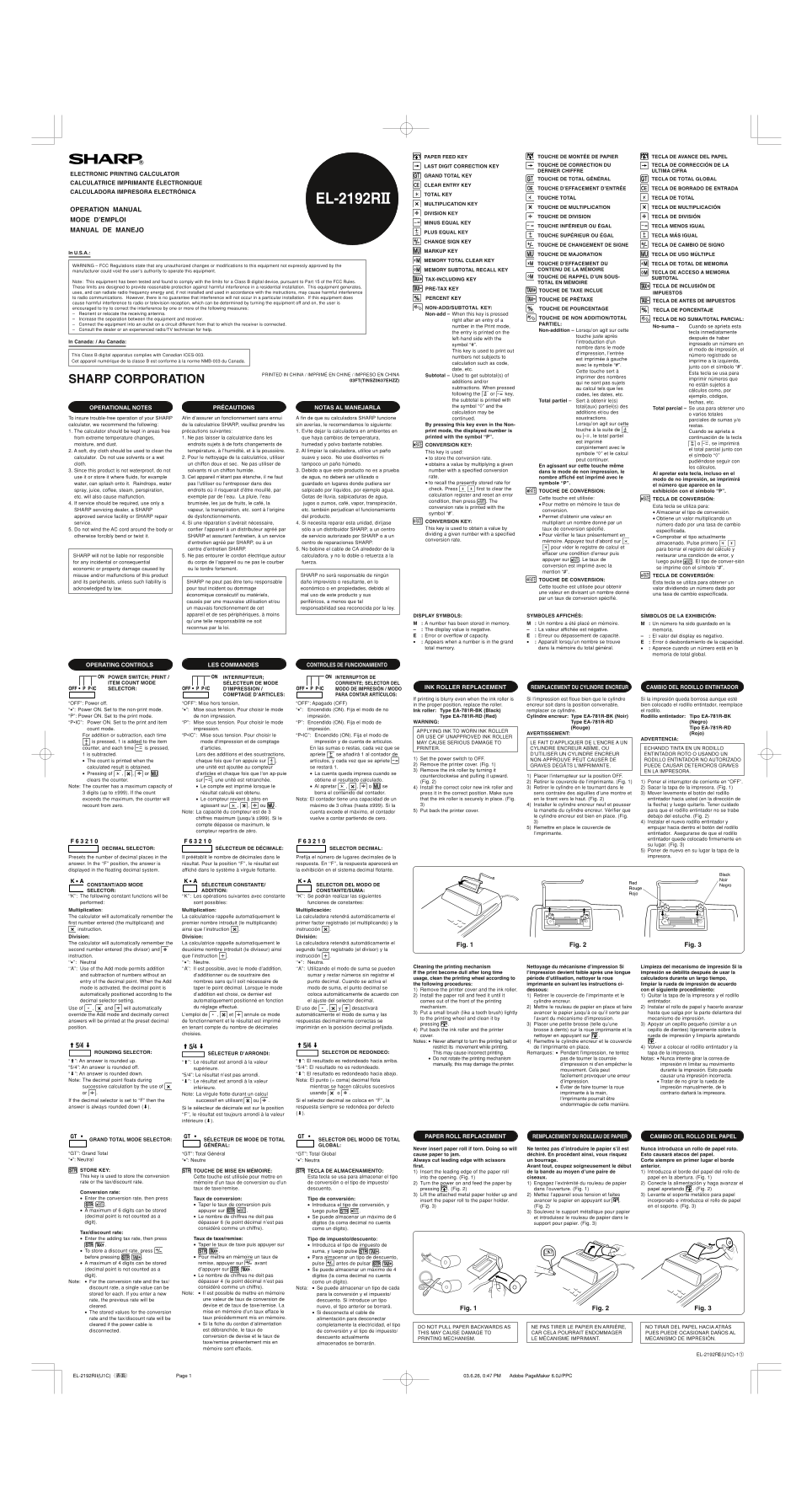
This advanced multi-functional calculator is designed for professionals, students, and users requiring high precision in complex computations. The comprehensive manual details every feature, including basic arithmetic functions, specialized financial calculations (such as subtotals, pre-tax amounts, and grand totals), and memory management. It provides step-by-step guidance on operation modes and crucial safety guidelines to ensure accurate, trouble-free use in various settings.
Manual Details
| Brand | Sharp |
|---|---|
| Pages | 2 |
| File Size | 425.54 KB |
| Published | June 04, 2026 |
Enter the captcha to get the download link:

Frequently Asked Questions
How do I obtain intermediate running totals?
Press the 'Subtotal' key for subtotals of additions and/or subtractions, or use the 'Total partiel' key for local groupings.
What precautions should be taken during operation?
Keep the calculator away from extreme temperature changes, moisture, and dust buildup to ensure trouble-free use.
How do I reset memory or remove previous figures?
Use the 'TOTAL EN MÉMOIRE' key for total memory clear, or the specific function keys provided for departmental resets.