SHARP EL-1197PII Operation Manual
Summary
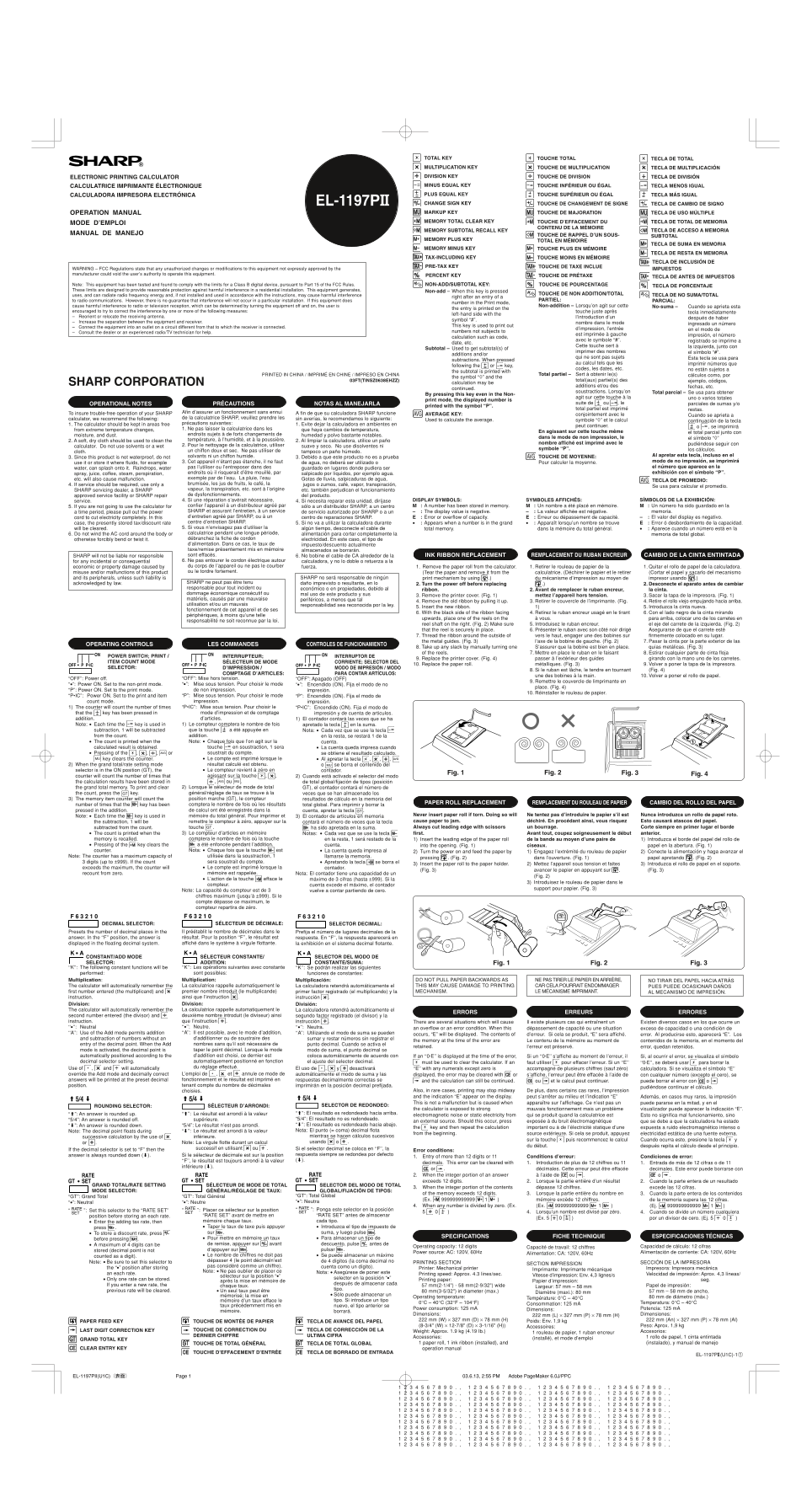
The EL-1197PII is a versatile commercial calculator designed for precise financial and mathematical calculations. This comprehensive manual guides users through advanced functionality, including tax/pre-tax computations, memory recall systems, calculating averages, and multi-stage percentage changes. It is essential reading for professionals, students, and business users who require reliable tools for complex accounting and daily operational calculations.
Manual Details
| Brand | Sharp |
|---|---|
| Pages | 2 |
| File Size | 412.39 KB |
| Published | June 04, 2026 |
Enter the captcha to get the download link:

Frequently Asked Questions
How do I find the subtotal or partial total on the printer?
To get a subtotal, press the SUBTOTAL RECALL key; it prints with the symbol '◊' and the partial total.
What should I do if I experience radio frequency interference?
Try to resolve the issue by reorienting or relocating the receiving antenna, increasing separation, or connecting it to a different circuit outlet.
How can I ensure the calculator operates smoothly and reliably?
Keep the device away from extreme temperature changes, moisture, and excessive dust in order to prevent malfunctions.
Does this model automatically calculate pre-tax amounts?
Yes, it has a dedicated TAX-INCLUDING key for tax inclusion and a PERCENT key (NON-ADD/SUBTOTAL) for percentages.