SHARP EL-520V Operation Manual
Summary
This comprehensive guide covers the operation of an advanced scientific calculator designed for complex calculations across multiple fields. The manual details core functions including arithmetic operations, memory management, and the use of four distinct number systems: Binary, Octal, Decimal, and Hexadecimal bases. Users will also learn specialized modes for statistics (regression), fractions, complex numbers, and scientific notation. It is perfect for students, engineers, and professionals requiring high-precision mathematical tools and advanced data conversion capabilities.
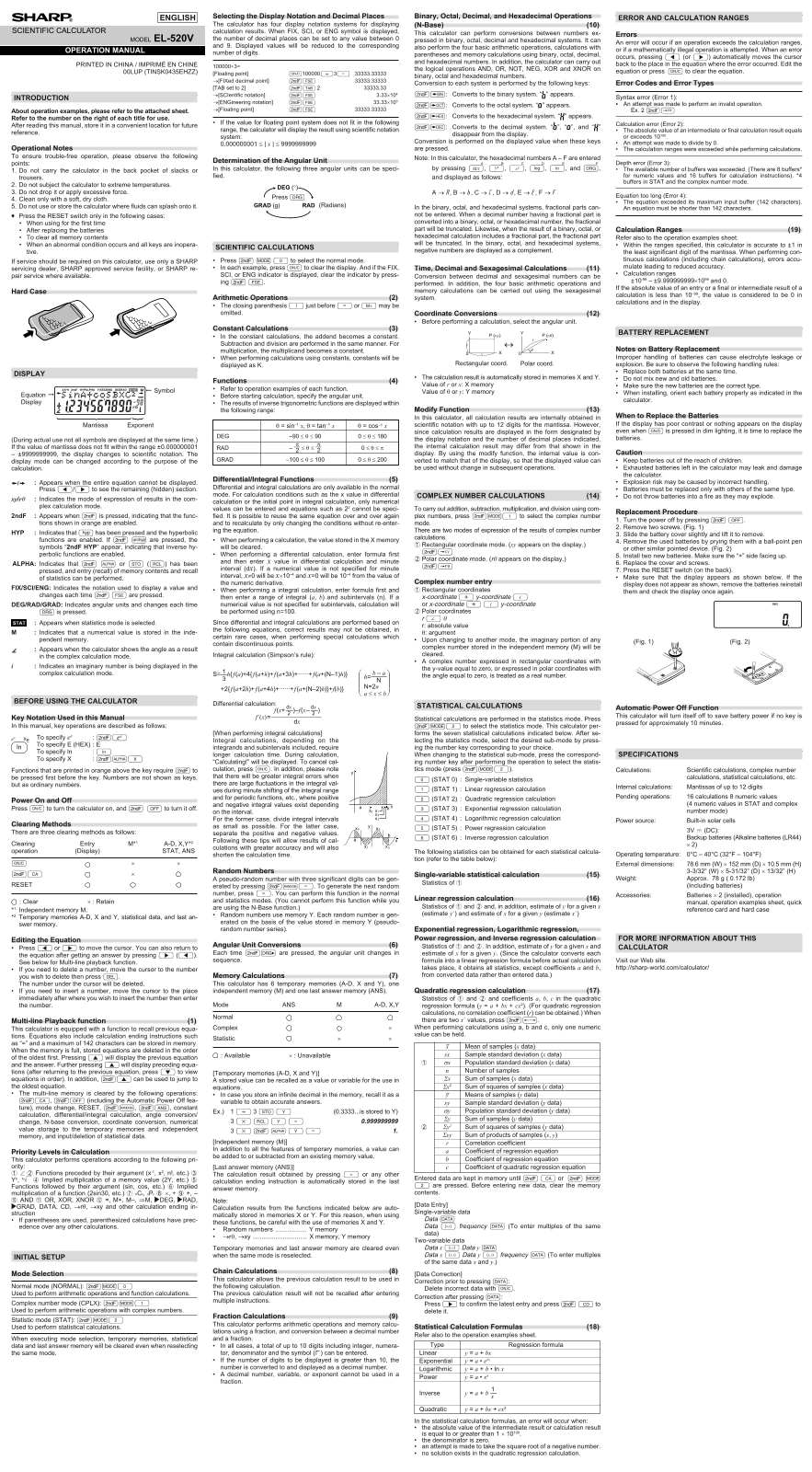
Manual Details
| Brand | Sharp |
|---|---|
| Pages | 1 |
| File Size | 92.41 KB |
| Published | May 31, 2026 |
Enter the captcha to get the download link:

Frequently Asked Questions
What display notations does this calculator support?
It supports Binary, Octal, Decimal, Hexadecimal, Scientific (SCI), and Engineering (ENG) notation.
How can I perform number system conversions?
Conversions are performed by pressing the corresponding key sequence (@ê:, @î, @ì, or @í).
What should I do if I get an error message?
An error will occur if operations exceed calculation ranges, division by zero (Error 2), equation is too long (Error 4), or other conditions (Error 1-3).
How do I calculate using complex numbers or statistics?
Select 'CPLX' (@m1) for complex numbers or 'STAT' (@m2) mode to perform respective calculations.