SHARP EL-1197P Operation Manual
Summary
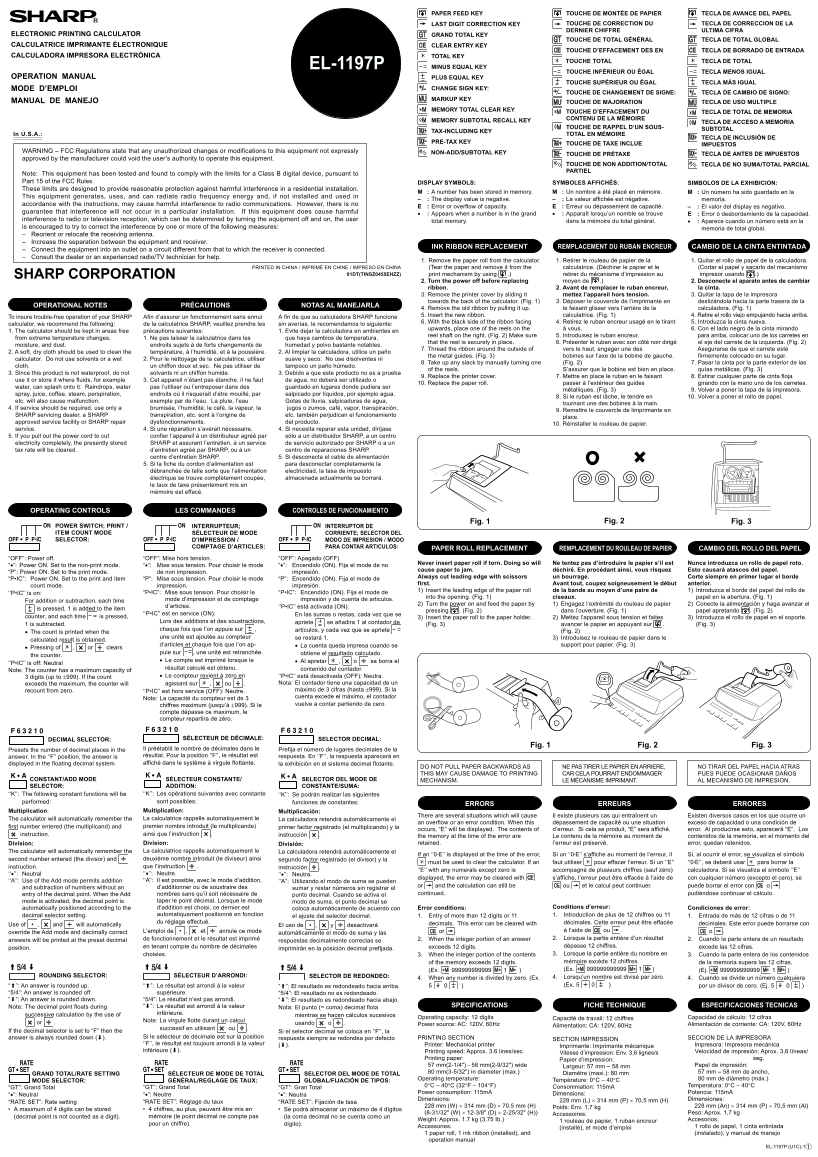
This technical manual provides comprehensive instructions for using a sophisticated electronic calculator featuring integrated printing capabilities. It details standard operation, utilizes advanced financial tools such as tax inclusion, subtotal retrieval, and grand total calculation through its digital display. The guide also offers crucial maintenance procedures, including how to safely replace the ink ribbon. Designed for professionals, small businesses, or retail users requiring high-precision point-of-sale calculations and durable, hardcopy record-keeping.
Manual Details
| Brand | Sharp |
|---|---|
| Pages | 2 |
| File Size | 204.83 KB |
| Published | June 04, 2026 |
Enter the captcha to get the download link:

Frequently Asked Questions
How do I replace the ink ribbon?
Power off, remove the paper roll, open the printer cover, pull out the old ribbon, and insert the new one with the black side facing up.
What does the 'M' symbol on the display indicate?
It means that a number has been stored successfully in memory.
Are unauthorized changes okay?
No. Unauthorized modifications can void operating authority and may cause harmful radio interference.