Page 1
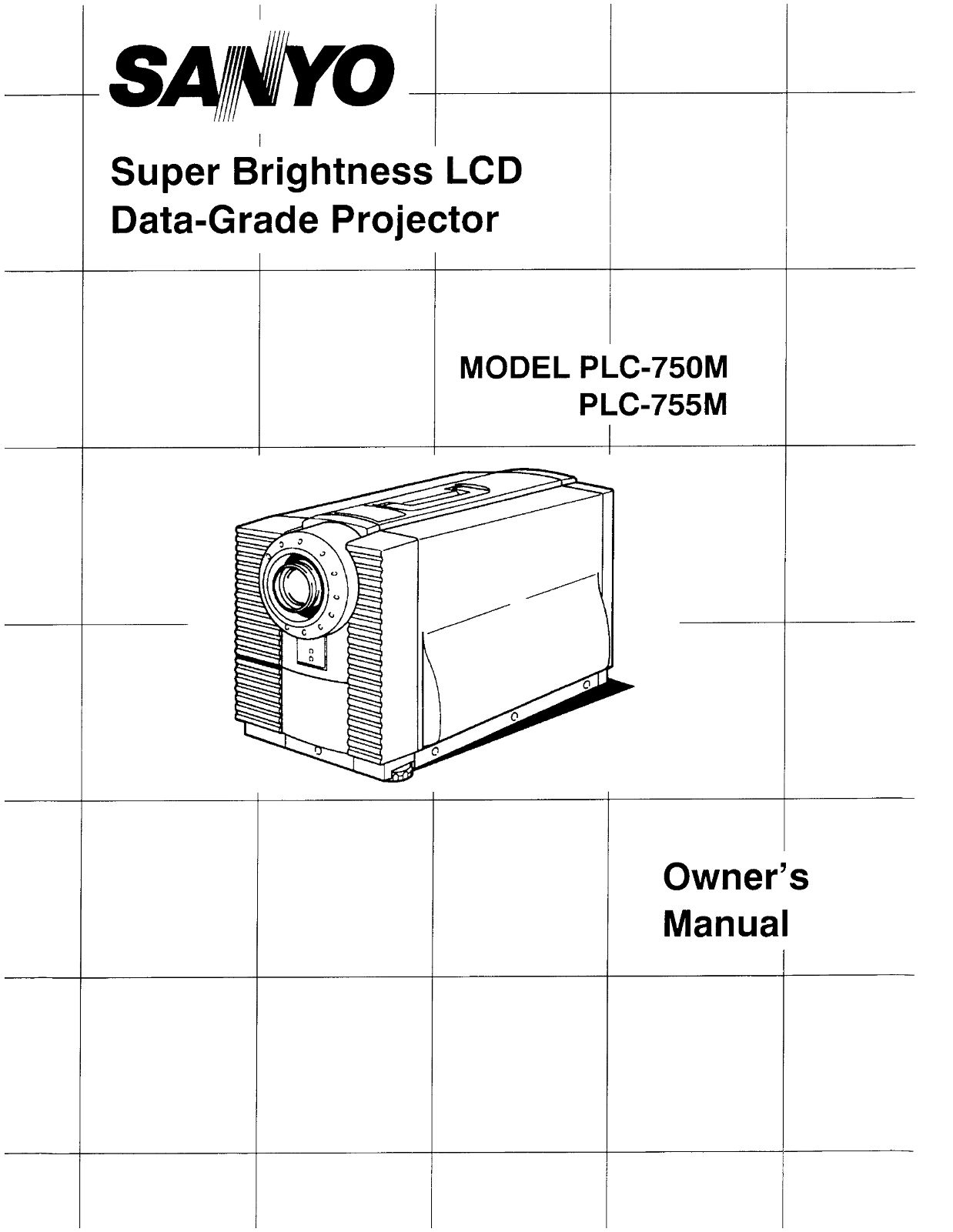
SANYO Super Brightness LCD Data-Grade Projector MODEL PLC-750M PLC-755M Owner s Manual
Page 2
INFORMATION TO THE USER NOTE: This equipment has been tested and found to compiy with the limits for a Class A digital device, pursuant to Part 15 of the FCC Rules. These limits are designed to provid...
Page 3
All the safety and operating instructions should be read Unplug this projector from wall outlet and refer servicing to before the product is operated. qualified service personnel under the foliowing c...
Page 4
DESCRIPTION 5 CONNECTING THE PROJECTOR 和 6-11 SETTING-UP THE PROJECTOR 12 OPERATION OF CONTROLS RN 13-14 REMOTE CONTROL UNIT OPERATION 15-16 USING THE PROJECTOR RN 17-20 PICTURE ADJUSTMENTS 站 21-22 AI...
Page 5
CARRY HANDLE [FRONT| spewen EXx HAUST VENT CAUTIONI HOT AIRI Air blow from the exhaust veni Is hot, Observe the following when handling Your PROJECTION LEN projector or choosing a locaticn to instali ...
Page 6
( ORGRERROE ) Your projector is equipped with various audiovideo inputs and outputs including Computer DB25-pin terminals, Computer Separate input (BNC) and S-VHS video input, COMPUTER MODE This proje...
Page 7
CONNECTING THE PROJECTOR TO ACOMPUTER Projector -i Personal 6 Computer| -ee BNC Cable ”… 5 SERIAL PORT COMPUTER INPUT AUDIO INPUT Y-CABLE SERIAL PORT OUTPUT OORGO 轩 auclo 四 ws vip Eo 人 @) 地 回 Auplo 回 ...
Page 8
ACCESSORIES ADAPTER CABLE SPECIFICATIONS 从 ) VGAY CABLE LCD Projector Monitor Computer DB25 (Male) HD-DB15 (Female) HD-DB15 (Male) 站 让 上 志和 国 和 和 电量 总 吕 23456 1虽 DDODOOD@BS 妆 DDD 141516 2435 Pin Ne/Si...
Page 9
Coemputer DB15 (Male) Rinput R Return R Return Ginput Rinput R output Binput Comp.-sync, Comp.-sync, R output Sense0 Sense 0 Goutput Ginput Goutput B output G Return G Return Sense 1 Sense 1 Binput B ...
Page 10
RAVMODE (AV1 or AV2) CCONNECTING TO THE AV1 INPUT JACKS Connect to the video and audio outputs of a VCR, vigeo disc player video camera, satellite TV tuner or otner AV equipment. @Connect video/audio ...
Page 11
HOW TO CONNECT EXTERNAL AV EQUIPMENT Projector Satellite TV Tuner 一 一 | Video Cassette Recorder1 加 ER vidoo bisc paye Amp. Speaker 有 Speaker LAudo 站 (人 D 中 有 (R) Monitor 4 Video 贺人 1 VIDEOC EQUIPMENT ...
Page 12
POSITIONING: e This projector is basically designed to project on aflat projection surface. @ This projlector can be focused from 3.2 (1.0m) - 53.8" (16.4m) (Model PLC-750M), 6.2 (1.9m) ~ 66' (20...
Page 13
TOP CONTROLS TOP CONTROLS oo eeee | , (0 POWER , WARNING Lp 人 SS LA 庆 P READY TEMP Fee9 了 汪 全 | 。 E [7 下 MUE 光 WVOTEME 十 SYS5EM SETTING 人 人 @ 网 和 加 9 OO 人 省 各 oo 和 全 POWER (LAMP) ON/OFF BUTTON Used to...
Page 14
BACK OF THE PROJECTOR REE RC ooeleg9SG 楂 pe 加 区 woeo 加 AUpl G 加 wem VIDEO SNT5 冯 个 一 Pa(@) (@) (@)- 回 Aucie 四 wovip Eo [14 COMPUTER AUDIO INPUT JACKS Used to connect a computer audio input to the Proj...
Page 15
MODE BUTTON - - INFRAREDAWIRED Used to select video Source. (Computer Input, Video Input-1 REMOTE CONTROL or Video input-2) POWER (LAMP) ON/OFF BUTTON Used to turn projection lamp cn or off. ZOOM BUTT...
Page 16
REMOTE CONTROL BATTERY INSTALLATION Remove the battery | Slide the batteries into the Replace the compart- compartment lid. compartment. ment liql, Note' For correct poiarity (~ and ;terminalj, be sur...
Page 17
TO TURN ON THE PROJECTOR terminals on the rear ofthe projector (See page 6-11), Press the POWER (LAMP) ONOFF button on the prolector or on ihe remote control unit to ON. The POWER indicator will light...
Page 18
ADJUST THE PROJECTOR VIDEO MODE SELECT Press the MODE button (located on projector or remote control uni to select Computer Input, Video Inpuit1 or Video Input-2. The "COMPUTER", ”"AV1 ...
Page 19
SYSTEM SELECT ec COMPUTER MODE When a computer is connected to the projector and both of the computer and the projector are turned On, the type of the connected computer system appears on the screen. ...
Page 20
OTHER FUNCTION SETTING This projector has other function settings; lens shift, display, blue background, reverse R/L and audio out, These setting by using SETTING and LEVEL buttons on the projector or...
Page 21
TOP CONTROLS REMOTE CONTROL UNIT LEVEL CONTROL 3558 BUTTONS MENUJ 二 LEYEE 十 FD&US,NORMAL 周 . MENU = - BUTTON 人 NORMAL BUTTON MENU LEVEL CONTROL “NORMAL BUTTON “BUTTONS BUTTON (A) COMPUTER MODE Pic...
Page 22
{B) AV1 and AV2 MODE Picture adjustments have been preset at the factory to our quality standards. The picture adjustments can be made by the MENU and LEVEL buttons on the projector or on the remote c...
Page 23
AIR FILTER (TOP) When the air filter is blackened, it is time to change new AIR FILTER air fiter, Request service from an authorized dealer cr (TOP) Service station . Be sure to face the air filter in...
Page 24
LAMP REPLACEMENT INDICATOR When the lamp nears the end of its service life, the picture quality and color quality will deteriorate and the lamp replacement indicator will light orange. DO NOT ATTEMPT ...
Page 25
Problem: Try these Solutions: No power e Piug the projector into an AC outlet, es Turmnthe MAINS ONOFF switch to ON. ep Pressthe POWER (LAMP) ONOFF button to ON. ec Checkthe READY INDICATOR Iight ON, ...
Page 26
SPECIFICATIONS Projector Type LC Data-Grade Projector Dimensions (Wx H x D) 13.3" (337.5 mm ) x 15.5" (394 mm) x 22”(594 mm) Net Weight 53.9 lbs (23.5 kg) 3.1" TFT Active Matrix type (T...
Page 27
- POLA.DT CNMDCTEIE DOTx LNES | f H (k Hz) | 1V LINBE) TY SVGA1 SVGA 800 > 600 800 > 600 37.97 628 一 SVGA2 SVGA 800 、 600 800、 600 36.54 628 -| - SVGAS SVGA 800 :… 600 800 > 600 35.25 624 + |...
Page 28
SANYO INDUSTRIAL VIDEO LCD PROJECTOR LIMITED WARRANTY OBLIGATIONS In order to obtain warranty service, the product must be delivered to and picked up from an Authorized Sanyc Service Center at the use...