Page 1
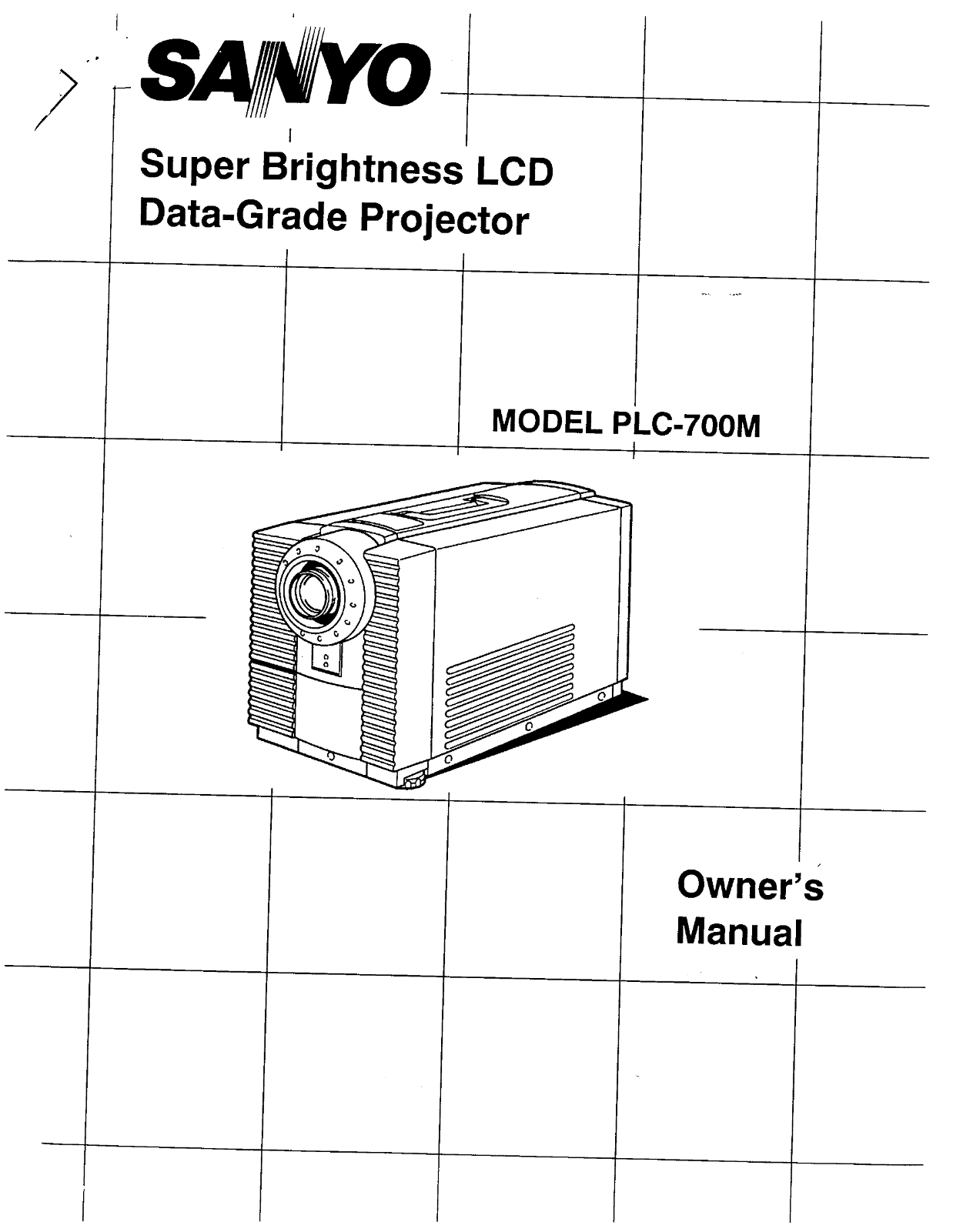
SANYDO四 Bin LCD Data-Grade Projector MODEL PLC-700M Owners Manual
Page 2
INFORMATION TO THE USER _、 NOTE: This equipment has been tested and found to comply with the limits fora Class A digital device, Pursuant to Part 15 of the FCC Rules. These limits are designed to prov...
Page 3
Unplug this projector from wall outlet and refer servicing to Al the safety and operating instructions should be read qualified service personnel under the folowing conditions: before the product is o...
Page 4
DESCRIPTION 5 CONNECTING THE PROJECTOR RN 6-11 SETTING-UP THE PROJECTORRNN ee 12 DPERATION OF CONTROLS PN 13-14 REMOTE CONTROL UNIT OPERATION PN 15-16 USING THE PROJECTOR Ne 17-20 PICTURE ADJUSTMENTS ...
Page 5
CARRY HANDLE EXHAUST VENT CAUTIONI HOT AIRI Air blow from the exhaust vent is hot. Observe the following when handling your PROJECTION LEN projector or choosing a location to install it 重 Keep heat-se...
Page 6
K ) Your projector is equipped with various audiovideo inputs and outputs including Computer DB25-pin terminals, Computer Separate input (BNC) and S-VHS video input, MPUTE This projector is compatible...
Page 7
Monitor Personal Computer BNC Cable X5 SERIAL PORT OUTPUT INPUT Y-CABLE > 图 因 SERIAL PORT 全 @ OUTPUT SIGEO BRC OOAG 回 Auplo 四 wowov Ip Eo 国 Auplo 加 wowovipto SIGIGI 团 Auclo 加 womoyio Eo not appear.
Page 8
Pin No JSignal Pin No/Signal Pin No J/Signal 1 Rinput 1 Rinput 1 Routput 2 Ginput 2 Ginput 2 G output 3 Binput 3 Binput 3 Boutput 4 R output 4 Sense2 4 Sense 2 5 Goutput 5 Not used 5 Not used 6 Boutpu...
Page 9
(B) MAC IY CABLE Pin No/Signal Pin No/Signal Pin No./Signal 1 Rinput 1 R Return 1 R Return 2 Ginput 2 Rinput 2 R output 3 Binput 3 Comp.-sync, 3 Comp.-sync, 4 有 output 4 Sense0 4 Sense 0 5 Goutput 5 G...
Page 10
CONNECTING TOTHE AV1 INPUT JACKS Connect to the video and audio outputs of a VCR, video disc player video camera, satellite TV tuner or other AV equipment, e Connect video/audio outputs from external ...
Page 11
| Sateilte TV Tuner [| Video Cassette Recorder IE 国 video Disc Playe, Armp. Speaker Speaker Audio ”mmmmmemms 人 ) (R) VIDEO EQUIPMENT Video Cassette Recorder Video Disc Player Satelite TVTuner L R VIDE...
Page 12
on aflat projection surface. ) ~ 35.8 (10.9m). The projector should ideally be placed in 8 room with very limited light, Picture quality will be directly affected by lighting conditions, Minimum Maxim...
Page 13
TOP CONTROLS TOP CONTROLS Used to turn projection lamp on or off. Lights dim when the projector is on., Lights bright when the projector is stand-by position Lights green when projector lamp is ready ...
Page 14
COMPUTER AUDIO INPUT JACKS Used to connect a computer audio inputto the projector, Used to connect a computer te the projector. COMPUTER INPUT JACKS (BNC) Red, Green, Blue,Horiz. Sync. and Vert. Sync....
Page 15
@@Mop EBUTTON。 INFRAREDAWIRED Used to select video source. (Computer Input Video Input-1 REMOTE CONTBROL or Video Input-2) @@ Pow ER (LAMP) ONOFF BUTTON Used to turn projection lamp on or off-. @@zoo ...
Page 16
Note: For correct polarity (+ and - terminal), be sure the battery terminals are in contact with the pins in the compartiment, Gee OD The remote control unit can be used as wireless or wired remote co...
Page 17
Connect the projector to a video source (Computer VCR, Video Camera, Video Disc Player, etc.) using the appropriate terminails on the rear ofthe projector (See page 6-11), Connect the projectors AC po...
Page 18
STir HE PROJECTOR VIDEO MODE SELECT Press the MODE button (located on projector or remote control unit to select Computer Input Video Input-1 or Video Input-2. The "COMPUTER” ”AV1” or "AV2 &...
Page 19
SYSTEM SELECT e COMPUTER MODE When a computer is connected to the projector and both of the computer and the projector are turned On, the type of the connected computer system appears on the Screen, (...
Page 20
OTHER EUNCIIONISETTNG This projector has other function settings; lens shift, display, blue background and reverse R/L. These setting by using SETHNG and LEVEL buttons on the projector or remote contr...
Page 21
TOP CONTROLS REMOTE CONTROL UNIT LEVEL CONTROL BUTTONS BUTTON NORMAL BUTTON MENU LEVEL CONTROL NORMAL BUTTON BUTTONS BUTTON (人们 ) COMPUTER MODE Picture adjustments have been preset at the factory to o...
Page 22
(B) AV1 and AV2 MODE Picture adjustments have been preset at the factory to our quality standards. The picture adjustments can be made by the MENU and LEVEL buttons on the projector or on the remote C...
Page 23
The removable airfilter prevents dust ffom accumulating on the surface ofthe projection lens and projection mirror. Should the air fiter become clogged with dust particles, it will reduce the cooling ...
Page 24
DO NOT ATTEMPT TO REMOVE OCR CHANGE THE PROJECTION LAMP. THE LAMP CAN ONLY BE CHANGED BY QUALIFIED SERVICE PERSONNEL. The TEMPERATURE WARNING INDICATOR flashes red when the internal temperature of the...
Page 25
Check the following chart before requesting service. No power No sound from built-in speaker No coilor Picture is reversed Picture blurred or color faded NOTE: Moving the projector from a cool tempera...
Page 26
SREKEIFICATIONS, Super Brightness LCD Data-Grade projector 12.2" (310 mm ) x 15.5" (394 mm) x 23.4"” (594 mm) 53.9lbs (23.5 kg) 3 人 TFT Active Matrixtype (Thin Film Transistor) x 3 921,...
Page 27
( QGMPATIBLE PE RSQNAE C9MPUTER-SPEC QM ATIB 人 UTE 1 APPLE IT e 560 x 192 FM-TOWNS 人 320 x 240 262 -| = CGATEXT 640 x 200 262 + | + CGA GRAPHIC 640 x 200 262 + | + HGC TEXT 720 x 350 370 + | -=- HGC G...
Page 28
SANYO INDUSTRIAL VIDEO sa LCD PROJECTOR LIMITED WARRANTY DBLIGATIONS In order to obtain warranty service, the product must be delivered to and picked up from an Authorized Sanyo Service Center B the u...