Rollei 360 Degree Camera SI360 Quick Start Guide (FR)
Summary
Capture professional-grade photos and videos with this 1360-degree wide-angle camera system. Designed for both beginners and advanced enthusiasts, it allows users to seamlessly integrate their photography workflow with modern technology. This comprehensive guide covers everything from initial setup and charging routines to operating photo/video modes and establishing a secure Wi-Fi connection. Control your settings and manage captures effortlessly via the dedicated smartphone app, making superior wide-angle photography accessible right from your phone or tablet.
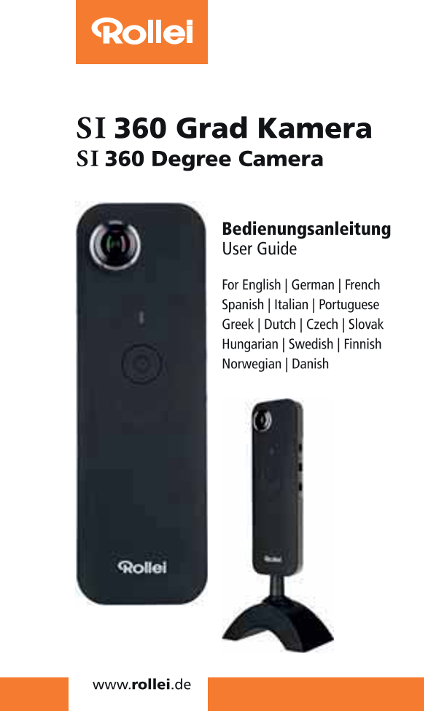
Page 1 Text Content
SI 360 Grad Kamera SI360 Degree Camera
Bedienungsanleitung User Guide
For English | German | French
Spanish | ltalian | Portuguese
Greek | Dutch | Czech | Slovak
Hungarian | Swedish | Finnish
Norwegian | Danish
四 ee II
Page Summary Contents For Rollei 360 Degree Camera SI360 Quick Start Guide (FR)
Manual Details
| Brand | Rollei |
|---|---|
| Pages | 7 |
| File Size | 777.62 KB |
| Published | June 05, 2026 |
Enter the captcha to get the download link:

Frequently Asked Questions
How do I connect and control the camera remotely?
Use the Rolleis S1360 app (compatible with Android 5.0+) on your smartphone or tablet via WiFi, allowing access to settings, photo taking, and live streaming.
What are the optimal specifications for video storage?
Video must be stored on micro SDHC cards of 8GB-32GB, which must be Class 10 or higher. The recommended charging current is 5V/1A or more.
What warnings do I need to follow when handling the battery?
Never disassemble, crush, puncture, allow short-circuiting, or expose the battery in high temperatures. Always use the supplied charger and keep batteries out of reach of children.
How can I reset the camera's Wi-Fi functionality?
If the device is off, simultaneously press and hold the WiFi button and the power button until the green light blinks before stabilizing.