Rollei 360 Degree Camera SI360 Operation Manual (EN)
Summary
Streamline your live content creation with the Rolleis i360 360-degree camera system. This comprehensive quick start guide empowers users to easily set up and operate professional livestream broadcasts directly from the device. The manual provides detailed instructions for seamless streaming to major platforms including Facebook and YouTube, ensuring a reliable connection via Wi-Fi or 4G hotspot. Designed for content creators, event photographers, and broadcasters who require high-quality, stable 360° video capture while live.
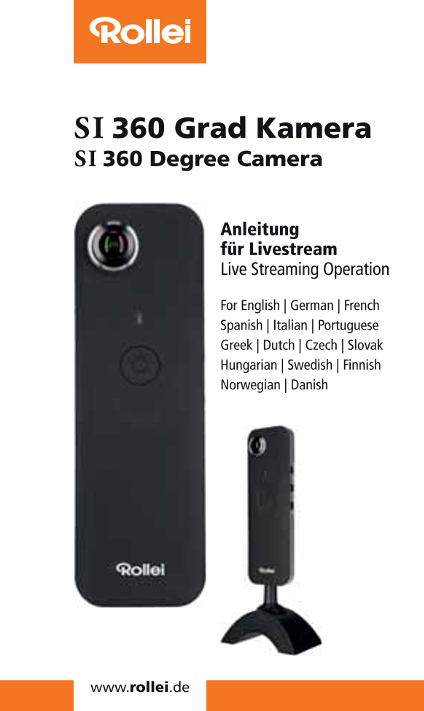
Page 1 Text Content
SI360 Grad Kamera SI 360 Degree Camera
Anleitung fnr Livestream
Live Streaming Operation
For English | German | French
Spanish | Italian | Portuguese
Greek | Dutch | Czech | Slovak
Hungarian | Swedish | Finnish
Norwegian | Danish
Page Summary Contents For Rollei 360 Degree Camera SI360 Operation Manual (EN)
Manual Details
| Brand | Rollei |
|---|---|
| Pages | 7 |
| File Size | 1.32 MB |
| Published | June 05, 2026 |
Enter the captcha to get the download link:

Frequently Asked Questions
How do I set up Facebook live streaming?
Install Rolleis1360App, connect mobile device to Wi-Fi/4G, select 'Stream on Facebook', enter a title, and tap 'Start Broadcast'.
What is the sequence for turning off and resetting the camera?
When finished, you must STOP broadcast on the App first, and then power off the camera.
How should I connect my mobile device to the camera before streaming?
Power on the camera, switch on its WiFi, and connect your mobile device using the SSID 'RolleiS1360_XXXXXXXXXXXX'.