Rollei 360 Degree Camera SI360 Quick Start Guide (EN)
Summary
Master this advanced smart camera with the complete user guide. This manual provides comprehensive instructions for capturing high-resolution photos and stable videos wirelessly, enhancing your content creation capabilities. It details everything from initial setup and Wi-Fi connectivity to hands-on operation using the dedicated mobile app (Android/iOS). Designed for users seeking professional yet portable recording solutions, this guide covers all necessary features, operational settings, and technical specifications ensuring smooth performance every time you shoot.
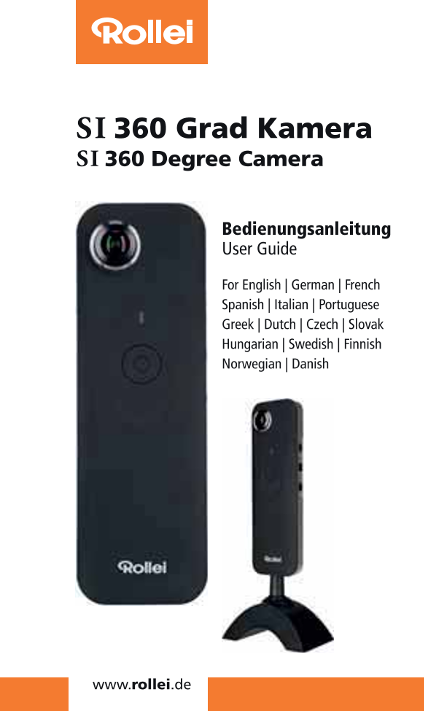
Page 1 Text Content
SI 360 Grad Kamera SI360 Degree Camera
Bedienungsanleitung User Guide
For English | German | French
Spanish | ltalian | Portuguese
Greek | Dutch | Czech | Slovak
Hungarian | Swedish | Finnish
Norwegian | Danish
四 ee II
Page Summary Contents For Rollei 360 Degree Camera SI360 Quick Start Guide (EN)
Manual Details
| Brand | Rollei |
|---|---|
| Pages | 7 |
| File Size | 726.17 KB |
| Published | June 05, 2026 |
Enter the captcha to get the download link:

Frequently Asked Questions
How do I know the device is successfully powered on?
The green indicator light of the power button will flash, and the buzzer will ring twice.
What app should I use to manage settings like live broadcasting?
You must download the RolleiS1360APP from either the Apple Store or Google Play.
How do I connect the camera if it has been completely turned off?
Press the WiFi button and the power button simultaneously. The green light will then flash until it is solid on.
What are the recommended specs for charging this camera via USB?
It is recommended to use a power rating of 5VA/1A or above for optimal operation when using an AC adapter or power bank.