# A B C D E F G H I J K L M N O P Q R S T U V W X Y Z

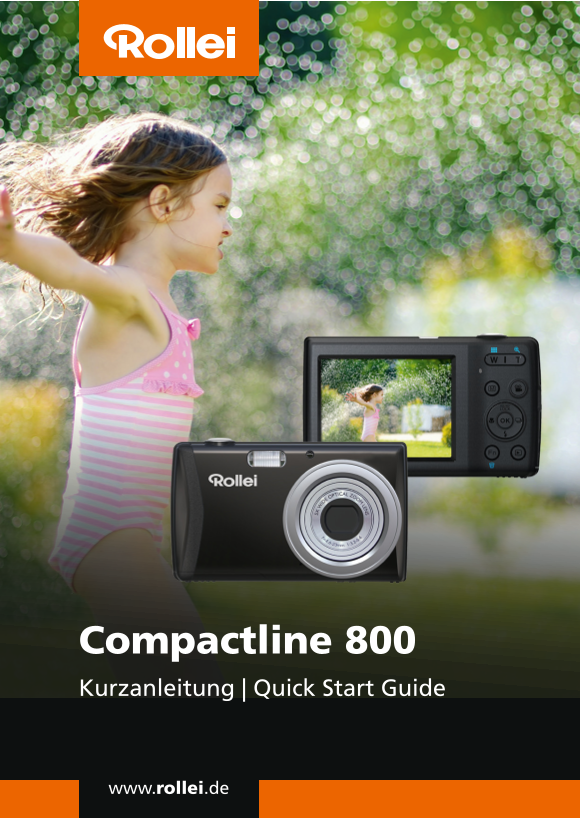
Rollei Camera Compactline CL-800 Quick Start Guide (EN)

Summary

Capture professional-quality photos and videos with this feature-rich compact camera. Featuring a 20MP sensor and 5x optical zoom, it is perfect for general users seeking reliable, high-definition image capture on the go. This quick start guide provides comprehensive usage instructions, covering everything from battery insertion and USB charging to advanced functionalities like setting dates, composing stills (via half-press focus), recording video clips, and navigating complex photo management menus.
📄 Preview PAGE OF 10

Page Summary Contents For Rollei Camera Compactline CL-800 Quick Start Guide (EN)

Page 2 Quick Start Guide ENGLISH Camera Views Front View 1. Flash 2. Self-timer LED 3. Lens 4. Microphone Back View 5. LCD monitor 6. LED indicator 7. Zoom button 8. Menu button 9. Movie button 10. OK button...
Page 3 Top View 13. Power button 14. Shutter button Bottom View 15. Battery/Memory card compartment 16. Speaker 17. Tripod screw hole Left/Right View 18. USB/TV Out 19. Strap ring
Page 4 Step 1. Inserting the Battery 1. Unlock and open the battery/ memory card compartment at the bottom of the camera. 2. Insert the battery into the compartment with the terminal facing inside the camera...
Page 5 Step 2. Inserting an SD/SDHC/SDXC Memory Card 1. Unlock and open the Battery/ memory card compartment at the bottom of the camera. 2. Insert the SD/SDHC/SDXC card into the memory card slot with the me...
Page 6 Step 3. Charging the Battery by USB 1. Connect the camera with the USB cable as shown. 2. Connect the other end with the USB adapter (not included) and plug it into a power outlet or with the USB port...
Page 7 Step 5. Taking Images 1. Turn on the camera by pressing the Power button. 2. Frame the shot using the focus bracket on the LCD monitor. See illustration on the right. 3. Pressing the Shutter button do...
Page 8 Step 8. Using the Setup Menu 1. Press Menu button to launch the Record/Playback Menu. 2. Use the or keys to switch the menu tab to Setup menu. 3. Use the or keys to move through the menu selections. 4...
Page 9 Still Image: EXIF 2.3 compatible format (JPEG compression) File Format AVI (Video: MJPEG, Audio: mono) Audio: WAV Internal memory: 64MB flash memory Storage External memory: SD (up to 4GB), SDHC card ...

Manual Details

Brand Rollei
Pages 10
File Size 2.70 MB
Published June 04, 2026
35 views

Enter the captcha to get the download link:

captcha

Frequently Asked Questions

How do I insert the memory card?

Unlock the compartment, place the SD/SDHC/SDXC card with its metallic part facing the back, and push until it clicks.

What indicates when the camera is fully charged?

When the battery is fully charged while plugged in, the LED indicator will go off.

Where should I use the manual shutter speed setting?

The Shutter Manual setting allows speeds between 15 and 1/2,000 sec.

Are there specific rules when charging the battery?

It is recommended not to operate the camera while it is actively charging.