Rollei 360 Degree Camera SI360 Operation Manual (FR)
Summary
Elevate your content creation with this professional 360-degree camera system. This comprehensive manual provides step-by-step instructions for setting up seamless live streaming across major platforms like Facebook and YouTube. Designed for streamers, vloggers, and content creators, it covers Wi-Fi connection protocols, multi-platform configuration, and troubleshooting. Featuring guides in dozens of languages, this resource ensures you can initiate high-quality, effortless 360° broadcasts anywhere in the world.
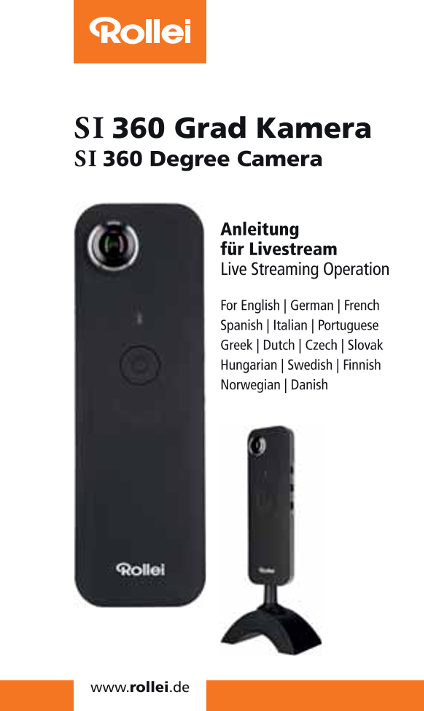
Page 1 Text Content
SI360 Grad Kamera SI 360 Degree Camera
Anleitung fnr Livestream
Live Streaming Operation
For English | German | French
Spanish | Italian | Portuguese
Greek | Dutch | Czech | Slovak
Hungarian | Swedish | Finnish
Norwegian | Danish
Page Summary Contents For Rollei 360 Degree Camera SI360 Operation Manual (FR)
Manual Details
| Brand | Rollei |
|---|---|
| Pages | 7 |
| File Size | 1.35 MB |
| Published | June 05, 2026 |
Enter the captcha to get the download link:

Frequently Asked Questions
How do I set up the RolleiS1360 for Facebook live streaming?
Install the app, connect your mobile device to Wi-Fi or 4G, open the RolleiS1360 app, select 'Live on Facebook', enter a title, and press 'Start Live.'
How does the camera handle network connectivity during streaming?
The camera uses the designated external Wi-Fi point or 4G source for broadcasting while keeping its own WiFi active. Use 'OK' or 'Confirm' to proceed.
What should I do immediately after ending a live stream?
Crucially, press 'STOP Live Stream' on the app before powering down the camera to ensure it is properly reset.