PHILIPS MCM138D Quick User Guide (English)
Summary
This quick start guide provides comprehensive instructions for setting up and utilizing the MCM138D stereo audio system. Learn how to properly connect antennas, power sources, and speaker wires in the setup section. The manual thoroughly details operating every feature, including CD playback procedures, precise radio tuning, clock setting, and easy integration of portable devices via the specialized iPod dock connector. It is designed for new owners seeking complete mastery over home audio functionality and multi-source music enjoyment.
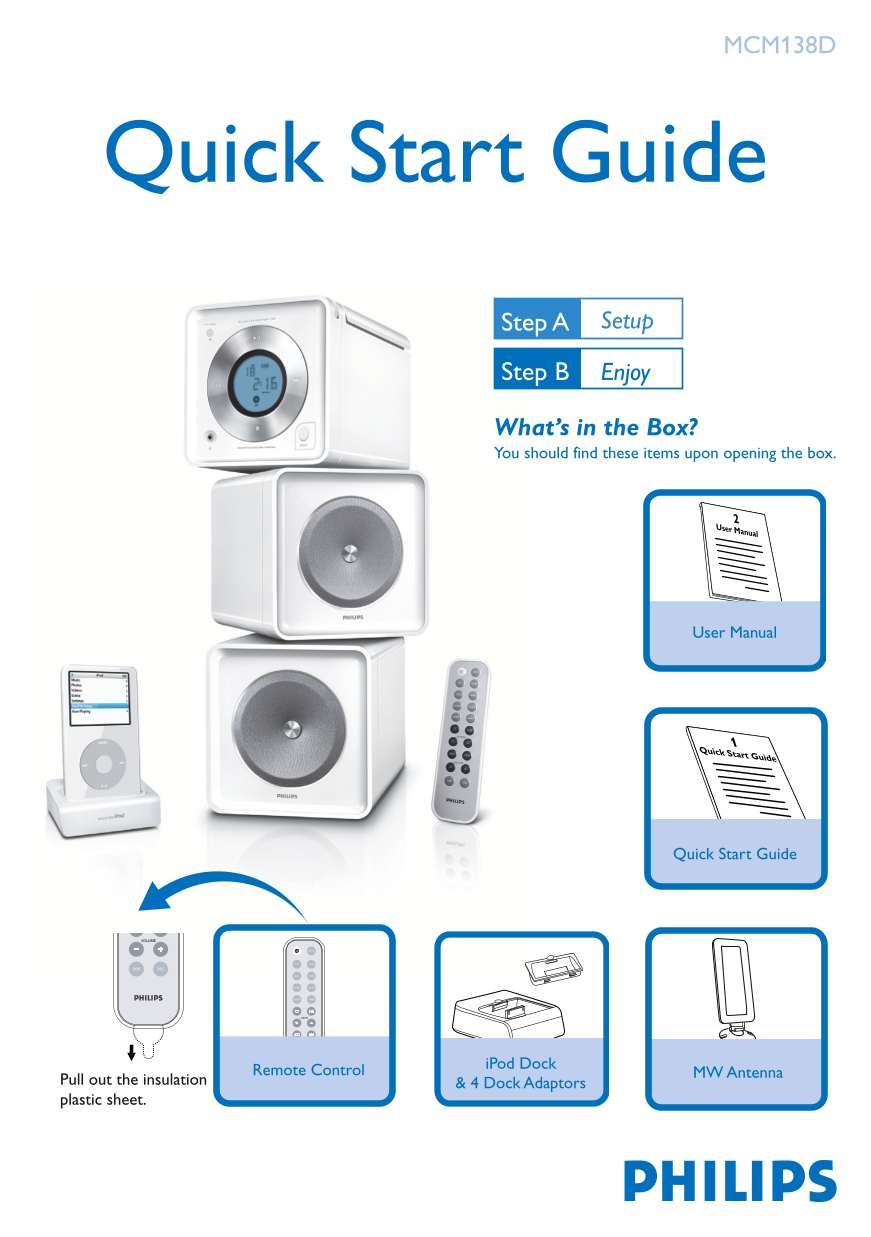
Page 1 Text Content
MCM138D
Quick Start Guide
Step A Setup
Step B Enjoy
What’s in the Box? You should find these items upon opening the box.
User Manual
User Manual
Quick Start Guide
Quick Start Guide
VOLUME
CD TUNER
DBB DSC
AUX PROG
REPEAT SHUFF
SLEEP TIMER
ALBUM
VOLUME
DBB DSC
i Pod Dock
Remote Control MW Antenna
Pull out the insulation & 4 Dock Adaptors plastic sheet.
MCM138D_12 QUG_Eng_i Pod 5/16/08, 16:481
Page Summary Contents For PHILIPS MCM138D Quick User Guide (English)
Manual Details
| Brand | Philips |
|---|---|
| Pages | 4 |
| File Size | 543.37 KB |
| Published | July 06, 2026 |
Enter the captcha to get the download link:

Frequently Asked Questions
How do I set the clock time?
In standby mode, press PROG/CLOCK. Use $\uparrow / \downarrow$ to set hours, then repeat for minutes. Press PROG/CLOCK again to confirm.
What sources can be selected on the system?
Sources include CD, TUNER, DOCK (for iPod), and AUX.
How do I connect an external radio antenna?
For radio reception, connect the supplied MW antenna to the MW aerial terminal and the FM pigtail antenna.
What is required to play an iPod wirelessly?
Select the correct dock adaptor, snap it into the dock connector (iPod), and then connect the associated cables to the DOCKING IN jacks on the main set.