PHILIPS MCD177 Quick User Guide (English)
Summary
Introducing the MCD177 Hi-Fi entertainment system, designed for flawless home audio and video enjoyment. This quick guide provides essential steps for rapid installation, allowing immediate setup with minimal effort. It covers everything from connecting speakers and antennas to playing DVDs/CDs and accessing USB media devices. Beginners needing a fast, comprehensive introduction to all features—including radio tuning and advanced video settings—will find this manual highly useful.
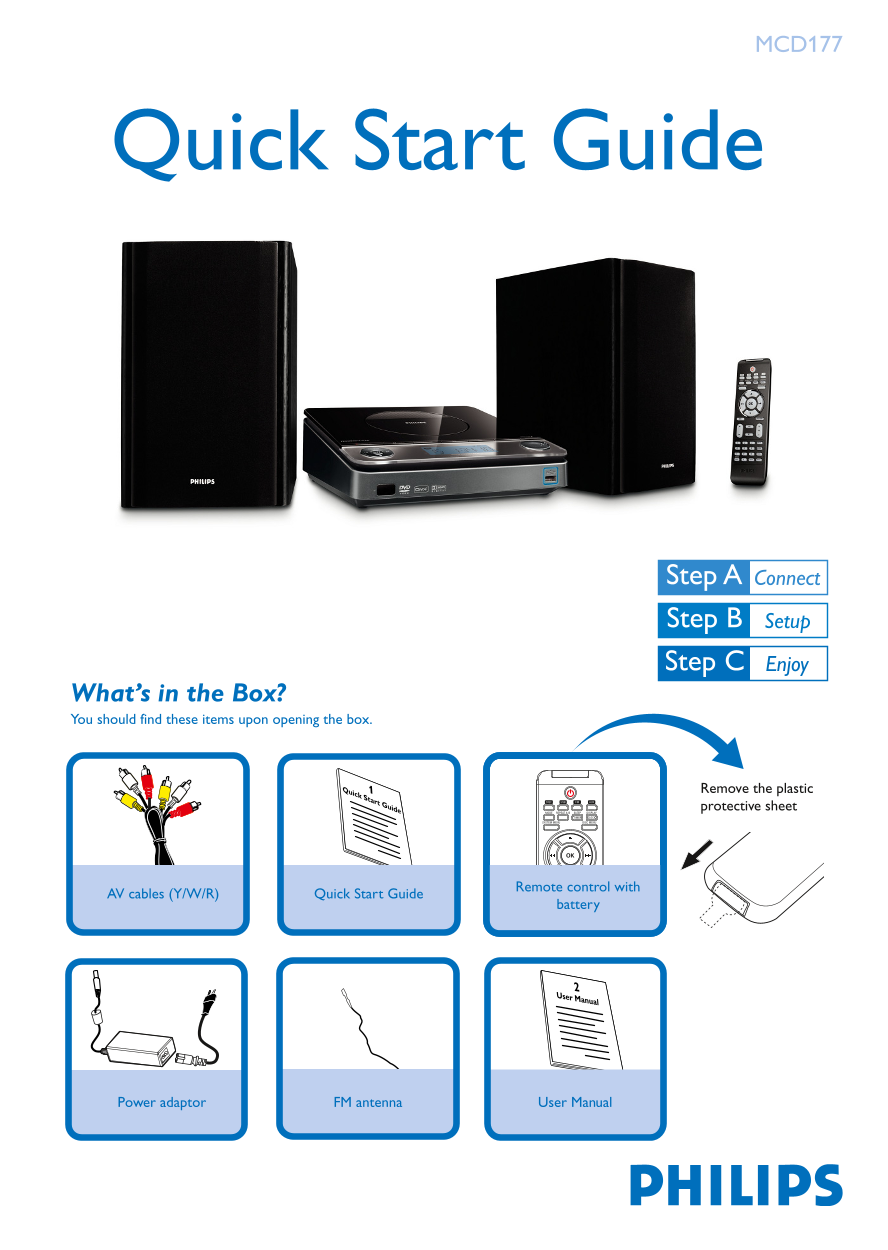
Page 1 Text Content
MCD177
Quick Start Guide
What’s in the Box? You should find these items upon opening the box.
1Quick Start Guide Remove the plastic
protective sheet
Remote control with
Quick Start Guide AV cables (Y/W/R)
battery
User Manual
Power adaptor FM antenna User Manual
MCD177_98_QSG_Eng 3/3/08, 11:001
Page Summary Contents For PHILIPS MCD177 Quick User Guide (English)
Manual Details
| Brand | Philips |
|---|---|
| Pages | 4 |
| File Size | 743.21 KB |
| Published | July 04, 2026 |
Enter the captcha to get the download link:

Frequently Asked Questions
What items are included in the box?
Remote with AV cables, Quick Start Guide, battery, power adaptor, FM antenna, and User Manual.
How do I set the clock?
In standby, hold DISPLAY/CLOCK, set hours with TUNING, minutes with í/ë, pick 12/24h with PROG, then press DISPLAY/CLOCK.
What USB devices are compatible?
USB 2.0/1.1 flash memory, USB 2.0/1.1 flash players, and memory cards with an extra card reader.
How do I turn off progressive scan?
Set TV to interlaced mode, then select OFF in the system's PROGRESSIVE menu and press SYSTEM MENU to exit.