# A B C D E F G H I J K L M N O P Q R S T U V W X Y Z

PHILIPS DC320 User Guide (English)

Summary

Enhance your home entertainment experience with this Philips Docking Entertainment System. This comprehensive guide provides detailed instructions for setup, connectivity, and operation, ensuring you get the most out of your system. Learn how to play music from iPod/iPhone or external devices, tune into radio stations (manual and automatic programming), activate enhanced bass, and set alarms. It is designed for new users who require a complete walkthrough of all features, troubleshooting steps, and essential safety guidelines.
📄 Preview 📖 Table of Contents Contents PAGE OF 16

Page 1 Text Content

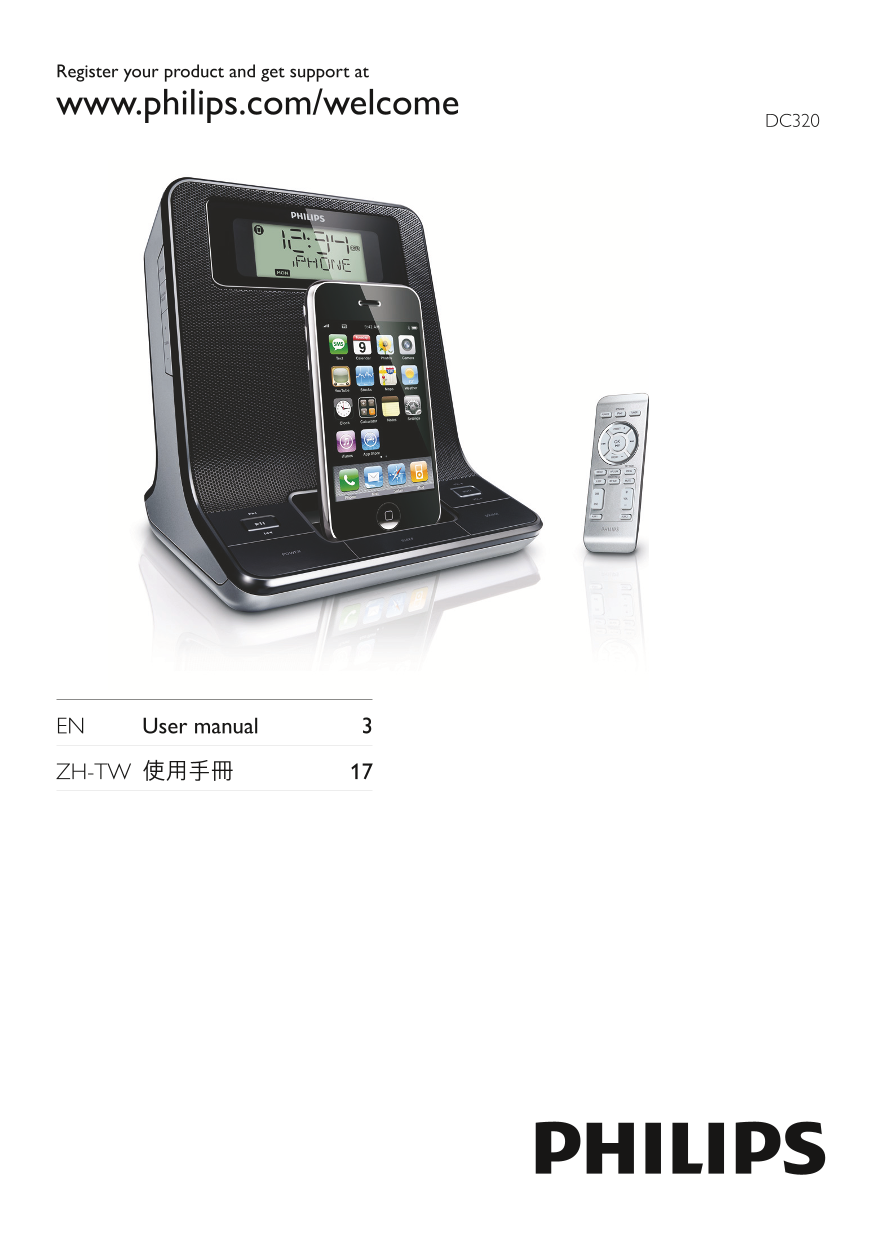
Register your product and get support at www.philips.com/welcome

DC320

EN User manual 3

ZH-TW 使用手冊

Page Summary Contents For PHILIPS DC320 User Guide (English)

Page 1 Register your product and get support at www.philips.com/welcome DC320 EN User manual 3 ZH-TW 使用手冊
Page 3 Contents 1 Important 4 7 Adjust sound 14 Safety 4 Adjust volume level 14 Notice 5 Mute sound 14 Select a preset sound effect 14 Enhance bass 14 2 Your Docking Entertainment System 6 Introduction 6 Wha...
Page 4 Refer all servicing to qualified service 1 Important personnel. Servicing is required when the apparatus has been damaged in any way, such as power-supply cord or plug Safety is damaged, liquid has be...
Page 5 Disposal of your old product and Warning batteries Never remove the casing of this apparatus. • Never lubricate any part of this apparatus. • Your product is designed and manufactured Never place this...
Page 6 2 Your Docking What’s in the box Entertainment Check and identify the contents of your package: System Main unit• Remote control• 1 x AC adaptor, GFP241DA-1220-1 • (Philips) Congratulations on your pu...
Page 7 Overview of the main unit a REPEAT ALARM/BRIGHTNESS CONTROL Skip to the previous/next audio file.• Repeat the alarm.• Search within an audio file.• Adjust the display brightness.• Select a preset radi...
Page 8 VOL +/- Overview of the remote Adjust volume.• control l Display panel Show current status.• m DSC Select a preset sound setting.• n DBB Turn on or off dynamic bass • enhancement. o MP3-LINK Jack for ...
Page 9 e OK/ 3 Get started Start or pause i Pod/i Phone play.• Confirm selection. • f MP3 LINK Select external audio device source.• Caution g MENU Use of controls or adjustments or • performance of procedur...
Page 10 2 Connect one end of the AC adaptor to Tip the DC IN socket on the main unit. In 12 hour format, [MONTH--DAY] is • displayed. in 24 hour format, [DAY--MONTH] is • displayed. Turn on 1 Press POWER. The...
Page 11 To go back to previous i Pod/i Phone • 4 Play menu, press MENU. To scroll through the menu, press PRESET +/-. To confirm a selection, press Play from i Pod/i Phone OK/ If no key is pressed for more th...
Page 12 5 Listen to radio Program radio stations automatically You can program a maximum of 20 preset Note radio stations. Only FM radio reception is available on this • 1 In the tuner mode, press and hold SE...
Page 13 Activate and deactivate the alarm 6 Other features timer 1 Press ALM 1 or ALM 2 repeatedly to Set the alarm timer activate or deactivate the timer. If the timer is activated, [ » AL 1] or AL2] is disp...
Page 14 To deactivate sleep timer 7 Adjust sound 1 Press SLEEP repeatedly until [SLP OFF] (SLP off ) is displayed. When the sleep timer is deactivated, » disappears on the display. Adjust volume level 1 Durin...
Page 15 General information 8 Product AC power Input: 100-240 V~, information (power adaptor) 50-60 Hz, 0.55 A Output: 12V 2A Operation Power Consumption 10 W Standby Power Consumption <2 W Product informa...
Page 16 Clock/timer setting erased 9 Troubleshooting Power has been interrupted or the power • plug has been disconnected. Reset the clock/timer. • Warning Never remove the casing of this apparatus. • To keep...

Manual Details

Brand Philips
Pages 16
File Size 2.00 MB
Published July 12, 2026
2 views

Enter the captcha to get the download link:

captcha

Frequently Asked Questions

What should I do if the unit loses power or has no sound?

Check that the AC power plug is connected properly, ensure power at the outlet, and adjust the volume level.

How can I improve poor radio reception when using the device?

Increase the distance between the unit and your TV or VCR, and fully extend the FM antenna.

What is the rated output power of the amplifier?

The amplifier has a rated output power of 2 x 6 W RMS.

What are the instructions for disposing of this product?

Do not discard with household trash; check local rules for separate collection of electrical products and batteries due to materials like lead and mercury.