PHILIPS CID2280 Quick User Guide
Summary
Upgrade your commute with this multi-functional car entertainment system. This quick guide provides comprehensive instructions for operating the unit, covering everything from basic date/time settings to advanced features. Easily navigate using map cards, tune into FM/AM radio bands, or enjoy diverse media playback via DVD, CD, and VCD discs. Connect seamlessly to your phone using Bluetooth, and stream music directly via USB/SD card integration. Perfect for drivers seeking a reliable, all-in-one audio solution with integrated navigation and rich connectivity options.
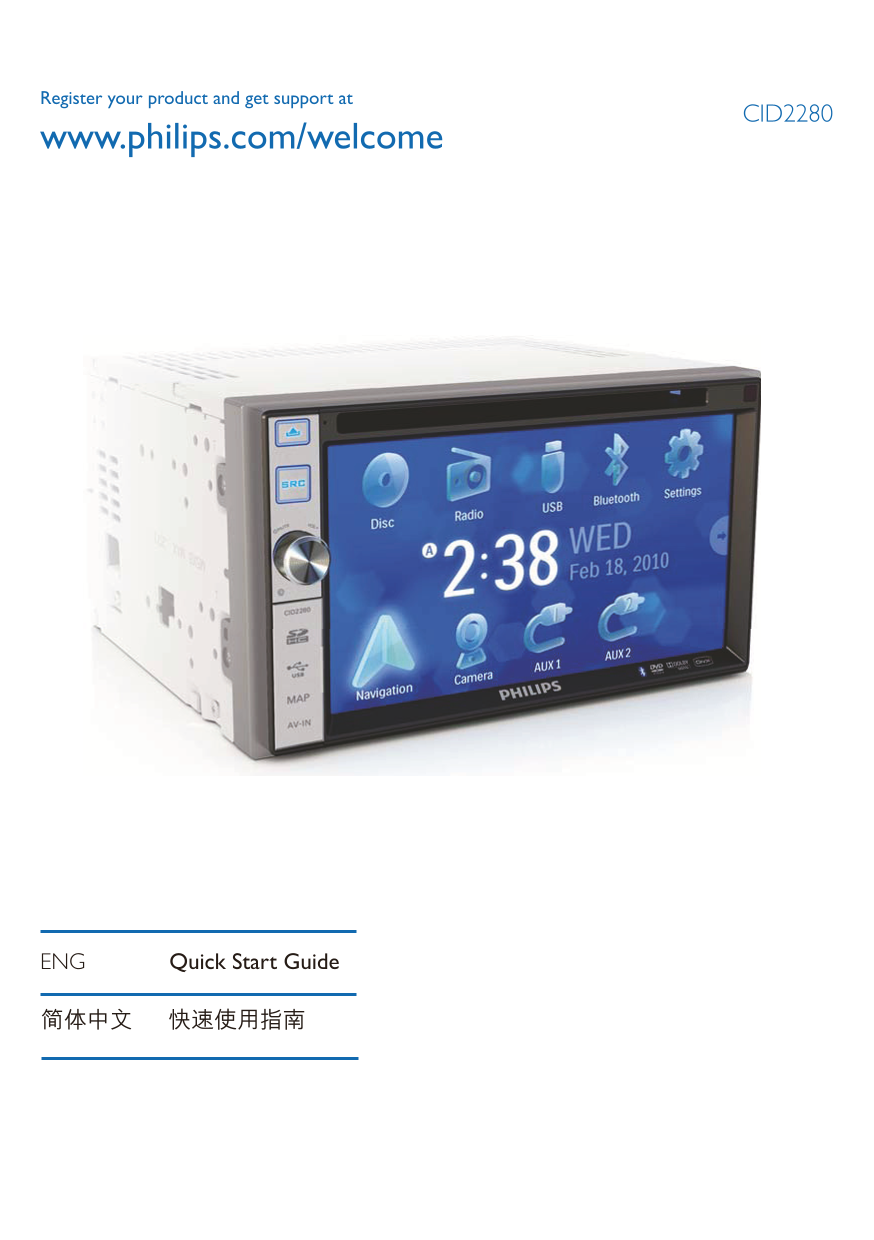
Page 1 Text Content
Register your product and get support at
CID2280
www.philips.com/welcome
ENG Quick Start Guide
© 2010 Koninklijke Philips Electronics N.V.
All rights reserved.
CID2280_00_UM_V1.0
Page Summary Contents For PHILIPS CID2280 Quick User Guide
Manual Details
| Brand | Philips |
|---|---|
| Pages | 8 |
| File Size | 1.74 MB |
| Published | July 12, 2026 |
Enter the captcha to get the download link:

Frequently Asked Questions
How do I set the date and time?
Tap [Settings], then tap [Time]. Use the controls to set the year, month, and day.
What is required for Bluetooth pairing?
On your phone, search for “CID2280” in the pairing list and enter the default password: “0000”.
What types of discs can I play on this unit?
It supports DVD video (R/RW), VCD, Audio CD, and both CD-R/CD-RW discs.