Panasonic WVCU550C User Guide
Summary
Manage your complex security and surveillance network with this versatile system controller. This unit provides advanced centralized control functions, including zoom, focus, iris adjustment, and multi-point automation for optimal operation. The comprehensive manual guides you through safe installation, precise operational controls, detailed technical specifications, and necessary troubleshooting procedures. Ideal for professional integrators, security companies, and facility managers requiring reliable, feature-rich system management solutions.
Page 1 Text Content
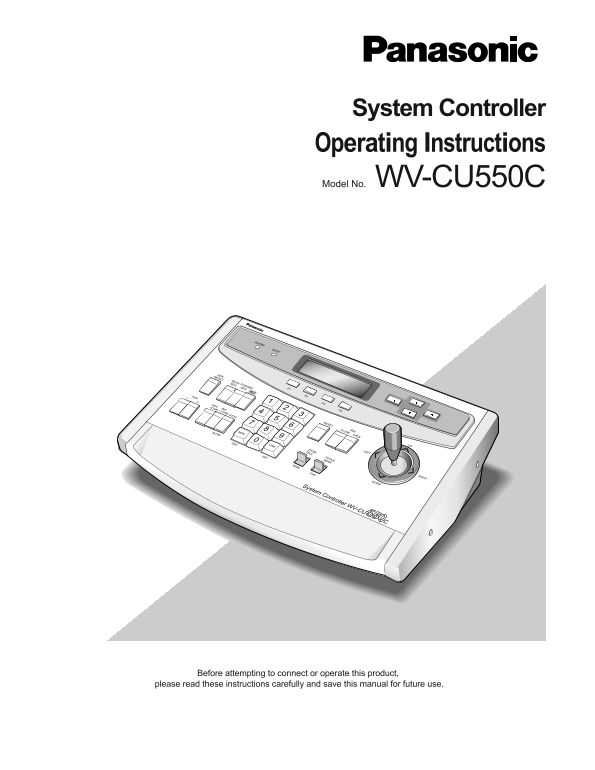
System Controller Operating Instructions Model No. WV-CU550C
ALARM
ACKRESET
BACK SEQ
FOWARD SEQ
AUX F2
DEC-1CAM F3
INC+1CAM F4
RESET
CLOSE OPEN IRIS
SLOW MON
ESC CAM
ZOOMTELE
SET FOCUS NEAR
System Controller WV-CU550C
Before attempting to connect or operate this product,
please read these instructions carefully and save this manual for future use.
Page Summary Contents For Panasonic WVCU550C User Guide
Manual Details
| Brand | Panasonic |
|---|---|
| Pages | 12 |
| File Size | 145.06 KB |
| Published | June 17, 2026 |
Enter the captcha to get the download link:

Frequently Asked Questions
What are the ambient operating temperature and humidity ranges?
The acceptable range is -10°C to +50°C, with ambient humidity kept below 90%.
How should I clean the device safely?
Only clean it using a dry cloth. Do not open or remove any covers.
What items are included as standard accessories?
The standard accessory includes a Data Cable of 3 meters (9.8 ft.) and templates for WJ-FS616.
Where can I find the serial number on the unit?
The serial number can be found on the bottom of the unit.