# A B C D E F G H I J K L M N O P Q R S T U V W X Y Z

Panasonic WVBM1790 User Guide

Summary

This comprehensive manual provides everything required for the safe installation and operation of the Video Monitor WV-BM1790. It details key features, major operational controls, connection procedures, and precise technical specifications. Designed for users who require reliable visual monitoring in commercial environments, this guide covers essential warnings, cautions, and best practices to ensure proper setup and optimal performance while minimizing risk.
📄 Preview 📖 Table of Contents Contents PAGE OF 9

Page 1 Text Content

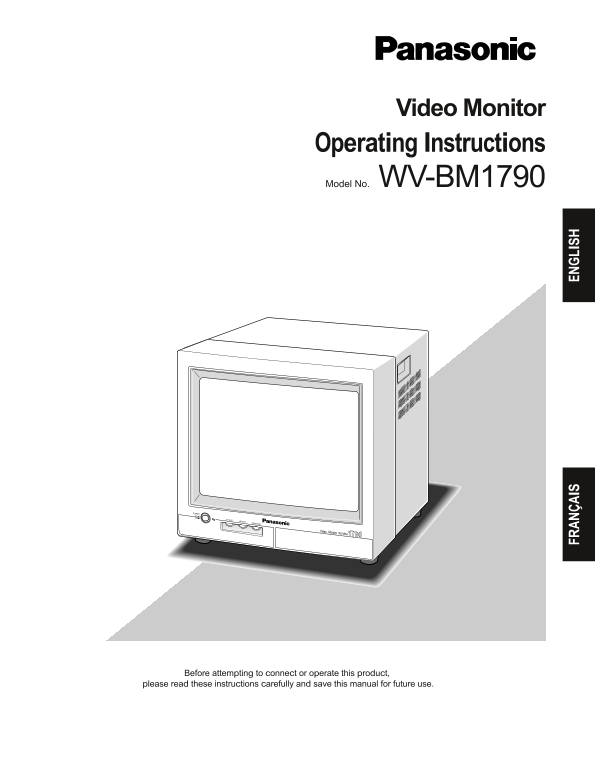
Video Monitor Operating Instructions Model No. WV-BM1790

POWER

OFF V HOLD

BRIGHT CONTRAST

Video Monitor

WV-BM 1790

FR AN ÇA IS EN GL IS

Before attempting to connect or operate this product,

please read these instructions carefully and save this manual for future use.

Page Summary Contents For Panasonic WVBM1790 User Guide

Page 1 Video Monitor Operating Instructions Model No. WV-BM1790 POWER OFF V HOLD BRIGHT CONTRAST Video Monitor WV-BM 1790 FR AN ÇA IS EN GL IS Before attempting to connect or operate this product, please rea...
Page 2 ENGLISH VERSION CONTENTS IMPORTANT SAFETY INSTRUCTIONS ...................................................................................................... PREFACE .....................................
Page 3 IMPORTANT SAFETY INSTRUCTIONS 1) Read these instructions. 2) Keep these instructions. 3) Heed all warnings. 4) Follow all instructions. 5) Do not use this apparatus near water. 6) Clean only with dry ...
Page 4 PREFACE The Panasonic Video Monitor WV-BM1790 reproduces sharp black and white images on a 16-inch diagonal screen, designed primarily for industrial applications, and accepts standard CCIR/EIA input ...
Page 5 MAJOR OPERATING CONTROLS AND THEIR FUNCTIONS ●Front View ● Rear View VIDEO ON V.HOLD BRIGHT CONTRAST Video Monitor WV-BM1790POWER CCIR EIA OUT AC IN wq oiu Power Button (POWER ON/OFF) TV Standard Sele...
Page 6 CONNECTIONS The connections described below should be made by qualified service personnel or system installers. An example of a basic connection is shown below. Video Switcher VIDEO IN CCIR EIA AC INO...
Page 7 INSTALLATION The installation described below should be made by qualified service personnel or system installers. ■Mounting in a Rack The monitor can be mounted into the rack as shown in the figure. R...
Page 8 SPECIFICATIONS Power source: 120 V AC, 60 Hz Power consumption: approx. 27 W Screen size: 443 mm (17-7/16”) diagonal tube size 413 mm (16-1/4’’) diagonal viewing size. Horizontal resolution: 1 000 TV ...
Page 9 Panasonic Security and Digital Imaging Company Panasonic Canada Inc. A Division of Matsushita Electric Corporation of America 5770 Ambler Drive, Mississauga, Ontario, L4W 2T3 Canada (905)624-5010 Exec...

Manual Details

Brand Panasonic
Pages 9
File Size 134.53 KB
Published June 05, 2026
31 views

Enter the captcha to get the download link:

captcha

Frequently Asked Questions

What is the allowed operating temperature range?

The ambient operating temperature must be between –10°C and +50°C (14°F - 122°F).

Are there specific safety guidelines for installation use?

Do not expose the appliance to rain or moisture, and ensure proper ventilation openings are kept unobstructed.

What is the device's power consumption and source?

It uses a power source of 120 V AC, 60 Hz, with an approximate power consumption of 27 W.

Does the unit require specialized accessories for mounting?

Yes, there is an optional Rack Mounting Bracket (WQ-LM170E) available.