Panasonic WJNDB301 User's Guide
Summary
Enhance your data storage reliability with the WJ-NDB301 RAID Board, an essential upgrade for the Network Disk Recorder WJ-ND300. This professional unit implements RAID 5 technology, ensuring robust data resilience and enabling system operation even if a single hard disk fails. The comprehensive manual provides detailed, step-by-step instructions for qualified service personnel on proper installation, mounting, and handling precautions (including static electricity discharge). Ideal for users seeking maximum uptime and advanced storage recovery capabilities for their recording system.
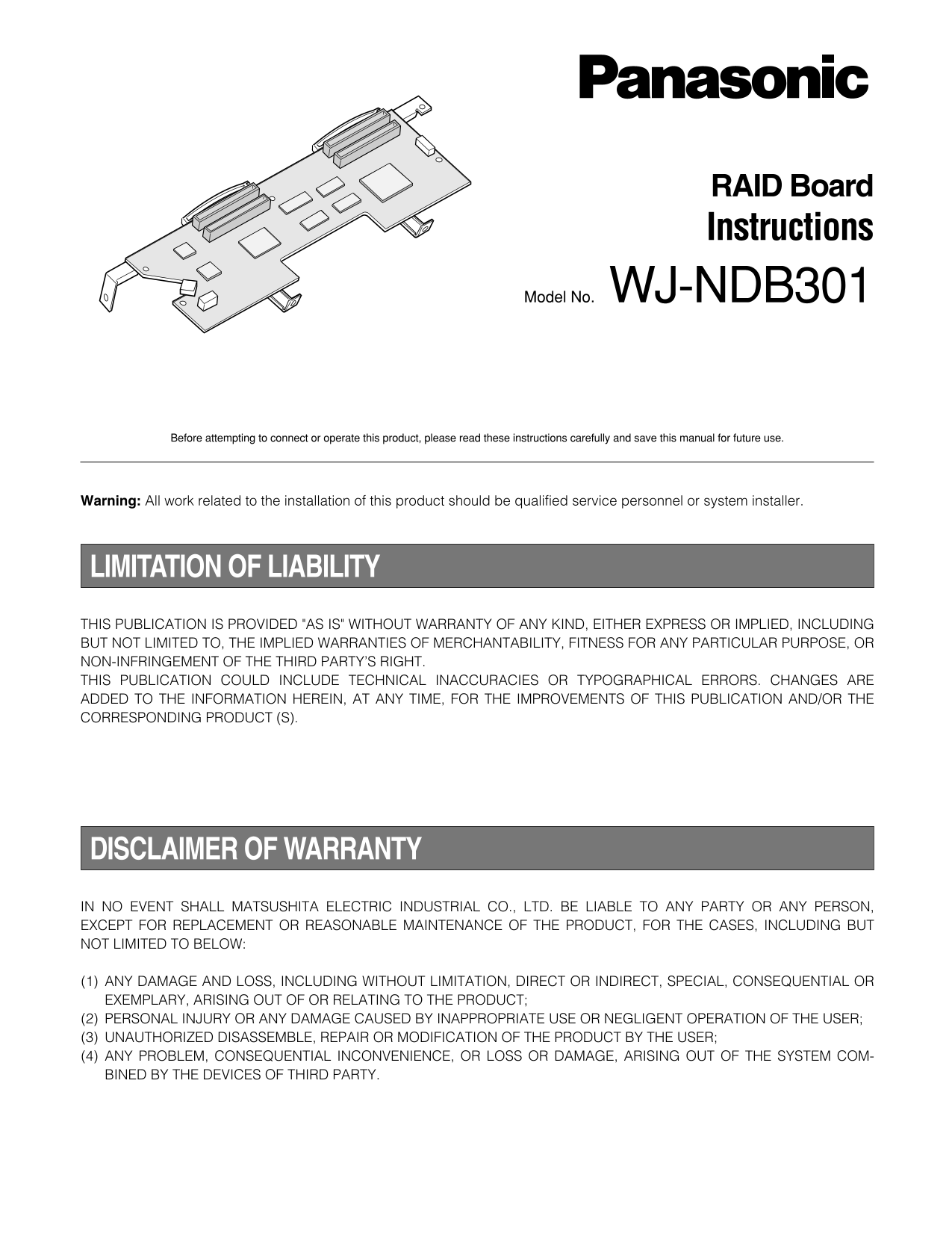
Page 1 Text Content
RAID Board Instructions
Model No. WJ-NDB301
Before attempting to connect or operate this product, please read these instructions carefully and save this manual for future use.
Warning: All work related to the installation of this product should be qualified service personnel or system installer.
LIMITATION OF LIABILITY
THIS PUBLICATION IS PROVIDED "AS IS" WITHOUT WARRANTY OF ANY KIND, EITHER EXPRESS OR IMPLIED, INCLUDING BUT NOT LIMITED TO, THE IMPLIED WARRANTIES OF MERCHANTABILITY, FITNESS FOR ANY PARTICULAR PURPOSE, OR NON-INFRINGEMENT OF THE THIRD PARTY’S RIGHT. THIS PUBLICATION COULD INCLUDE TECHNICAL INACCURACIES OR TYPOGRAPHICAL ERRORS. CHANGES ARE ADDED TO THE INFORMATION HEREIN, AT ANY TIME, FOR THE IMPROVEMENTS OF THIS PUBLICATION AND/OR THE CORRESPONDING PRODUCT (S).
DISCLAIMER OF WARRANTY
IN NO EVENT SHALL MATSUSHITA ELECTRIC INDUSTRIAL CO., LTD. BE LIABLE TO ANY PARTY OR ANY PERSON, EXCEPT FOR REPLACEMENT OR REASONABLE MAINTENANCE OF THE PRODUCT, FOR THE CASES, INCLUDING BUT NOT LIMITED TO BELOW:
(1) ANY DAMAGE AND LOSS, INCLUDING WITHOUT LIMITATION, DIRECT OR INDIRECT, SPECIAL, CONSEQUENTIAL OR EXEMPLARY, ARISING OUT OF OR RELATING TO THE PRODUCT; (2) PERSONAL INJURY OR ANY DAMAGE CAUSED BY INAPPROPRIATE USE OR NEGLIGENT OPERATION OF THE USER; (3) UNAUTHORIZED DISASSEMBLE, REPAIR OR MODIFICATION OF THE PRODUCT BY THE USER; (4) ANY PROBLEM, CONSEQUENTIAL INCONVENIENCE, OR LOSS OR DAMAGE, ARISING OUT OF THE SYSTEM COM- BINED BY THE DEVICES OF THIRD PARTY.
Page Summary Contents For Panasonic WJNDB301 User's Guide
Manual Details
| Brand | Panasonic |
|---|---|
| Pages | 8 |
| File Size | 692.25 KB |
| Published | July 22, 2026 |
Enter the captcha to get the download link:

Frequently Asked Questions
Can I use this RAID board with a device other than the WJ-ND300?
No, this board is exclusively designed for the WJ-ND300. Do not install it in other devices or use it independently.
What procedure should be followed before installing the RAID board?
Before attempting installation, you must unplug the power cord and discharge static electricity by touching a metal object to protect the electronics.
How does the RAID 5 function work concerning disk capacity and failure?
RAID 5 requires three or more drives as one drive. The logical disk size will be the smallest of the physically connected disks, allowing data recovery even if one drive fails.
What precautions must I take when handling the board?
Always handle the board by holding only the back end part (connector side), discharge static electricity before touching it, and keep it in an antistatic bag.