Panasonic SL-J905 J910 Operating Instructions
Summary
The SL-J905 and SL-J910 are versatile portable players designed for high-quality CD and MP3 audio playback, featuring integrated speaker systems. This essential guide provides comprehensive instructions for new users, covering basic operation up to advanced features like Album Mode. Inside you will find detailed setup guides for accessories, thorough troubleshooting tips for resolving technical issues (such as charging or play interruptions), and care instructions to ensure optimal performance of your unit over time.
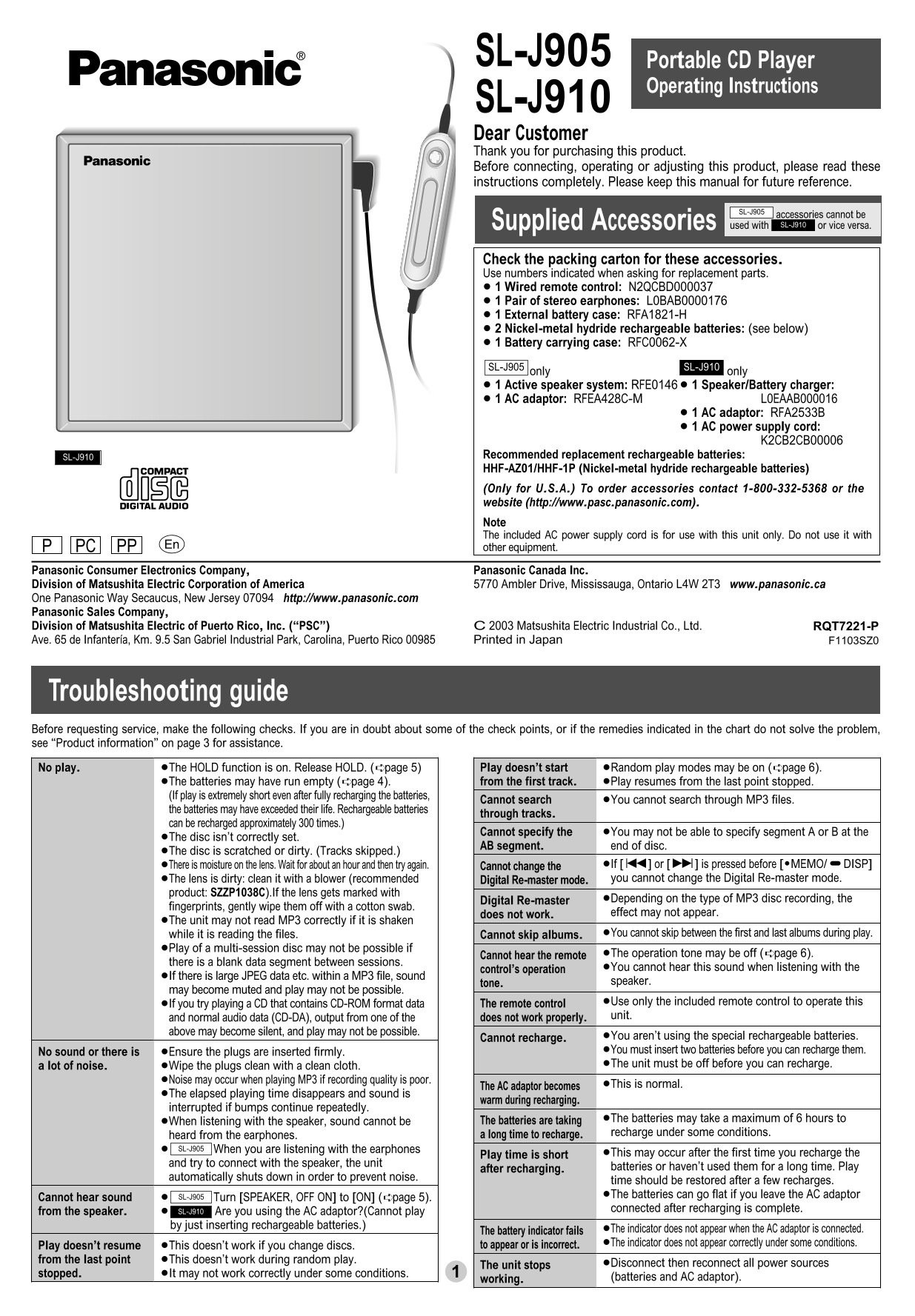
Page 1 Text Content
RQT7221-P 03.11.18 10:05 AM ページ 1
SL-J905 Portable CD Player
Operating Instructions
SL-J910 Dear Customer Thank you for purchasing this product. Before connecting, operating or adjusting this product, please read these instructions completely. Please keep this manual for future reference.
SL-J905
accessories cannot be
Supplied Accessories used with or vice versa.SL-J910
Check the packing carton for these accessories. Use numbers indicated when asking for replacement parts. ≥ 1 Wired remote control: N2QCBD000037 ≥ 1 Pair of stereo earphones: L0BAB0000176 ≥ 1 External battery case: RFA1821-H ≥ 2 Nickel-metal hydride rechargeable batteries: (see below) ≥ 1 Battery carrying case: RFC0062-X
SL-J910SL-J905
only only ≥ 1 Active speaker system: RFE0146 ≥ 1 Speaker/Battery charger: ≥ 1 AC adaptor: RFEA428C-M L0EAAB000016
≥ 1 AC adaptor: RFA2533B ≥ 1 AC power supply cord:
K2CB2CB00006
SL-J910 Recommended replacement rechargeable batteries: HHF-AZ01/HHF-1P (Nickel-metal hydride rechargeable batteries) (Only for U.S.A.) To order accessories contact 1-800-332-5368 or the website (http://www.pasc.panasonic.com). Note The included AC power supply cord is for use with this unit only. Do not use it with PC PPP other equipment.
Panasonic Consumer Electronics Company, Panasonic Canada Inc. Division of Matsushita Electric Corporation of America 5770 Ambler Drive, Mississauga, Ontario L4W 2T3 www.panasonic.ca One Panasonic Way Secaucus, New Jersey 07094 http://www.panasonic.com Panasonic Sales Company, Division of Matsushita Electric of Puerto Rico, Inc. (“PSC”) C 2003 Matsushita Electric Industrial Co., Ltd. RQT7221-P Ave. 65 de Infantería, Km. 9.5 San Gabriel Industrial Park, Carolina, Puerto Rico 00985 Printed in Japan F1103SZ0
Troubleshooting guide Before requesting service, make the following checks. If you are in doubt about some of the check points, or if the remedies indicated in the chart do not solve the problem, see “Product information” on page 3 for assistance. No play. ≥The HOLD function is on. Release HOLD. (➪page 5) Play doesn’t start ≥Random play modes may be on (➪page 6).
≥The batteries may have run empty (➪page 4). from the first track. ≥Play resumes from the last point stopped. (If play is extremely short even after fully recharging the batteries,
Cannot search ≥You cannot search through MP3 files.
the batteries may have exceeded their life. Rechargeable batteries
through tracks.
can be recharged approximately 300 times.)
Cannot specify the ≥You may not be able to specify segment A or B at the
≥The disc isn’t correctly set.
AB segment. end of disc.
≥The disc is scratched or dirty. (Tracks skipped.)
≥There is moisture on the lens. Wait for about an hour and then try again. Cannot change the ≥If [:] or [9] is pressed before [$MEMO/%DISP] ≥The lens is dirty: clean it with a blower (recommended Digital Re-master mode. you cannot change the Digital Re-master mode.
product: SZZP1038C).If the lens gets marked with
Digital Re-master ≥Depending on the type of MP3 disc recording, the
fingerprints, gently wipe them off with a cotton swab.
does not work. effect may not appear.
≥The unit may not read MP3 correctly if it is shaken
while it is reading the files. Cannot skip albums. ≥You cannot skip between the first and last albums during play.
≥Play of a multi-session disc may not be possible if
Cannot hear the remote ≥The operation tone may be off (➪page 6).
there is a blank data segment between sessions.
control’s operation ≥You cannot hear this sound when listening with the
≥If there is large JPEG data etc. within a MP3 file, sound
tone. speaker.
may become muted and play may not be possible.
≥If you try playing a CD that contains CD-ROM format data The remote control ≥Use only the included remote control to operate this and normal audio data (CD-DA), output from one of the does not work properly. unit.
above may become silent, and play may not be possible.
Cannot recharge. ≥You aren’t using the special rechargeable batteries. No sound or there is ≥Ensure the plugs are inserted firmly. ≥You must insert two batteries before you can recharge them. a lot of noise. ≥Wipe the plugs clean with a clean cloth. ≥The unit must be off before you can recharge.
≥Noise may occur when playing MP3 if recording quality is poor.
The AC adaptor becomes ≥This is normal.
≥The elapsed playing time disappears and sound is
warm during recharging.
interrupted if bumps continue repeatedly.
≥When listening with the speaker, sound cannot be The batteries are taking ≥The batteries may take a maximum of 6 hours to heard from the earphones. a long time to recharge. recharge under some conditions.
SL-J905 When you are listening with the earphones
Play time is short ≥This may occur after the first time you recharge the
and try to connect with the speaker, the unit
after recharging. batteries or haven’t used them for a long time. Play
automatically shuts down in order to prevent noise.
time should be restored after a few recharges. Cannot hear sound SL-J905 Turn [SPEAKER, OFF ON] to [ON] (➪page 5). ≥The batteries can go flat if you leave the AC adaptor from the speaker. SL-J910 Are you using the AC adaptor?(Cannot play connected after recharging is complete.
by just inserting rechargeable batteries.)
The battery indicator fails ≥The indicator does not appear when the AC adaptor is connected. Play doesn’t resume ≥This doesn’t work if you change discs. to appear or is incorrect. ≥The indicator does not appear correctly under some conditions.
from the last point ≥This doesn’t work during random play.
The unit stops ≥Disconnect then reconnect all power sources
stopped. ≥It may not work correctly under some conditions.
working. (batteries and AC adaptor).
Page Summary Contents For Panasonic SL-J905 J910 Operating Instructions
Manual Details
| Brand | Panasonic |
|---|---|
| Pages | 6 |
| File Size | 401.40 KB |
| Published | June 22, 2026 |
Enter the captcha to get the download link:

Frequently Asked Questions
How do I fix a 'Play doesn't start' issue?
Check that the HOLD function is released, ensure play modes are not random, and verify that batteries are fully charged.
What should I do if the CD or disc reads poorly?
If tracks skip or playback fails, check for moisture on the lens (wait an hour) or clean the dusty lens gently with a blower to remove dirt.
Can this unit transfer sound quality or play MP3 files from CDs-ROM formats?
No; if a CD-ROM format contains both MP3 and non-MP3 data, only the MP3 files will be playable. The AC cord is for use with this unit only.
How do I activate Album mode to play specific tracks?
Press and hold [MEMO/DISP] while stopped, then select the desired album number. You can also use album skip (<0xE2><0x9E><0xAA>).
What limitations exist regarding MP3 file playback on this unit?
The unit cannot search through MP3 files if batteries are dead, and it only displays ID3 tags for artist and track name, up to 30 characters.