# A B C D E F G H I J K L M N O P Q R S T U V W X Y Z

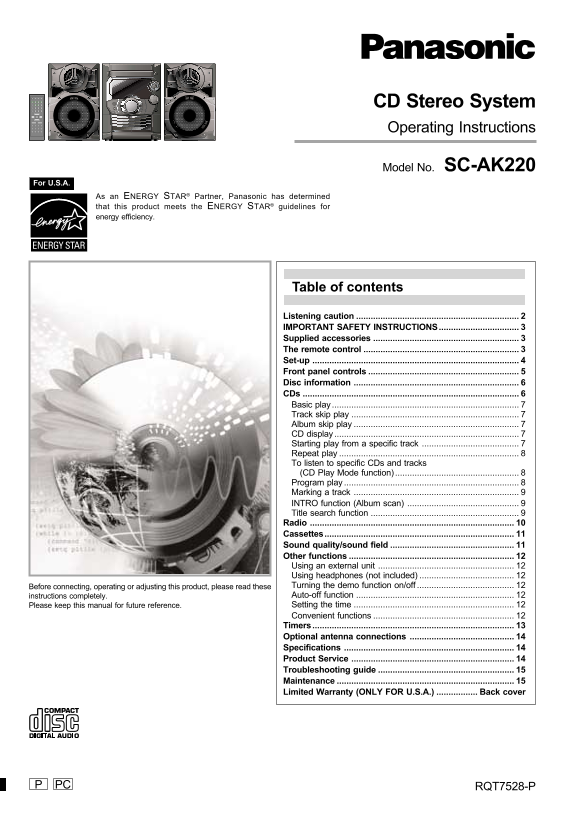
Panasonic CD Stereo System Operating Instructions

Summary

Elevate your home entertainment with the Panasonic SC-AK220 CD Stereo System, a comprehensive unit designed for superior audio performance. This system supports CD, radio, and cassette playback modes, offering advanced features like Program Play, Title Search, and flexible timers. The included manual is your complete guide to maximizing enjoyment, covering detailed setup instructions, safety precautions, optimal use of controls, and troubleshooting tips. Ideal for any homeowner seeking reliable, multi-format musical pleasure in their listening space.
📄 Preview 📖 Table of Contents Contents PAGE OF 16

Page 1 Text Content

CD Stereo System Operating Instructions

Model No. SC-AK220

For U.S.A.

As an ENERGY STAR® Partner, Panasonic has determined that this product meets the ENERGY STAR® guidelines for energy efficiency.

Table of contents

Listening caution IMPORTANT SAFETY INSTRUCTIONS................................. Supplied accessories The remote control Set-up Front panel controls Disc information CDs Basic play Track skip play Album skip play CD display Starting play from a specific track Repeat play To listen to specific CDs and tracks (CD Play Mode function) Program play Marking a track INTRO function (Album scan) Title search function Radio Cassettes.............................................................................. Sound quality/sound field Other functions Using an external unit Using headphones (not included) Before connecting, operating or adjusting this product, please read these Turning the demo function on/off instructions completely. Auto-off function Please keep this manual for future reference. Setting the time Convenient functions Timers Optional antenna connections Specifications Product Service Troubleshooting guide Maintenance Limited Warranty (ONLY FOR U.S.A.) Back cover

PC RQT7528-P

Page Summary Contents For Panasonic CD Stereo System Operating Instructions

Page 1 CD Stereo System Operating Instructions Model No. SC-AK220 For U.S.A. As an ENERGY STAR® Partner, Panasonic has determined that this product meets the ENERGY STAR® guidelines for energy efficiency. Ta...
Page 2 Listening caution ef or us in Dear customer Thank you for purchasing this product. For optimum performance and safety, please read these instructions carefully. These operating instructions are applic...
Page 3 IMPORTANT SAFETY INSTRUCTIONS Read these operating instructions carefully before using the unit. Follow the safety instructions on the unit and the applicable safety instructions listed below. Keep th...
Page 4 Set-up Connect the AC power supply cord only after all other connections have been made. Preparation Twist and pull off the vinyl tip of the antenna wires and speaker cords. 2 AM loop antenna Stand th...
Page 5 Front panel controls Main unit AC supply indicator [AC IN] This indicator lights when the unit is connected to the AC power supply. Standby/on switch [f/I, POWER] Press to switch the unit from on to s...
Page 6 Disc information Disc information CD selection MP3 information This unit can play MP3 files recorded on CD-R/RW with a computer. This unit can play MP3 and CD-DA (digital audio) format audio Files are...
Page 7 Basic play MP3 Album skip play MP3 Remote control only Press [c, OPEN/CLOSE] to open the tray. The unit comes on. During play or stop Set a CD in the tray. (Label must face upward.) Press [ALBUM ( or ...
Page 8 To stop play Press [L, CLEAR]. When playback ends The current play mode will be retained in memory until it is changed even if the unit is turned off. Final disc For example, if play starts from disc ...
Page 9 To add to the program Press [ENTER] CD Do steps 2 and 3. Title search starts. MP3 Do steps 2 ~ 4. The matched title is displayed. To clear the last track : Blinks to indicate album title search mode. ...
Page 10 Radio Preset tuning Remote control only There are two methods of pre-setting stations. Automatic presetting All the stations the tuner can receive are preset. Manual presetting You can select the stat...
Page 11 Cassettes Cassettes Playback To stop recording Press [L, STOP]. You can use either deck 1 or deck 2 for tape playback. If the tape finishes before the CD Use normal position tapes. The CD continues pl...
Page 12 Other functions Auto-off function Remote control only When CD or tape is selected as the source To save power, the unit turns off if it is left unused for ten minutes. This function does not work if t...
Page 13 Timers Using the play/record timer To check the settings Press [SHIFT] + [CLOCK/TIMER] while the unit is on to select “r PLAY” or “r REC”. Remote control only The settings are shown in the following o...
Page 14 Optional antenna connections Use outdoor antenna if radio reception is poor. FM outdoor antenna AM outdoor antenna AM outdoor antenna (not included) FM outdoor antenna (not included) 5 -12 m (16 – 40 ...
Page 15 Troubleshooting guide Before requesting service, make the following checks. If you are in doubt about some of the check points, or if the remedies indicated in the chart do not solve the problem, refe...
Page 16 Limited Warranty (ONLY FOR U.S.A.) Panasonic Consumer Electronics Company, Panasonic Sales Company, Division of Matsushita Electric Division of Matsushita Electric Corporation of America of Puerto Ric...

Manual Details

Brand Panasonic
Pages 16
File Size 1.47 MB
Published June 20, 2026
12 views

Enter the captcha to get the download link:

captcha

Frequently Asked Questions

What is the primary safety precaution when operating this unit?

Start your volume control at a low setting to avoid hazardous radiation exposure and keep sound levels safe.

How do I find specific tracks or albums on a CD?

You can use the Title search function, Program play for multiple selections, or utilize CD Play Mode.

If something goes wrong with the system, where should I look for help?

Please refer to the Troubleshooting guide provided in the manual, and contact official Panasonic support online if needed.

Can a user perform repairs on the unit themselves?

No. You must not open covers or attempt self-repair; only qualified personnel should handle servicing.