# A B C D E F G H I J K L M N O P Q R S T U V W X Y Z

Operating Instructions for Panasonic SC-AK310 110 CD Stereo System

Summary

This comprehensive operating manual provides detailed instructions for setting up, using, and maintaining your Panasonic CD Stereo System (SC-AK310/SC-AK110). Designed for new owners, the guide covers everything from crucial safety warnings and basic setup to advanced features, including radio tuning, playing CDs and cassettes, optimizing sound quality settings, and troubleshooting steps. Use this resource to ensure optimal performance and safe operation of your stereo system.
📄 Preview 📖 Table of Contents Contents PAGE OF 16

Page 1 Text Content

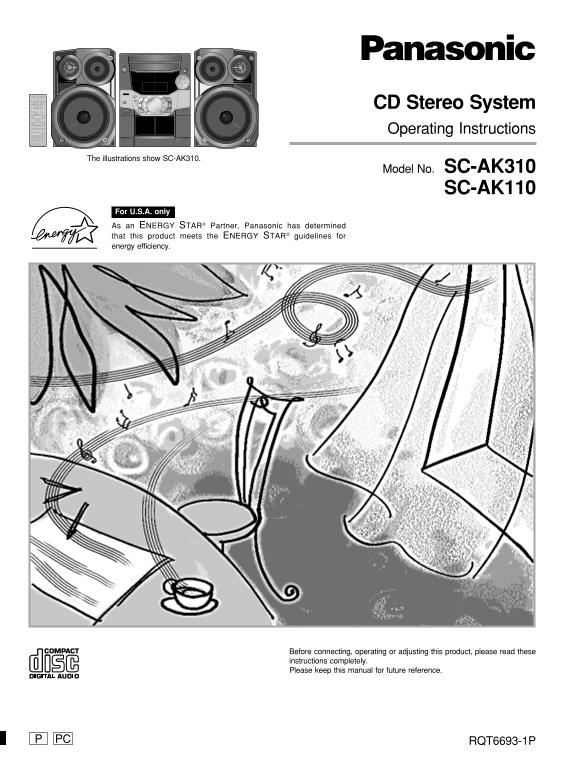
CD Stereo System Operating Instructions

The illustrations show SC-AK310.

Model No. SC-AK310

SC-AK110

For U.S.A. only As an ENERGY STAR® Partner, Panasonic has determined that this product meets the ENERGY STAR® guidelines for energy efficiency.

Before connecting, operating or adjusting this product, please read these instructions completely. Please keep this manual for future reference.

PC RQT6693-1P

Page Summary Contents For Operating Instructions for Panasonic SC-AK310 110 CD Stereo System

Page 1 CD Stereo System Operating Instructions The illustrations show SC-AK310. Model No. SC-AK310 SC-AK110 For U.S.A. only As an ENERGY STAR® Partner, Panasonic has determined that this product meets the EN...
Page 2 Table of contents ef or us in Dear customer IMPORTANT SAFETY INSTRUCTIONS................... Thank you for purchasing this product. Listening caution For optimum performance and safety, please read th...
Page 3 The model number and serial number of this product can be User memo: found on either the back or the bottom of the unit. Please note them in the space provided below and keep for DATE OF PURCHASE futu...
Page 4 Supplied accessories The remote control Please check and identify the supplied accessories. Batteries Use numbers indicated in parentheses when asking for replacement parts. (Only for U.S.A.) To order...
Page 5 Set-up Connect the AC power supply cord only after all other connections have been made. Preparation Twist and pull off the vinyl tip of the antenna wires and speaker cords. 2 AM loop antenna Stand th...
Page 6 Front panel controls ef or us in Main unit AC supply indicator (AC IN) This indicator lights when the unit is connected to the AC power supply. Standby/on switch (f/I, POWER) Press to switch the unit ...
Page 7 The radio: manual tuning The radio: preset tuning Remote control only There are two methods of pre-setting stations. Automatic presetting All the stations the tuner can receive are preset. Manual pres...
Page 8 CDs as se tt de ck pe ra tio ns CD selection Choose CDs with this mark: SLEEP CLOCK TIMER PLAY RECAUTO OFF PROGRAM S.SOUND EQ PRESET EQ TUNER BAND TAPE Do not: use irregularly shaped CDs. VOL VOL MUTI...
Page 9 SLEEP CLOCK PLAY SLEEP CLOCK PLAY TIMER RECAUTO OFF TIMER RECAUTO OFF DISC DISC PROGRAM PROGRAM S.SOUND EQ S.SOUND EQ PRESET EQ PRESET EQ CD CD TUNER TAPE TUNER TAPE BAND BAND AUX AUX VOL VOL VOL VOL ...
Page 10 Cassettes as Enhancing the sound quality se tt de ck pe ra tio ns SLEEP CLOCK TIMER PLAY RECAUTO OFF PROGRAM S.SOUND EQ SLEEP CLOCK TIMER PLAY RECAUTO OFF PRESET EQ PROGRAM TUNER BAND TAPE AUX S.SOUND...
Page 11 Recording Optional antenna connections To stop recording AM outdoor antenna Press [L, STOP]. AM outdoor antenna (not included) If the tape finishes before the CD The CD continues playing. Press [L, ST...
Page 12 Turning the demo function off Ti er pe ra tio ns Auto-off function Remote control only SLEEP CLOCK PLAY TIMER RECAUTO OFF SLEEP –AUTO OFF DISC PROGRAM S.SOUND EQ PRESET EQ TUNER TAPE BAND VOL VOL MUTI...
Page 13 Using the timers SLEEP CLOCK PLAY TIMER RECAUTO OFF To cancel the timer DISC Press [r PLAY/REC] to clear the timer indicator from the display. (The timer comes on at the set time everyday if the timer...
Page 14 Troubleshooting guide ef er en ce Before requesting service, make the below checks. If you are in doubt about some of the check points, or if the remedies indicated in the chart do not solve the probl...
Page 15 Specifications AMPLIFIER SECTION SC-AK310 CASSETTE DECK SECTION SPEAKER SECTION SB-AK110 Power output Track system 4 track, 2 channel Type 2 way, 2 speaker system 10% Total harmonic distortion Heads S...
Page 16 Limited Warranty (ONLY FOR U.S.A.) ef er en ce Panasonic Consumer Electronics Company, Panasonic Sales Company, Division of Matsushita Electric Division of Matsushita Electric Corporation of America o...

Manual Details

Brand Panasonic
Pages 16
File Size 2.28 MB
Published May 29, 2026
83 views

Enter the captcha to get the download link:

captcha

Frequently Asked Questions

What safety precautions must I take regarding ventilation?

Ensure the unit is well-ventilated; do not let curtains or materials obstruct the ventilation vents to prevent overheating.

Where can I find the model and serial number for service?

The model number and serial number are located on either the back or the bottom of the unit.

What should I do if the unit needs professional repair?

Refer any servicing to qualified personnel, as openings covers or attempting self-repair is not permitted.

Can this product be used in damp conditions?

No, do not expose the apparatus to rain, moisture, dripping, or splashing liquids.