Page 1
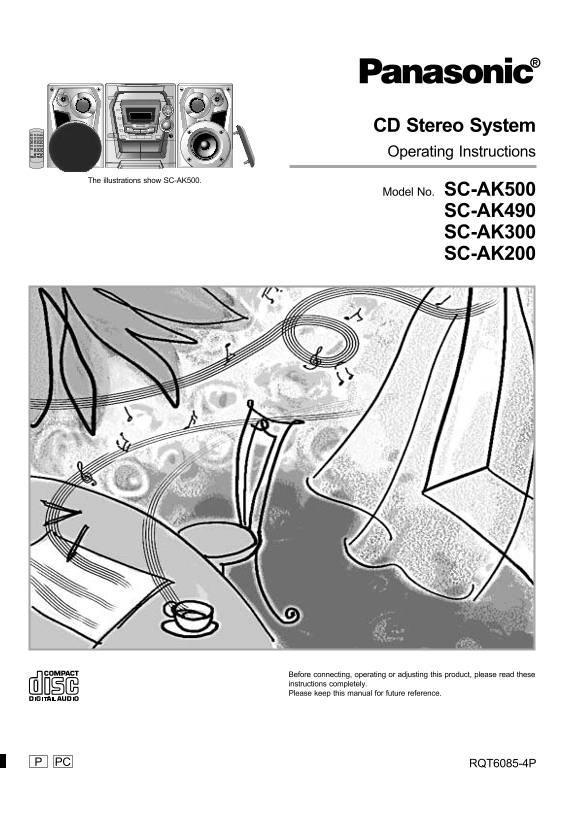
CD Stereo System Operating Instructions The illustrations show SC-AK500. Model No. SC-AK500 SC-AK490 SC-AK300 SC-AK200 Before connecting, operating or adjusting this product, please read these instruc...
Page 2
ef or us in Table of contents Dear customer Thank you for purchasing this product. Before using For optimum performance and safety, please read these instructions carefully. Supplied accessories These...
Page 3
THE FOLLOWING APPLIES ONLY IN THE U.S.A.: Recording operations CAUTION: Before recording (Deck 2 only) This equipment has been tested and found to comply with Recording from compact discs the limits f...
Page 4
ef or us in IMPORTANT SAFETY INSTRUCTIONS Read these operating instructions carefully before using the unit. Follow the safety instructions on the unit and the safety precautions listed below. Keep th...
Page 5
Listening caution About the remote control Battery installation SC-AK500 SC-AK490 SC-AK300 SC-AK200 Selecting fine audio equipment such as the unit you’ve just pur- chased is only the start of your mu...
Page 6
ef or us in Connections Basic connections (for supplied accessories) Plug the AC power supply cord into a household AC outlet only after all other connections have been made. To prepare the antenna wi...
Page 7
Connections FM outdoor antenna (not included) Optional antenna connections You may need an outdoor antenna if you use this system in a mountainous region or inside a reinforced concrete building, etc....
Page 8
ef or us in Front panel controls Main unit No. Name Ref. page AC supply indicator (AC IN) This indicator lights when the unit is connected to the AC power supply. Standby/on switch (f/I, POWER) Press ...
Page 9
Front panel controls Remote control SLEEP CLOCK PLAY Buttons such as 2 function in exactly the same way as the buttons TIMER RECAUTO OFF on the main unit. DISC1 No. Name Ref. page Standby/on button (f...
Page 10
ef or us in Turning the demo function off If the clock has not been set, a demonstration of the display is shown when the unit is switched to standby mode. This function is set to on at the time of pu...
Page 11
Auto-off function Remote control only When CD or tape is selected as the source SLEEP To save power, the unit turns off if it is left unused for ten minutes. –AUTO OFF Note This function does not work...
Page 12
ad io pe ra tio ns Listening to radio broadcasts Press [TUNER/BAND] to select band. The unit comes on automatically. Every time you press the button: FM ↔ AM Press [PLAY MODE] on the remote control to...
Page 13
Presetting radio broadcasts Remote control only There are two methods of presetting stations. Automatic presetting All the stations the tuner can receive are preset. Manual presetting You can select t...
Page 14
om pa ct is op er at io ns About compact discs With this system, you can only play compact discs having this mark. However, do not use irregular shaped CDs. CDs of the sort can damage the unit. XXXX X...
Page 15
Listening to compact discs Playing MP3 (SC-AK500 and SC-AK490 only) This unit can play MP3 files compressed using MPEG 1 audio layer 3. How discs with MP3 differ to CDs When making MP3 files to play o...
Page 16
om pa ct is op er at io ns Listening to compact discs This unit can play CD-DA (digital audio) format audio CD-R and CD-RW that have been finalized (a process that enables CD-R/ CD-RW players to play ...
Page 17
Listening to compact discs Program play Remote control only You can program up to 24 tracks.by remote control only Press [CD :/ J] and then [L]. Press [PROGRAM]. Press [DISC]. (within 10 seconds or so...
Page 18
om pa ct is op er at io ns Listening to compact discs To listen to specific CDs and tracks (CD Play Mode function) Remote control only This function makes it easier for you to select specific CDs and ...
Page 19
Listening to compact discs Direct access play Remote control only Press [DISC]. (within 10 seconds or so) Press [1] – [5] to select the disc you want. Press the numeric button to select the desired tr...
Page 20
as se tt de ck pe ra tio ns Listening to tapes You can use either deck 1 or deck 2 for tape playback. Use normal position tapes. High position and metal position tapes can be played, but the unit will...
Page 21
Before recording (Deck 2 only) Types of tapes which can be recorded correctly To protect tapes against further recording Use normal position tapes. High position and metal position tapes can be used, ...
Page 22
ec or di ng pe ra tio ns Recording from compact discs You can use 1-DISC/ALL-DISC/1-SONG mode (z page 18) to make recordings. Preparation: Do the preparatory steps (z page 21). Insert the disc(s) you ...
Page 23
Recording from radio broadcasts Preparation: Do the preparatory steps (z page 21). Tune to the required station. (z page 12 or 13). Press [a REC] to start recording. To stop recording Press [L/–DEMO]....
Page 24
ou nd ua lit op er at io ns Using the built-in sound quality settings Press [PRESET EQ] to select the sound quality. Every time you press the button: HEAVY SOFT CLEAR VOCAL EQ-OFF HEAVY Select this wh...
Page 25
Using the timer Using the play/record timer Remote control only The timer has two functions. It can be set to on at a certain time to 1 • 2 • 3 wake you up, or it can be set to record the radio or fro...
Page 26
Ti er pe ra tio ns Using the timer Using the play/record timer Remote control only PLAY/REC To change the timer CLOCK/TIMER Press [r PLAY/REC] to select the desired timer. Every time the button is pre...
Page 27
Using the timer Using the sleep timer Remote control only This timer turns your system OFF at the set time (Max. 2 hours, set at 30-minute intervals). It lets you fall asleep listening to music. SLEEP...
Page 28
ef er en ce Troubleshooting guide Before requesting service, make the below checks. If you are in doubt about some of the check points, or if the remedies indicated in the chart do not solve the probl...
Page 29
Servicenter List (ONLY FOR U.S.A.) ef er en ce RQT6085
Page 30
ef er en ce Warranty (ONLY FOR U.S.A.) Panasonic Consumer Electronics Company, Panasonic Sales Company, Division of Matsushita Electric Division of Matsushita Electric Corporation of America of Puerto...
Page 31
Specifications AMPLIFIER SECTION SC-AK500 FM TUNER SECTION SPEAKER SECTION SB-AK300 Power output Frequency range Type 3 way speaker system 10% Total harmonic distortion 87.9 – 107.9 MHz (200 k Hz step...
Page 32
ef er en ce Maintenance Product Service If the surfaces are dirty 1. Damage requiring service —The unit should be serviced by qualified service personnel if: To clean this unit, wipe with a soft, dry ...