Panasonic RR-QR160 IC Recorder Operating Instructions
Summary
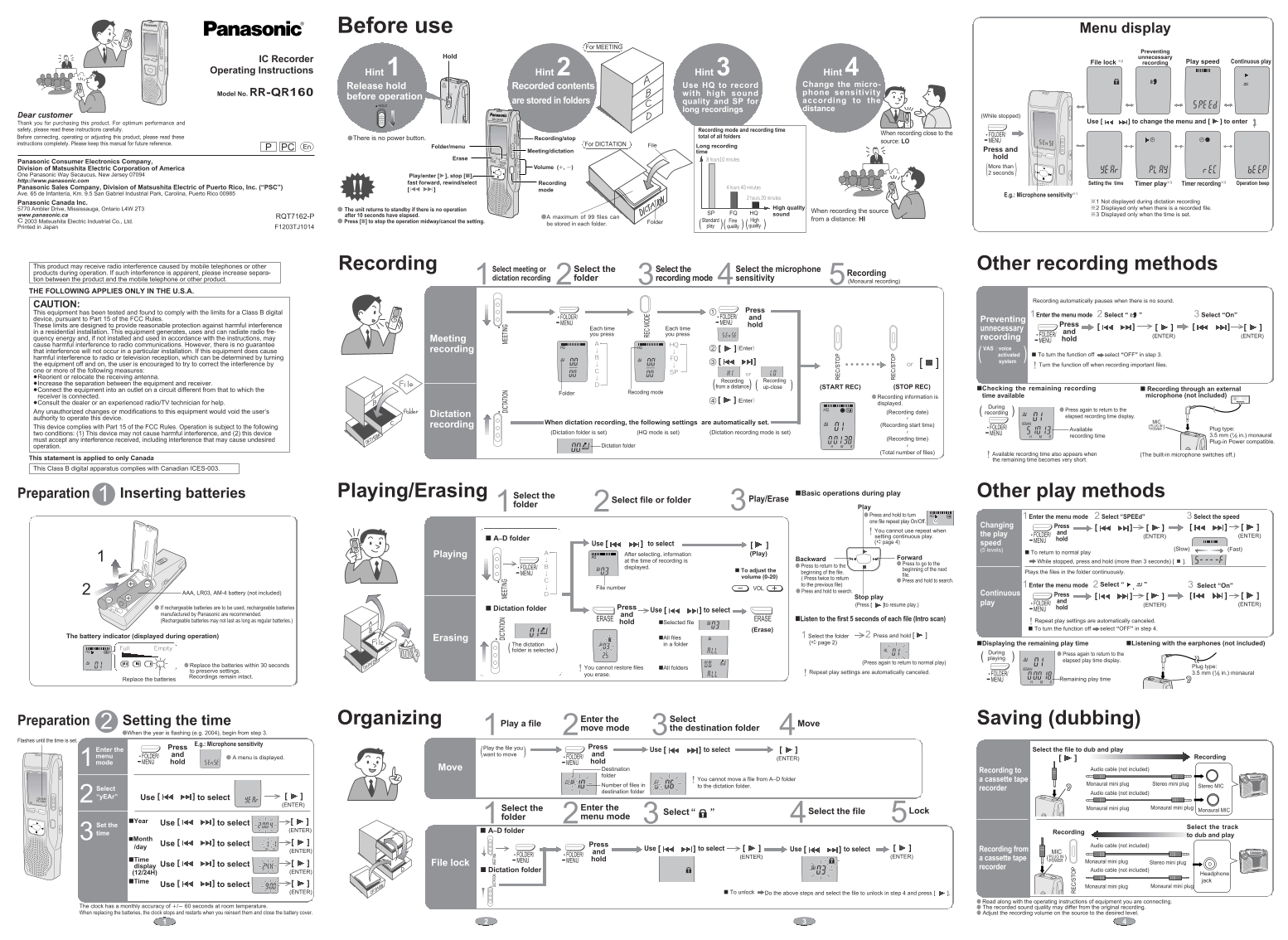
The RR-QR160 is a professional IC Recorder designed for crystal-clear audio capture, making it ideal for documenting meetings, dictation, and interviews. This comprehensive manual guides users through every feature, providing detailed instructions on setting up recording modes (HQ/FQ), adjusting microphone sensitivity, managing file folders, and operating advanced functions like continuous recording and time scheduling. It is essential reading for professionals and students requiring reliable, high-quality sound documentation in various environments.
Manual Details
| Brand | Panasonic |
|---|---|
| Pages | 2 |
| File Size | 852.56 KB |
| Published | June 21, 2026 |
Enter the captcha to get the download link:

Frequently Asked Questions
Does this device have a power button?
No, the manual specifies that there is no dedicated power button for operation.
What should I do if I experience radio interference from mobile phones?
Try increasing separation between the equipment and receiver, or reorient/relocate the antenna.
How do I check if a file has been recorded?
The display will show information like 'Recorded contents' only when there is an existing recorded file.
What are the physical limitations on file storage?
The device can store up to 99 separate files in its memory folders.