Page 1
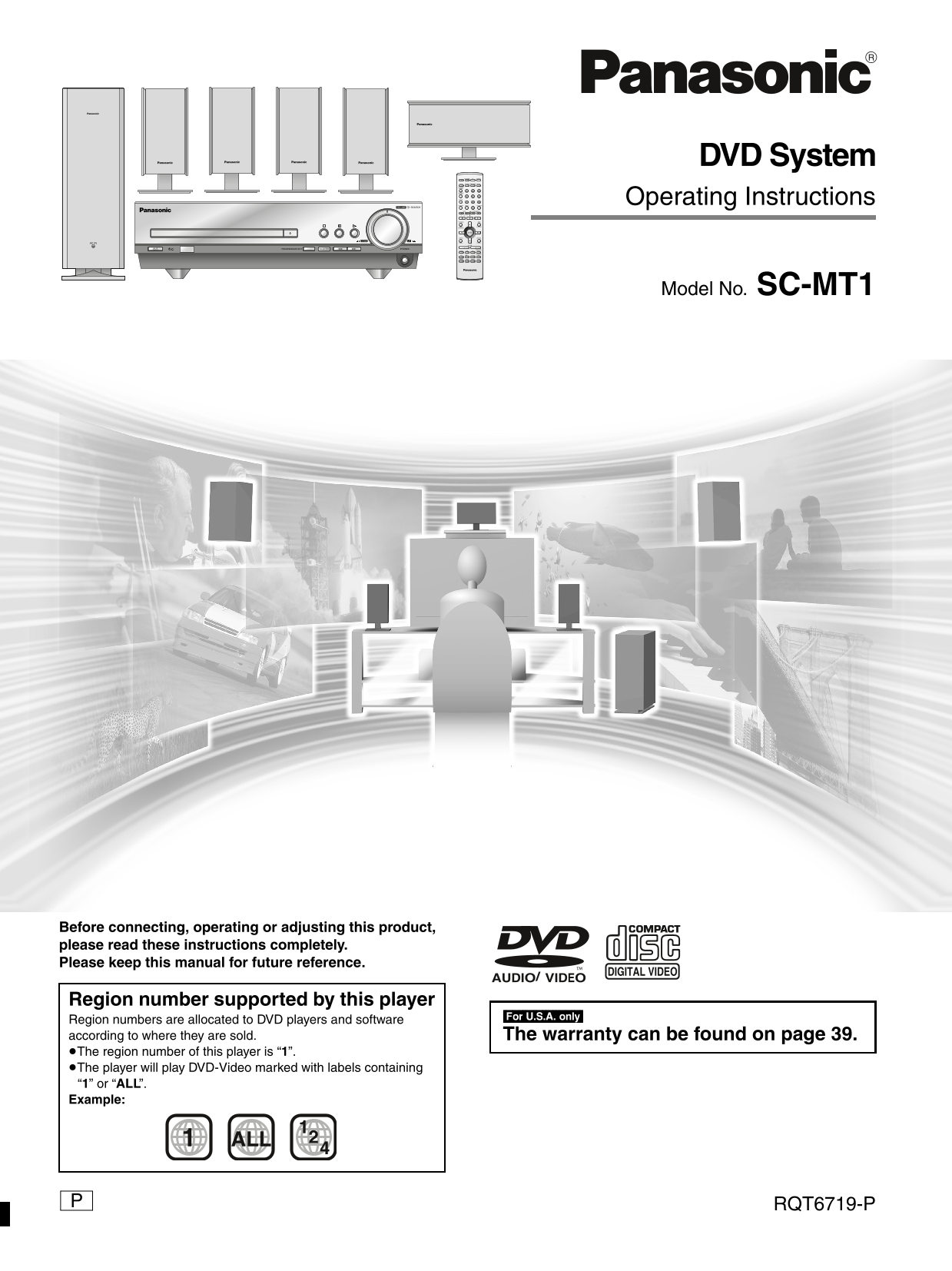
DVD System AV SYSTEM TV VCR/AUX SLEEP TV/VIDEO TUNER/BAND DVD/CD FL DISPLAY DIMMER PLAY MODE MIX 2CH REPEAT Operating Instructions VOLUME SEARCH P.MEMORY CANCEL S10/ENTER SKIP SLOW/SEARCH CH TOP MENU ...
Page 2
Dear customer et ti ta rt ed System SC-MT1 Thank you for purchasing this product. For optimum performance and safety, please read these instructions Main unit SA-MT1 carefully. Front and surround SB-F...
Page 3
Accessories Table of contents Please check and identify the supplied accessories. Use numbers indicated in parentheses when asking for replacement parts. Getting started (Only for U.S.A.) Accessories....
Page 4
IMPORTANT SAFETY INSTRUCTIONS et ti ta rt ed Read these operating instructions carefully before using the unit. Follow the safety instructions on the unit and the applicable safety instructions listed...
Page 5
Disc information Discs that can be played CD-R and CD-RW discs This unit can play CD-R/RW (audio recording disc) recorded with Disc type Logo Indication used in CD-DA, video CD, WMA or MP3. Finalize§ ...
Page 6
im le et Simple setup STEP1 Locating SUBWOOFER Caution Hold the speakers SURROUND SURROUND by the sides. Applying pressure to the front net can CENTER damage the speaker. SURROUND CENTER (R) SUBWOOFER...
Page 7
STEP2 Speakers Speaker cables Sheet of speaker-cable ≥3k4-m (13-foot) cables stickers ≥2k10-m (33-foot) cables Setup example [1] [2] Connecting the speakers Attaching the stickers to the speaker cable...
Page 8
im le et STEP3 Television Video cable Connecting a television with a VIDEO IN terminal Television (not included) VIDEO IN Connect directly to your television. Do not connect the unit through a video c...
Page 9
STEP4 Connecting the subwoofer, antennas, and AC power supply cord System cable AM loop antenna FM indoor antenna AC power supply cord Connect the AC power supply cord after all other connections are ...
Page 10
im le et Other speaker setup options Attaching to a wall [Note] Screw a screw (not included) into the The wall or pillar on which the speakers are to be attached should be capable of supporting 10 kg ...
Page 11
STEP6 QUICK SETUP Preparation Turn on the television and select the appropriate video input on the television to suit the connections for the unit. AV SYSTEM TV VCR/AUX SLEEP TV/VIDEO TUNER/BAND DVD/C...
Page 12
Control reference guide et ti ta rt ed Remote control Standby/on switch [Í] . . . . . . . . . . . . . . . . . . . . . . . . . . . . . .11 Sleep button [SLEEP] . . . . . . . . . . . . . . . . . . . . ....
Page 13
Discs—Basic play ≥Label-up (With double-sided discs, load so the label for the PROGRESSIVE OUT2 side you want to play is facing VOLUME SEARCH Press [1] (play). The disc tray closes and play begins. DO...
Page 14
Discs—Basic play is er at io Skipping items [RAM] [DVD-A] [DVD-V] [VCD] [CD] [WMA] [MP3] AV SYSTEM TV VCR/AUX During play or while paused Press [:] or [9]. SLEEP TV/VIDEO TUNER/BAND DVD/CD FL DISPLAY ...
Page 15
Discs—Convenient functions A-B repeat play [RAM] [DVD-A] [DVD-V] [VCD] [CD] [WMA] [MP3] AV SYSTEM TV VCR/AUX You can repeat a section between points A and B within a program, title or track. SLEEP TV/...
Page 16
Discs—Convenient functions is er at io Press the numbered buttons to select a title, chapter, group or track ([WMA] [MP3] then press [ENTER]). AV SYSTEM TV VCR/AUX SLEEP TV/VIDEO TUNER/BAND DVD/CD CHA...
Page 17
≥“–” or “––” is displayed instead of the language number in circumstances such as when no language is recorded on the disc. Subtitles Soundtracks [DVD-A] (Motion picture parts only) [DVD-V] [RAM] [DVD...
Page 18
Discs—Convenient functions is er at io [RAM] To mark the eleventh point and beyond Press [2, 1] to select the marker pin icon. AV SYSTEM TV VCR/AUX SLEEP TV/VIDEO TUNER/BAND DVD/CD Press [3, 4] to sel...
Page 19
WMA/MP3 and CD text navigation menus [WMA] [MP3] [CD] (CD text only) To use the tree screen to find a group [WMA] [MP3] Various menus help you find items you want to start play. Press [TOP MENU]. Pres...
Page 20
Playing the programs or play lists on DVD-RAM is er at io Using the play list menu You can play a group of scenes, a play list, created on other AV SYSTEM TV VCR/AUX equipment such as a DVD video reco...
Page 21
Using On-Screen Menu Icons Press [3, 4] to select the setting. ≥Items with “3” or “4” above and below can be changed by [3, 4]. AV SYSTEM TV VCR/AUX ≥Press [ENTER] if the setting does not change after...
Page 22
Using On-Screen Menu Icons is er at io Unless otherwise indicated, select items with [2, 1] and change with [3, 4]. Disc information Digital ON 1 : 46 : 50 1 ENG 3/2.1 ch 1 ENG Page Slideshow Vocal 12...
Page 23
[Display\menu] [Picture\menu] [RAM] [DVD-A] [DVD-V] [VCD] 480P Auto1 Normal 0 0 OFF 0x1.00 Only when “PROG.” is on Picture mode 4:3 Aspect ≥N: Normal mode [RAM] [DVD-A] [DVD-V] [VCD] ≥S: Soft mode (So...
Page 24
The radio ad io er at io Preset tuning Preset channels to make selection simple. AV SYSTEM TV VCR/AUX Up to 15 stations can each be set in the FM and AM bands. SLEEP TV/VIDEO TUNER/BAND DVD/CD Automat...
Page 25
Sound field Dolby Pro Logic Dolby Pro Logic is a decoding system that was developed to get a AV SYSTEM TV VCR/AUX better sense of presence from sources encoded with Dolby Surround. The feeling of posi...
Page 26
Sound field ie ld /s al it er at io Sound Field Control AV SYSTEM TV VCR/AUX Press [SFC] to select a setting. SLEEP TV/VIDEO TUNER/BAND DVD/CD AAC DTS ZOOM FL DISPLAY DIGITAL C.F DIMMER SFC PROG. CSM ...
Page 27
Sound quality Re-master— Enjoying more natural sound AV SYSTEM TV VCR/AUX SLEEP TV/VIDEO TUNER/BAND DVD/CD [RAM] [DVD-A] [DVD-V] [CD] FL DISPLAY Discs recorded with 2-channel LPCM at 44.1 k Hz or 48 k...
Page 28
Convenient functions th er ct io The sleep timer This timer turns the unit off after a set time. AV SYSTEM TV VCR/AUX Press [SLEEP] to select the time SLEEP TV/VIDEO TUNER/BAND DVD/CD SLEEP (minutes)....
Page 29
Changing settings This chart shows the settings for this unit. Change the settings to suit your preferences and to suit the unit to the environment in which it is being used. These settings are retain...
Page 30
Changing settings th er ct io Entering a password (Ratings) AV SYSTEM TV VCR/AUX [DVD-V] The password screen is shown when you select levels 0 to 7. SLEEP TV/VIDEO TUNER/BAND DVD/CD Input a 4-digit pa...
Page 31
Language code list Abkhazian: Chinese: Hausa: Lithuanian: Romanian: Telugu: Afar: Corsican: Hebrew: Macedonian: Russian: Thai: Afrikaans: Croatian: Hindi: Malagasy: Samoan: Tibetan: Albanian: Czech: H...
Page 32
Operating a television or video cassette recorder th er ct io You can use the remote control to operate a Panasonic television or a video cassette recorder. (Some models cannot be operated by this rem...
Page 33
Changing the remote control code AV SYSTEM TV VCR/AUX The remote control can also operate some other brands of VCR/AUX televisions and video cassette recorders. Change the code to SLEEP TV/VIDEO TUNER...
Page 34
Glossary ef er en ce Decoder Linear PCM (pulse code modulation) A decoder restores the coded audio signals on DVDs to normal. This These are uncompressed digital signals, similar to those found on is ...
Page 35
Specifications AMPLIFIER SECTION SPEAKER SECTION RMS Output Power: Dolby Digital Mode, 10 % Total Harmonic [Front/Surround\speakers\SB-FS801A] Distortion Type 1 way, 1 speaker, Bass-ref. 1 k Hz Front ...
Page 36
Troubleshooting guide ef er en ce Before requesting service, make the below checks. If you are in doubt about some of the check points, or if the remedies indicated in the chart do not solve the probl...
Page 37
Sound No sound. ≥Check the connections. Distorted sound. ≥Turn the volume up. ≥Turn muting off. ≥Switch off the unit, determine and correct the cause, then switch the unit on. Causes include: –Shortin...
Page 38
Troubleshooting guide ef er en ce Unit displays The display is dark. ≥Press and hold [–DIMMER] to brighten the display. “NO PLAY” ≥You inserted a disc the unit cannot play; insert one it can. ≥You ins...
Page 39
Limited Warranty (U.S.A.) Panasonic Consumer Electronics Company, Panasonic Sales Company, Division of Matsushita Electric of Puerto Division of Matsushita Electric Corporation of America Rico, Inc. O...
Page 40
Listening caution EST. 1924 Selecting fine audio equipment such as the unit you’ve just purchased is only the start of your musical enjoyment. Now it’s time to consider how you can maximize the fun an...