Page 1
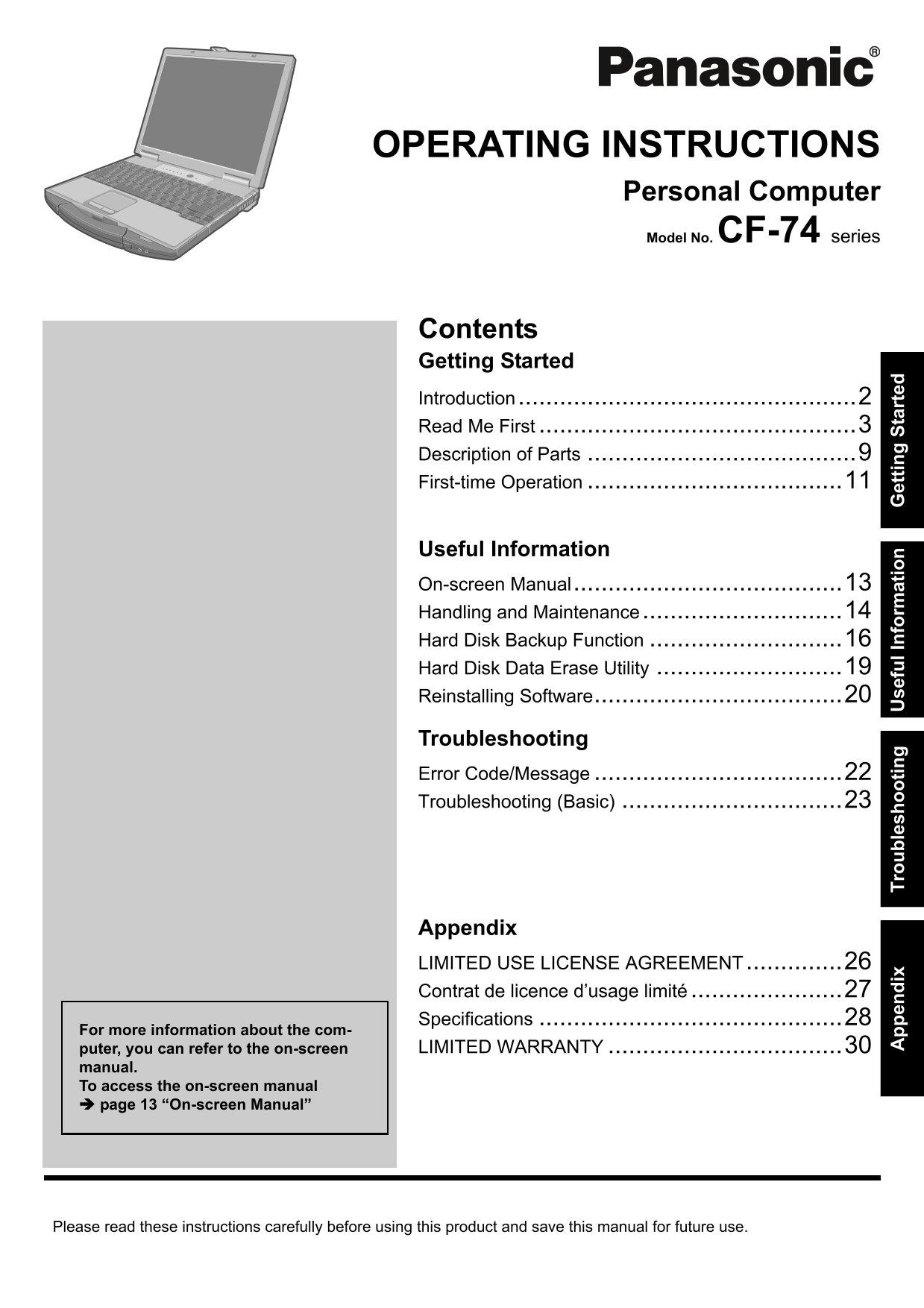
OPERATING INSTRUCTIONS Personal Computer Model No. CF-74 series Contents Getting Started Introduction.................................................2 Read Me First .....................................
Page 2
pp en di Tr ou bl es ho ot in se fu l I nf or at io et tin St ar te Introduction Thank you for purchasing this Panasonic computer. For optimum performance and safety, please read these instruc- tions ...
Page 3
Read Me First Models for U.S.A. Federal Communications Commission Radio Fre- This device complies with Part 15 of the FCC Rules. quency Interference Statement Operation is subject to the following two...
Page 4
pp en di Tr ou bl es ho ot in se fu l I nf or at io et tin St ar te Read Me First 9. The Telephone Consumer Protection Act of 1991 “Caution : To reduce the risk of fire, use only No.26 AWG or makes it...
Page 5
<Only for models with wireless LAN/Bluetooth> <Only for models with wireless LAN> Industry Canada RF Exposure Warning This product complies with RSS210 Industry Canada. This equipment has ...
Page 6
pp en di Tr ou bl es ho ot in se fu l I nf or at io et tin St ar te Read Me First Important Safety Instructions / Importantes Mesures De Sécurité When using your telephone equipment, basic safety pre-...
Page 7
CD/DVD Drive Caution CAUTION! Laser safety information is appropriate only when drive THIS PRODUCT UTILIZES A LASER. with laser is installed. USE OF CONTROLS, ADJUSTMENTS OR PERFORMANCE OF PROCEDURES ...
Page 8
pp en di Tr ou bl es ho ot in se fu l I nf or at io et tin St ar te Read Me First Precautions (Battery Pack) Care should be exercised with regard to the following If the battery pack will not be used ...
Page 9
Description of Parts A :Speaker : Power status Reference Manual “Key Combinations” (Off: Power off/Hibernation, Green: Power on, Blink- ing green: Standby, Blinking green rapidly: Cannot B :USB port p...
Page 10
et tin St ar te Description of Parts Right side EX PC Rear side A :Express Card slot K :LAN port Reference Manual “PC Card / Express Card” Reference Manual “LAN” B :PC Card slot L : Modem port Referen...
Page 11
First-time Operation Preparation Check and identify the supplied accessories. If you do not find the described accessories, contact Panasonic Technical Support ( page 30). AC Adaptor . . . . AC Cord ....
Page 12
et tin St ar te First-time Operation Turn on the computer. Pull the carrying handle forward. Lift up the latch (A) and lift open the display. Press and hold the power button for approximately one seco...
Page 13
On-screen Manual You can access the Reference Manual and the Important Tips on the computer screen. When you access the Reference Manual and the Important Tips for the first time, the License Agreemen...
Page 14
pp en di Tr ou bl es ho ot in se fu l I nf or at io et tin St ar te Handling and Maintenance Operation Environment Place the computer on a flat stable surface. Do not place the computer upright or tur...
Page 15
Maintenance To clean the LCD panel Use the soft cloth included with the computer. (For further information, refer to “Suggestions About Cleaning the LCD Surface” that comes with the soft cloth.) To cl...
Page 16
pp en di Tr ou bl es ho ot in se fu l I nf or at io et tin St ar te Hard Disk Backup Function The hard disk backup function creates a backup area (storage area) on the hard disk. This area is to back ...
Page 17
Press F10. At the confirmation message, select [Yes] and press Enter. The computer restarts. If [Enter Password] is displayed during the following procedures, input the Supervisor Password or the User...
Page 18
pp en di Tr ou bl es ho ot in se fu l I nf or at io et tin St ar te Hard Disk Backup Function Select the setting. To back up hard disk contents to the backup area Press 1 to execute [1. [Backup]]. If ...
Page 19
Hard Disk Data Erase Utility When disposing the computer or transferring the ownership, erase all hard disk data in order to avoid data leakage. Even if you erase the data or initialize the hard disk ...
Page 20
pp en di Tr ou bl es ho ot in se fu l I nf or at io et tin St ar te Reinstalling Software When you reinstall the software, the hard disk data will be erased. Back up important data to other media or a...
Page 21
Turn on the computer, and press F2 several times while [Panasonic] boot screen is dis- played. The Setup Utility starts up. If the password is requested, enter the Supervisor Password. Press F9. At th...
Page 22
pp en di Tr ou bl es ho ot in se fu l I nf or at io et tin St ar te Error Code/Message Follow the instructions below when an error message or code appears. If the problem persists or if the error code...
Page 23
Troubleshooting (Basic) Follow the instructions below when a problem has occurred. There is also an advanced troubleshooting guide in the “Reference Manual”. For a software problem, refer to the softw...
Page 24
pp en di Tr ou bl es ho ot in se fu l I nf or at io et tin St ar te Troubleshooting (Basic) Starting Up Cannot resume. An error may occur when the computer automatically enters the standby or hibernat...
Page 25
Display During Simultaneous dis- When using the Extended Desktop, use the same display colors for the external display play, one of the screens as those used by the LCD. If you continue to experience ...
Page 26
pp en di Tr ou bl es ho ot in se fu l I nf or at io et tin St ar te LIMITED USE LICENSE AGREEMENT THE SOFTWARE PROGRAM(S) (“PROGRAMS”) FURNISHED WITH THIS PANASONIC® PRODUCT (“PRODUCT”) ARE LICENSED O...
Page 27
Contrat de licence d’usage limité Le(s) logiciel(s) (les “Logiciels”) fournis avec ce produit Panasonic® (le “Produit”) sont exclusivement concédés en licence à l’utilisateur ultime (“vous”), et ils n...
Page 28
pp en di Tr ou bl es ho ot in se fu l I nf or at io et tin St ar te Specifications This page provides the specifications for the basic model CF-74CCBAXBM/CF-74CCBADBM. The model number is dif- ferent ...
Page 29
Main Specifications Battery Pack Li-ion 11.1 V, 7.8 Ah Operating Time*18*19 Approx. 6 hours to 9 hours*20 (Approx. 8 hours*21) Charging Power on Approx. 4.5 hours Time*18 Clock Battery Coin type lithi...
Page 30
pp en di Tr ou bl es ho ot in se fu l I nf or at io et tin St ar te LIMITED WARRANTY For U.S.A. PANASONIC PERSONAL COMPUTER AND PERIPHERALS LIMITED WARRANTY Panasonic Computer Solutions Company (refer...
Page 31
For Canada PANASONIC COMPUTER AND PERIPHERALS LIMITED WARRANTY Coverage – Panasonic Canada Inc. (“PCI”) warrants to you, the first end user customer, this computer product (excluding software media), ...
Page 32
As an ENERGY STAR® Partner, Matsushita Electric Industrial Co., Ltd. has determined that this product meets the ENERGY STAR® guidelines for energy efficiency. Outline of the International ENERGY STAR®...