Page 1
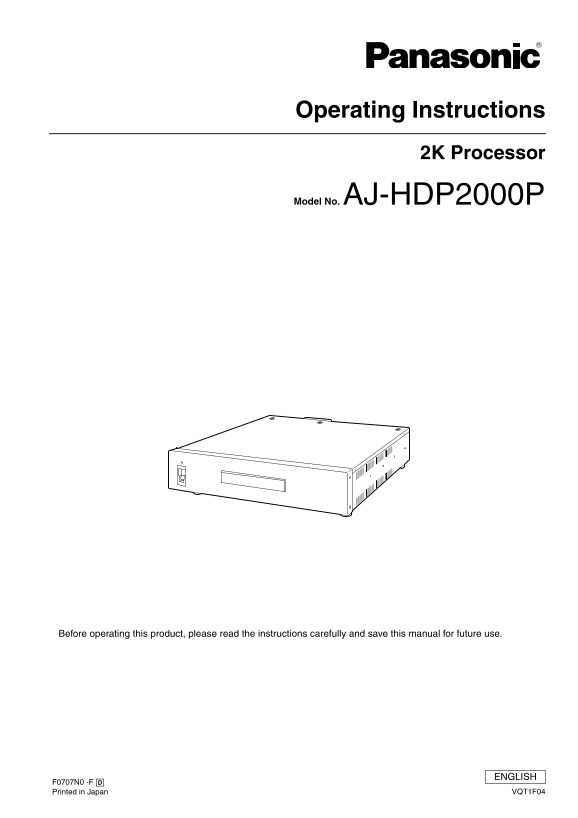
Operating Instructions 2K Processor Model No. AJ-HDP2000P Before operating this product, please read the instructions carefully and save this manual for future use. ENGLISH Printed in Japan VQT1F04
Page 2
Read this first! DO NOT REMOVE PANEL COVERS BY FCC Note: This equipment has been tested and found to comply UNSCREWING THEM. with the limits for a class A digital device, pursuant to To reduce the ris...
Page 3
Table of Contents Read this first! ............................................................................................... Operating Precautions ..................................................
Page 4
Operating Precautions _Power supply Use an AC 120 V (U.S.A. and Canada) power supply. Be sure to take hold of the power plug when connecting and disconnecting the power cable. Do not run the power cab...
Page 5
Overview/Features 1. Overviews This new 2K Processor (AJ-HDP2000) for the HD-D5 VTRs (AJ-HD3700H*1, AJ-HD3700A*1, AJ-HD3700B*2) is designed for post-production and telecine systems, and this new techn...
Page 6
Controls and their Functions 1. Front Panel !1" Power Lamp This lights when the power is turned on. !2" Power Switch When the ON side is pressed, the power is turned on; when the OFF side is...
Page 7
Controls and their Functions (Continued) 2. Connector Section (Rear) !1" AC Input Socket Use the accessory power cord to connect the socket to the power outlet !2" Fuse Power circuit fuse !3...
Page 8
Controls and their Functions (Continued) 3. I/Os 3.1. VIDEO Input Name Video Input Signal INPUT A Dual Link SDI Input BNC a 2, 75 Ω INPUT B 1920 a 1080/23.98, 24Ps F XYZ/RGB 4:4:4 SMPTE 372M/291M/292M...
Page 9
Controls and their Functions (Continued) 3.3. AUDIO Input Audio Input Signal Dual Link SDI Input BNC a 2, 75 Ω (Embedded Audio) SMPTE 299M standard For AUDIO input, an SDI Embedded Audio function is a...
Page 10
Controls and their Functions (Continued) 3.7. META DATA Input For META DATA input, an SDI Embedded VANC function is available with the 2K processor, only Y signals in Ach of Dual Link SDI signals are ...
Page 11
2K Processor & HD-D5 VTR System Connections Digital (AES/EBU) Audio input DIGITAL AUDIO IN ch1 - 8 Analog Audio input AUDIO IN ch1 - 4 Cue Audio input CUE IN Timecode input TC IN HD Reference inpu...
Page 12
Connection with existing systems This is an example where the connections for the existing system and the 2K system are switched within the router. 2K SYSTEM connection Existing SYSTEM connection Serv...
Page 13
Indicator Display (Front Panel LED) The operating state of this unit can be checked on the three LEDs (Alarm Lamp, Horizontal Sample Display Lamps) on the front panel: Lighting or Blinking. Display De...
Page 14
Connection Check After the regular system is connected, it is possible to All three LEDs of “ALARM”, “2048” and “1920” check which devices are connected to each other by repeatedly blink during the op...
Page 15
Restrictions Reference vs. Input Signal Phase Example 3: The 2K processor does not have input buffer memory; Playback of recording tape for 2048 with 1920 therefore, be sure to lock and match the phas...
Page 16
Restrictions (Continued) Differences in the actual image conditions due to differences in the number of H Samples between SYSTEM settings and Tape playback (Tape recording ID) (According to the SYSTEM...
Page 17
Rack Mounting The unit can be installed in a 19-inch standard rack using the rack-mount adaptors supplied with the unit. We recommend using the slide rails and brackets specified below for the install...
Page 18
Specifications [GENERAL] [VIDEO] Sampling Frequency: Power supply: AC 120 V, 50/ 60 Hz 74.176 MHz/74.25 MHz Rated Current: 0.6 A Quantizing: XYZ/RGB 4:4:4, 12 bits indicates safety information. Video ...
Page 19
Specifications (Continued) [TC] _TC Input Signal Dual Link SDI Input: (Embedded LTC/VITC) BNC a 2, 75 Ω (Link A only) SMPTE 291M standard _TC Output Signal Dual Link SDI Output: (Embedded LTC/VITC) BN...
Page 20
Panasonic Broadcast & Television Systems Company Unit Company of Panasonic Corporation of North America Executive Office: One Panasonic Way 4E-7, Secaucus, NJ 07094 (201) 348-7000 EASTERN ZONE: On...