Page 1
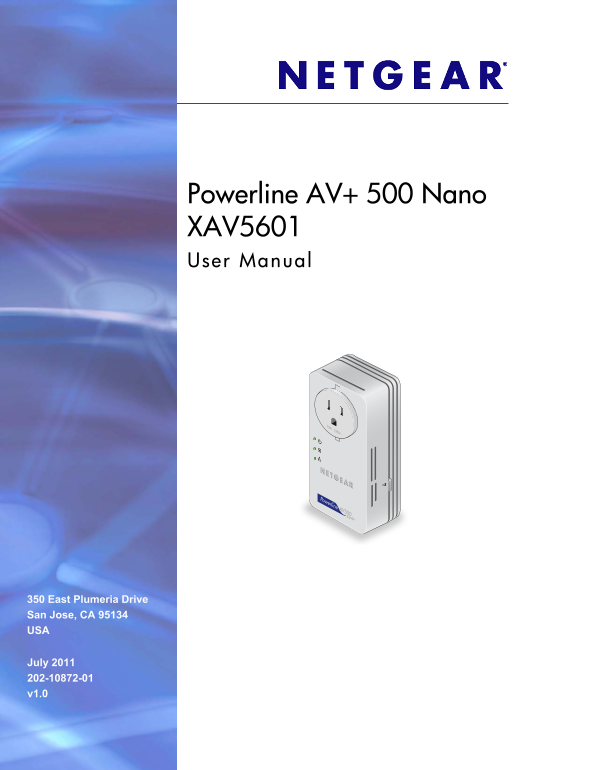
Powerline AV+ 500 Nano XAV5601 User Manual 350 East Plumeria Drive San Jose, CA 95134 USA July 2011 202-10872-01 v1.0
Page 2
Powerline AV+ 500 Nano XAV5601 ©2011 NETGEAR, Inc. All rights reserved. No part of this publication may be reproduced, transmitted, transcribed, stored in a retrieval system, or translated into any la...
Page 3
Contents Chapter 1 Getting Started Hardware Features. . . . . . . . . . . . . . . . . . . . . . . . . . . . . . . . . . . . . . . . . . . . LEDs. . . . . . . . . . . . . . . . . . . . . . . . . . . . ...
Page 4
1. Getting Started This chapter describes your Powerline AV+ 500 Nano XAV5601, and how your adapters can fit into a home network. For more information about the topics covered in this manual, visit th...
Page 5
Powerline AV+ 500 Nano XAV5601 Hardware Features The Powerline adapter appearance varies depending on here you purchase it. Your adapter might look like one of these: UK France Germany/Europe Australi...
Page 6
Powerline AV+ 500 Nano XAV5601 LEDs The LEDs light up when the adapter is plugged in to an electrical outlet. The following table describes the LEDs. Table 1. LED Description Power • Solid green. The ...
Page 7
Powerline AV+ 500 Nano XAV5601 Product Label The product label shows unique details specific to your adapter. The product label is located on the back of the adapter. The label contains the following ...
Page 8
Powerline AV+ 500 Nano XAV5601 For best performance, plan the location of your Powerline devices (to make a Powerline network, you need at least two Powerline devices): • Use an electrical outlet that...
Page 9
Powerline AV+ 500 Nano XAV5601 • To return the Powerline Adapter to its factory default settings, press its Factory Reset button for 1 second, then release. Use the Security Button to Set the Encrypti...
Page 10
2. Powerline Utility This chapter explains how to install and use the Powerline Utility. The Powerline Utility works with many Powerline AV products. NETGEAR Powerline models XAV1004, XAV2001, and XAV...
Page 11
Powerline AV+ 500 Nano XAV5601 Install the Powerline Utility This utility allows you to set your own unique Powerline network encryption key, and prioritize traffic passing through your Powerline netw...
Page 12
Powerline AV+ 500 Nano XAV5601 Powerline Utility Screen When launched, the Powerline Utility opens to a screen that shows all the devices in your Powerline network. • Click the image of the device tha...
Page 13
Powerline AV+ 500 Nano XAV5601 Change the Name of a Powerline Device Powerline devices are identified by their model number and name. Any Powerline devices that are plugged in and connected are detect...
Page 14
Powerline AV+ 500 Nano XAV5601 Set the Powerline Encryption Key Powerline devices that share the same Powerline network have to use the same encryption key. The factory default encryption key is Home ...
Page 15
Powerline AV+ 500 Nano XAV5601 2. Select the check box for each device for which you want to set the encryption key. 3. In Step 2 on your screen, select the option that you want: • Create a new Encryp...
Page 16
Powerline AV+ 500 Nano XAV5601 Add a Device to a Powerline Network If you are adding a device to a Powerline network, and the network encryption key has been left at its default setting, all you need ...
Page 17
Powerline AV+ 500 Nano XAV5601 The Powerline AV Ethernet Adapter supports the following: • MAC address • IP port • VLAN tags • To S bits (Type of Service routing) Qo S settings are applied the Powerli...
Page 18
Powerline AV+ 500 Nano XAV5601 These options apply only to Qo S-configured networks. IEEE 802.1p uses prioritization bits in Layer-2 frames. Type of Service (To S) routing uses prioritization bits in ...
Page 19
3. Troubleshooting Basic Functioning After you plug in the Powerline adapter, the following sequence of events should occur: 1. The Power LED lights up. 2. After approximately 10 seconds, verify that:...
Page 20
Powerline AV+ 500 Nano XAV5601 The Ethernet cable is unplugged. The device connected through the Ethernet cable is turned off. The adapter is idle for 10 minutes. The adapter returns to normal mode wi...
Page 21
A. Supplementary Information Technical Specifications Feature Specification Data and routing protocols IEEE 802.3 (10BASE-T), IEEE 802.3u (100BASE-Tx) IEEE 802.3ab (1000Base Tx) AC input 100–125V~, 0....
Page 22
Powerline AV+ 500 Nano XAV5601 Safety Information Follow these safety guidelines to ensure your own personal safety and to help protect your system from potential damage. • For national approvals (app...
Page 23
B. Notification of Compliance NETGEAR Powerl ine Products Safety Instructions and Precautions WARNING! Use the following safety guidelines to ensure your own personal safety and to help protect your p...
Page 24
Powerline AV+ 500 Nano XAV5601 The voltage and current rating of the cable should be greater than the ratings marked on the product. • To help prevent electric shock, plug the system and peripheral po...
Page 25
Powerline AV+ 500 Nano XAV5601 FCC Declaration Of Conformity We, NETGEAR, Inc., 350 East Plumeria Drive, San Jose, CA 95134, declare under our sole responsibility that the Product Name™/® & Model ...
Page 26
Powerline AV+ 500 Nano XAV5601 GPL License Agreement GPL may be included in this product; to view the GPL license agreement go to ftp://downloads.netgear.com/files/GPLnotice.pdf. For GNU General Publi...