HP Scitex FB10000 Industrial Printing Press Geffen TS Error 66055
Summary
A detailed technical manual designed for highly skilled electromechanical technicians and certified electricians. This guide provides comprehensive troubleshooting steps for cross-valve failure (Error ID 66055: Black cross valve front failed to close). It covers critical root cause analysis across electrical power supply, pneumatic pressure feeds, mechanical sticking, and sensor malfunctions within the automated system. Use this resource to diagnose complex problems ranging from low voltage input and faulty mainline valves to issues involving specific B&R modules, ensuring rapid and accurate system repair.
Page 1 Text Content
Error ID: 66055: Black cross valve front failed to close FB10000 Error Messages Troubleshooting
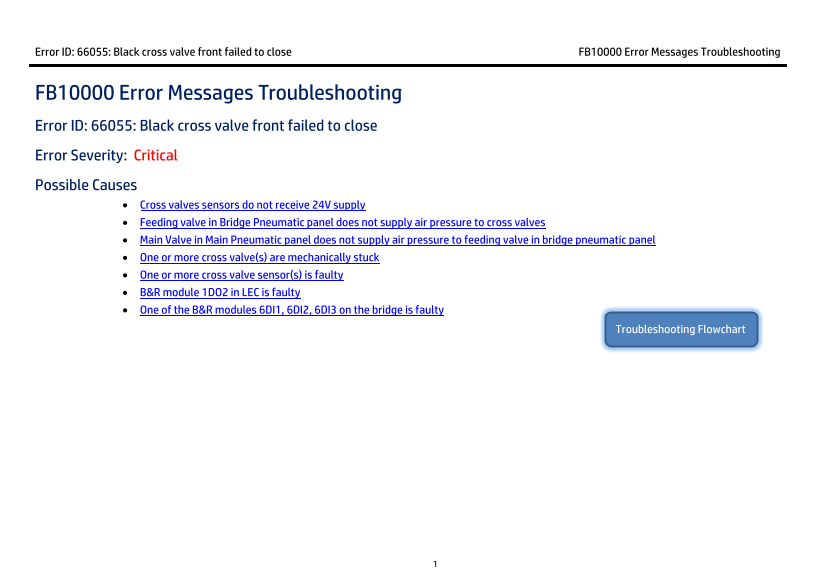
FB10000 Error Messages Troubleshooting Error ID: 66055: Black cross valve front failed to close Error Severity: Critical Possible Causes
Cross valves sensors do not receive 24V supply Feeding valve in Bridge Pneumatic panel does not supply air pressure to cross valves Main Valve in Main Pneumatic panel does not supply air pressure to feeding valve in bridge pneumatic panel One or more cross valve(s) are mechanically stuck One or more cross valve sensor(s) is faulty B&R module 1DO2 in LEC is faulty One of the B&R modules 6DI1, 6DI2, 6DI3 on the bridge is faulty
Troubleshooting Flowchart
Page Summary Contents For HP Scitex FB10000 Industrial Printing Press Geffen TS Error 66055
Manual Details
| Brand | HP |
|---|---|
| Pages | 7 |
| File Size | 639.29 KB |
| Published | June 20, 2026 |
Enter the captcha to get the download link:

Frequently Asked Questions
What does Error ID: 66055 indicate?
It indicates that the Black cross valve front failed to close.
How do I diagnose if a cross-valve is mechanically stuck or its sensor is faulty?
Manually give a change-state order, check if the flag moves (indicating it's OK), and then manually hide/reveal the optic sensor. If the flag doesn't move, it is stuck; if the sensor doesn't change state when voltage is present, it is faulty.
Whose expertise is required for troubleshooting high-voltage system components?
Due to the High Voltage System warning, only an HP certified electrician may perform tests from that stage onward.
Where does the primary air supply (7 Bar) originate for the cross-valves?
The pressurized air comes from the Solenoid valve located in the bridge pneumatic panel at the rear side of the machine.